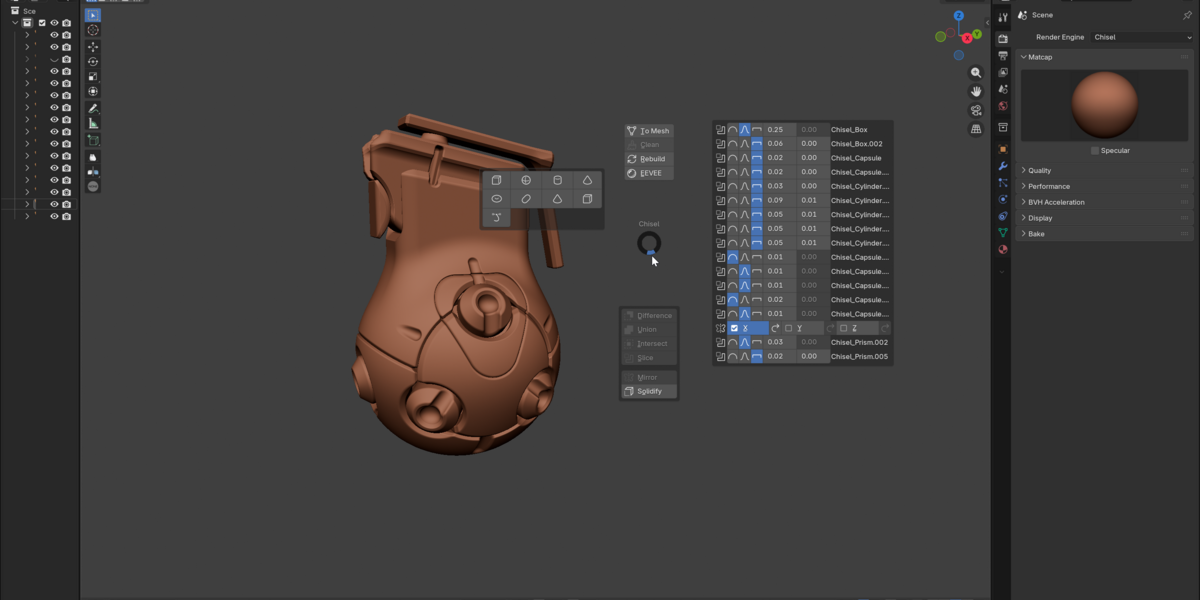
Chisel is an SDF modeling add-on for Blender. Instead of shaping a mesh by moving vertices, you build forms from shapes and combine them with operations such as cuts and joins. Each signed distance field describes how far a point is from a shape's surface: values are positive outside, negative inside and zero on the surface. This keeps curved forms smooth as you zoom in. The Chisel v5 documentation explains the modeling and rendering workflow.
Shape-based modeling and editable operations
Chisel provides Boolean joins such as Union, Difference, Intersect and Slice, along with Carve, edge rounding and blends between joined shapes. The joins and modifiers stay editable, so you can move a cutter, change a radius or reorder the stack after building the form. Its modifier set also includes tools such as Mirror, Array, Revolve and Sweep.
This approach suits hard-surface work built from shapes and operations. Chisel does not provide ordinary vertex or face editing. When a task needs mesh geometry, convert the result to a mesh at the resolution you choose.
Ray-marched rendering and mesh conversion
Chisel draws SDF shapes with its own ray-marched render engine and also supports baking from its SDF workflow. The viewport limits detail according to the World Cell Size setting; an F12 render computes the exact surface. Blender still needs mesh geometry for selection, snapping, Solid shading, Eevee and Cycles. For a shape with modifiers, Chisel keeps a low-resolution proxy mesh and updates it after each edit.
Convert a shape to a mesh for UV unwrapping, sculpting, or use in a game engine. The viewport uses the graphics card, and large scenes can slow down; Chisel's Quality and Performance settings let you adjust its rendering behavior.
Compatibility and setup
The Superhive listing marks Chisel as Extension Compatible, lists Blender 4.5 through 5.2, and identifies the license as GPL. Chisel's v5 documentation covers installation, requirements and the first shader compile. Check the listing and the documentation for the version and setup details that apply to your Blender installation.