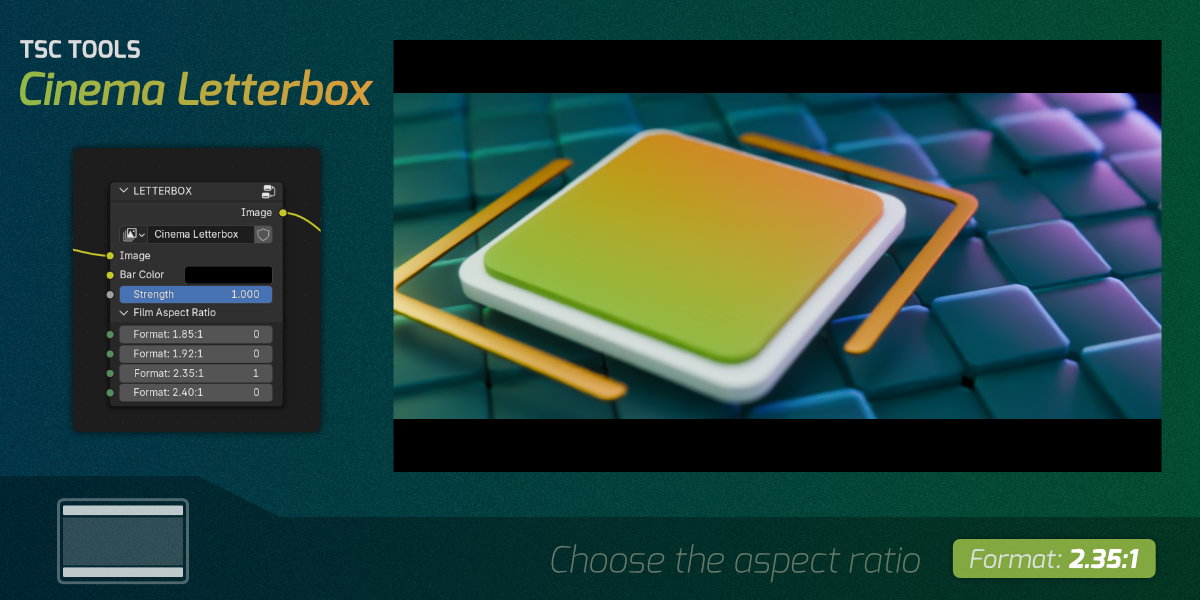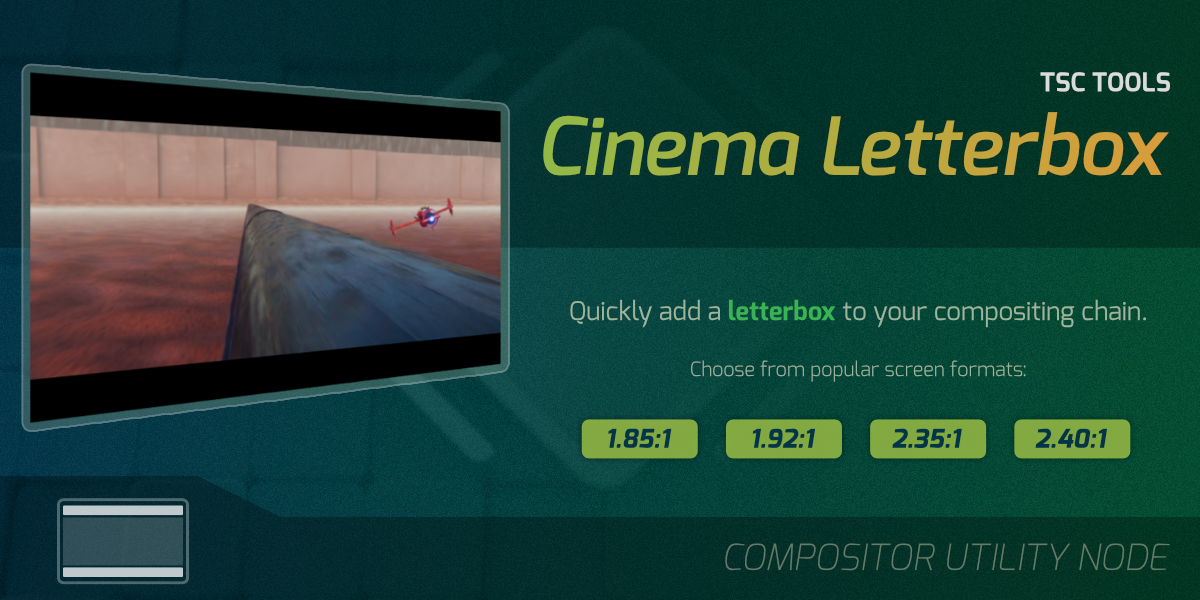
Cinema Letterbox is a Blender add-on that adds cinema bars through a compositor node. Choose a film aspect ratio, adjust the bars' opacity and color, and place the node at the end of your compositing chain as the developer recommends. See the Cinema Letterbox documentation for installation and node details.
Aspect ratios and node controls
The node offers four ratios: 1.85:1, 1.92:1, 2.35:1, and 2.40:1. Its Film Aspect Ratio controls act as on/off toggles: set a format to 1 to enable it or 0 to turn it off. The documentation says that enabling a larger ratio supersedes the previous one and increases the bar size. You can also change Strength, which controls the effect's opacity, and Bar Color, which defaults to pure black.
The node takes an Image input and outputs the composited image with the bars. The documentation says no bars appear when all ratio toggles are set to 0 or Strength is 0, as if the node were muted.
Install and use the add-on
- Drag the downloaded add-on ZIP file onto Blender. In the Install from Disk pop-up, check “Enable on Install” and press OK.
- Open the compositing workspace and make sure Use Nodes is enabled.
- Open the Add menu with Shift+A or by right-clicking an empty area. Choose Group, then select Cinema Letterbox.
- Place the node at the end of your compositor chain, connect it to the image flow, and set the ratio, opacity, and bar color.
Compatibility
The product listing marks Cinema Letterbox as Blender Extension compatible and lists Blender versions 3.5 through 4.5. It names Cycles and Eevee as render engines and lists the license as GPL. Check the product listing for current details.