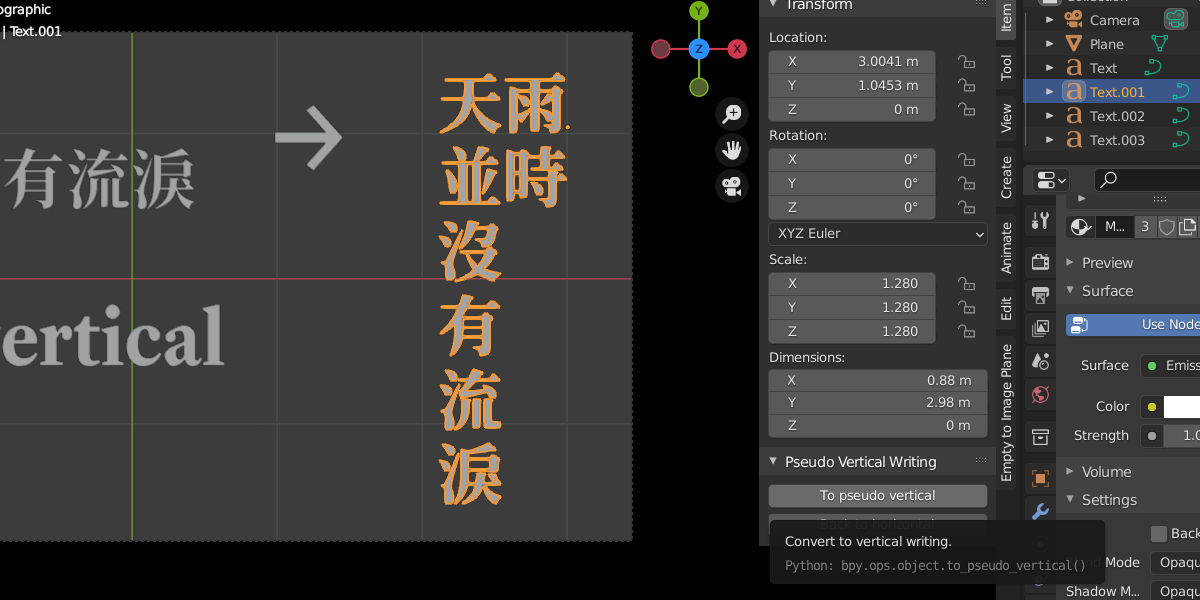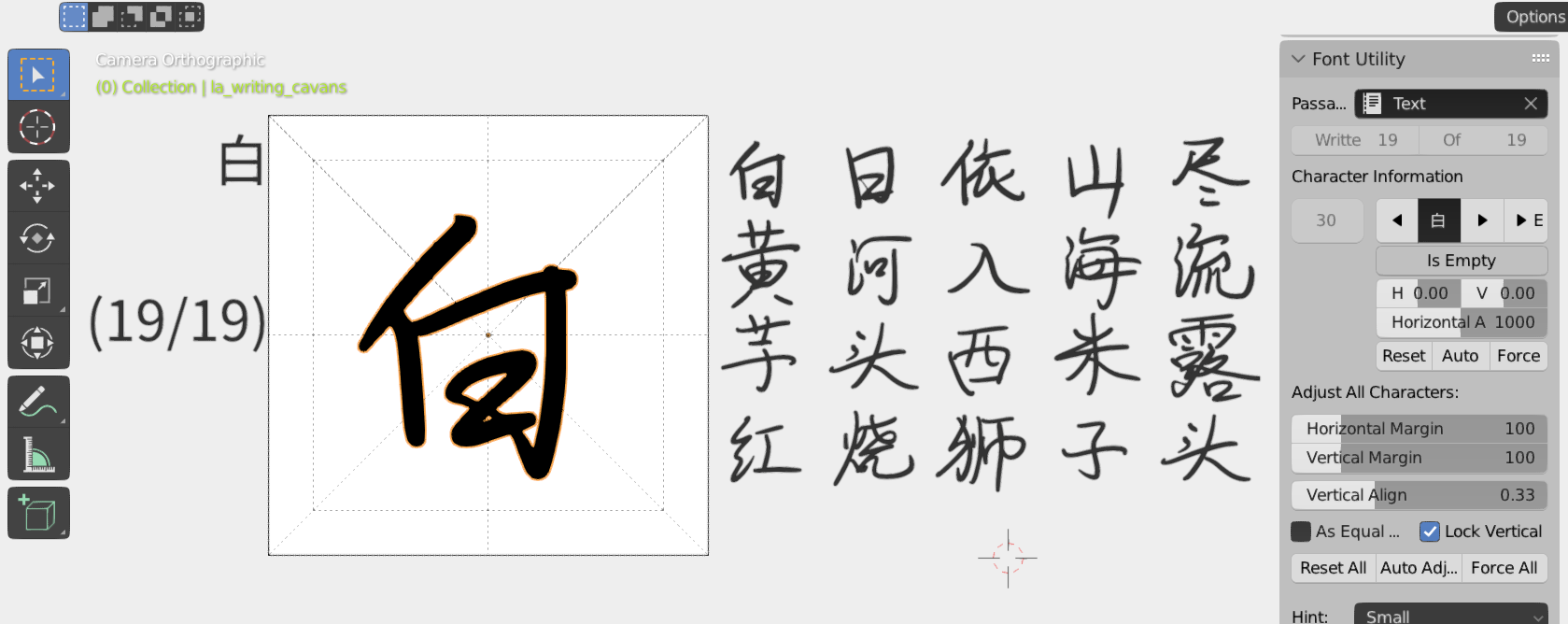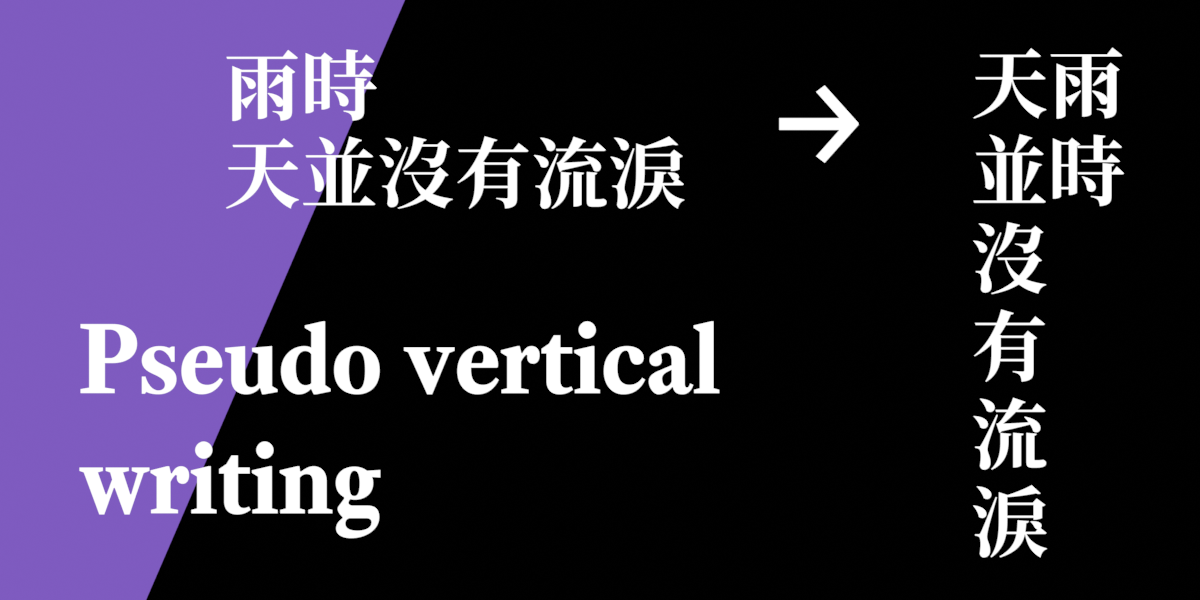
Cjk Pseudo Vertical Writing is a Blender add-on that simulates vertical CJK text by inserting a newline after each character. The product listing describes it as a workaround for Blender's lack of built-in vertical CJK text support. One button applies the line breaks, and another returns the text to horizontal form.
It simulates vertical text with line breaks; it does not provide full vertical typesetting.
Install and use it in Blender
The documentation gives this workflow:
- Download the add-on zip file.
- In Blender, open Edit, then Preferences, then Add-ons, and choose Install.
- Select the downloaded zip file and enable the add-on with its checkbox.
- Create or select a Text object containing CJK text. Choose a font with CJK glyphs; the documentation gives Source Han Serif as an example.
- Open the sidebar with N, go to Item, and click To pseudo vertical.
When you need to change the wording, click Back to horizontal and edit the text normally. Convert it again when you are ready to use the vertical arrangement.
Language and punctuation limits
Mixed writing is unsupported, and punctuation does not adapt to vertical writing mode. The listing says the add-on works well for Taiwanese Mandarin, meaning Traditional Chinese used in Taiwan. Other languages, including Japanese, and different punctuation standards may need extra tweaking; inspect the converted text for the layout you need.
Listed Blender versions and license
The product listing names Blender 2.9, 2.91, 2.92, and 2.93, and lists the license as GPL. It does not list later Blender releases. Check the listing or the creator's project information for compatibility details before relying on it with another release.