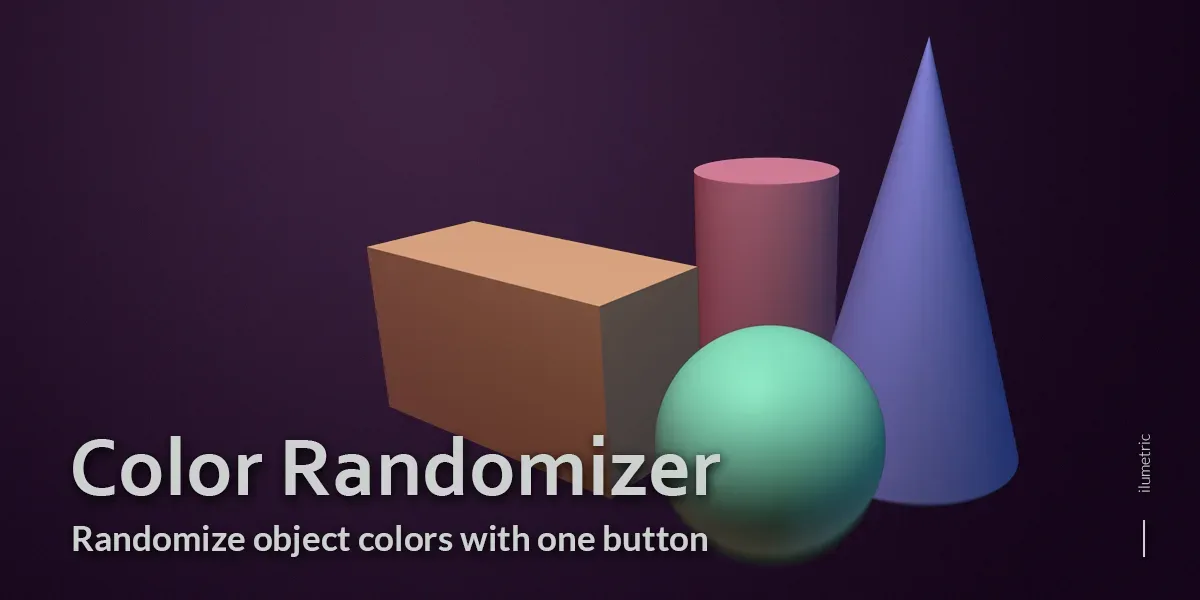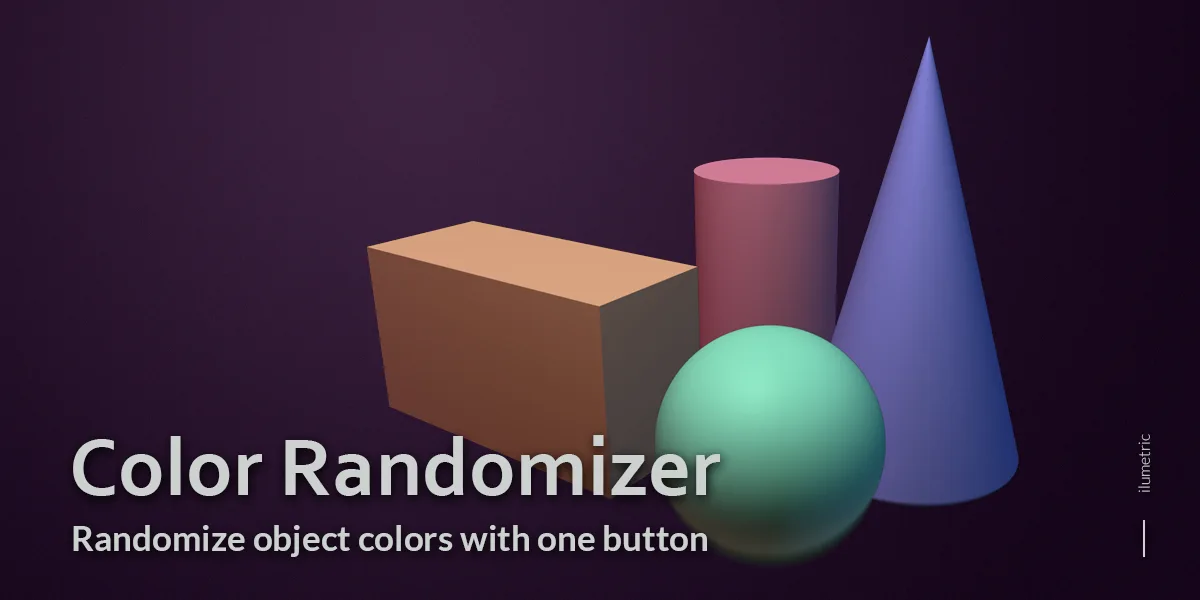
Color Randomizer assigns random colors to objects in Blender, giving a scene a quick way to distinguish items visually. The Blender Extensions catalogue lists version 1.3.0, maintainer ilumetric, Blender 4.2.0 as the minimum version, and a GPL-3.0-or-later license.
How Color Randomizer works
According to the AnyPlugins product listing, a button press assigns a random color; repeating the action lets you try another result. Color Randomizer addresses the problem of adjacent objects ending up with the same or similar colors. The listing also says version 1.3.0 added support for working with multiple objects at once.
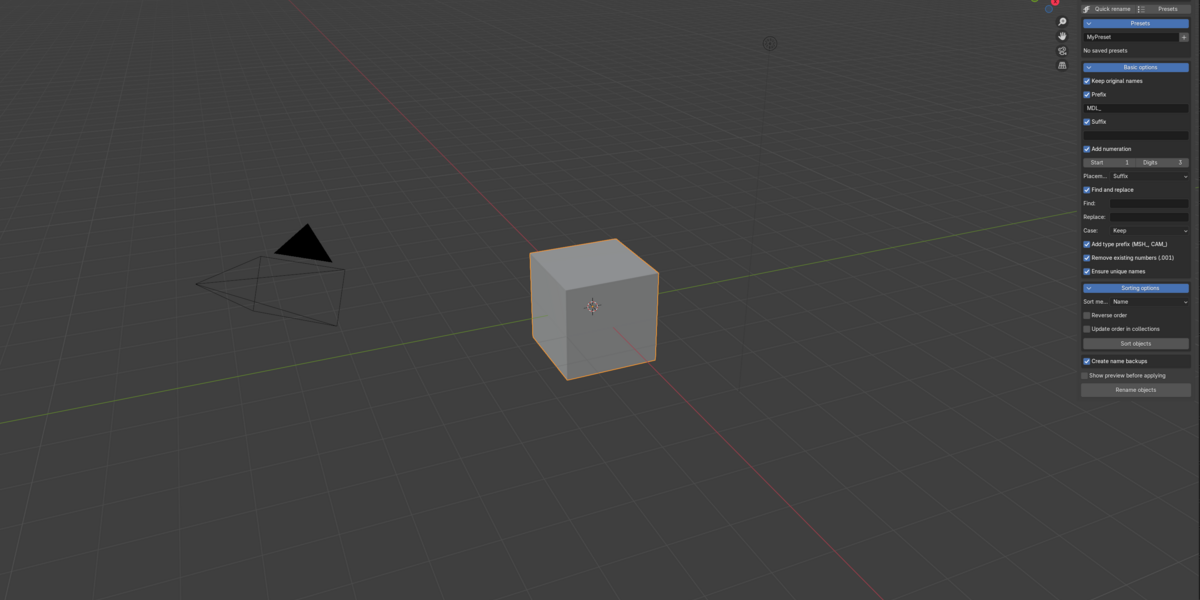
The listing says the add-on adds a prefix to object names to keep assigned colors distinct, and that the prefix can be removed when the color pass is finished. If other parts of your workflow refer to object names, test this behavior on a copy of the project first. The listing does not describe the selection modes or the prefix removal steps.
When it may fit your workflow
Color Randomizer may be useful when you want a quick visual distinction between objects while organizing or reviewing a scene. Multi-object support can reduce the need to handle each object individually. Review the assigned colors before using them as final design colors or in a controlled palette.
Compatibility and installation
The Blender Extensions API lists Blender 4.2.0 as the minimum version for release 1.3.0. For installation from a downloaded package, follow Blender's Install from Disk instructions. The extension version history and ilumetric's GitHub repository are useful places to check for release details or report an issue.
Details to confirm before relying on exact colors
The available listings do not specify a color palette, random seed, or how the add-on interacts with existing materials and final renders. If your project needs repeatable colors or a particular material result, test the add-on in the target Blender file before using it in a production handoff.