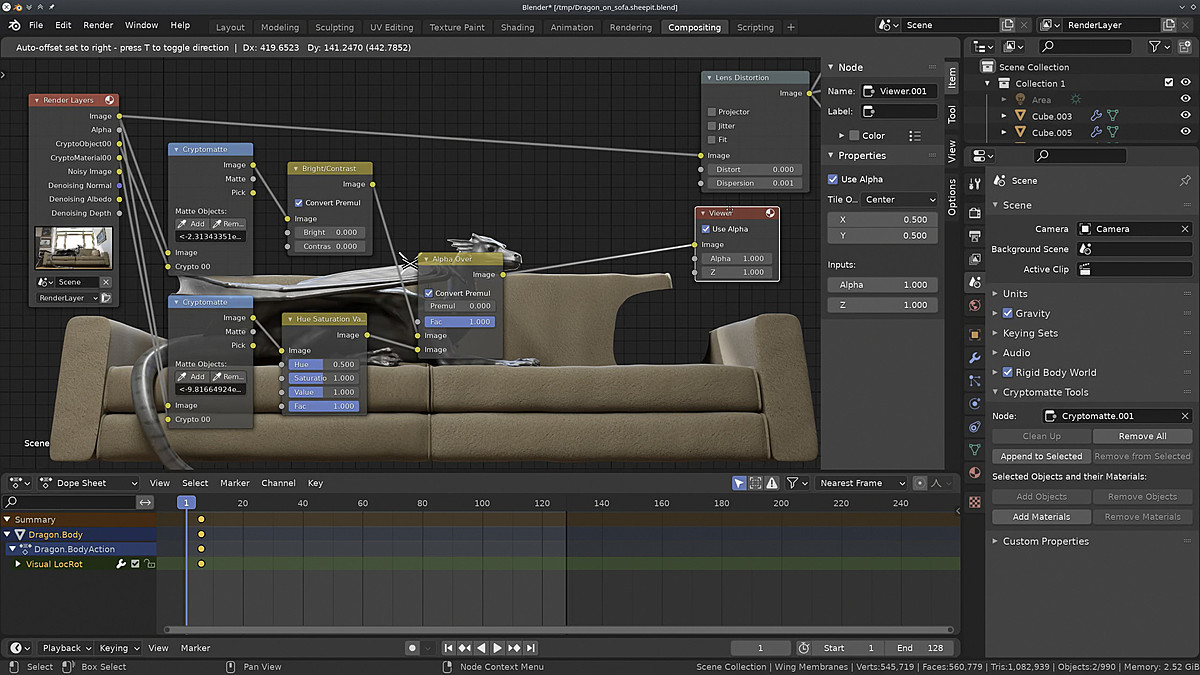
Compositor Mask is a Blender add-on by Jeslin3d that puts object names from an active collection into a Cryptomatte node's Matte ID list. It runs in the Compositor Editor and is intended for scenes where objects are organized into collections for compositing.
Assign Matte IDs from a collection
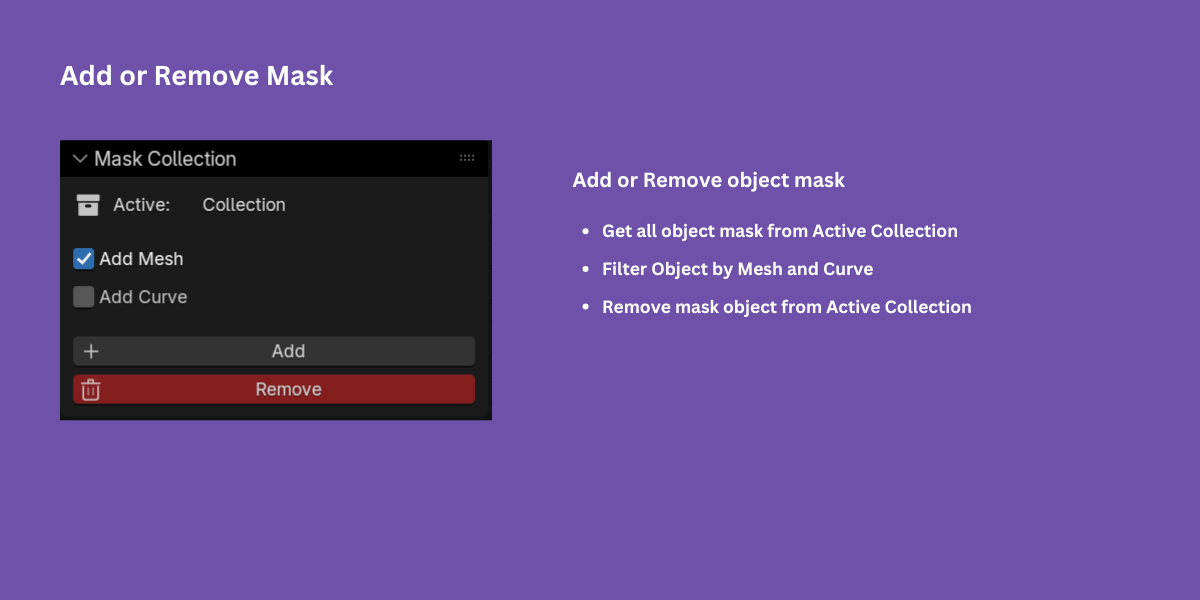
Select a Cryptomatte node and use the Mask Collection panel to see which collection the add-on will read. The Add button gathers Mesh and Curve objects from that collection, including nested children and objects in child collections, then adds their names as Matte IDs. Checkboxes let you include or exclude Mesh and Curve objects individually. Other object types are filtered out.
The Recursive option extends Add to nested children or descendants of every collection inside the active collection. Remove clears Matte IDs for objects in the active collection; objects outside it remain unchanged.
Setup and compatibility
The Compositor Mask documentation says to select an active collection in the Outliner, open Blender's Compositor workspace, and use the Compositor Mask panel in the sidebar. The node tree needs an existing Cryptomatte node, which you select before using the add-on. Press N to show the sidebar if it is hidden.
The product listing reports Blender 3.0 through 5.1 compatibility, Cycles and Eevee support, and a GPL license. Version 2.0 of the documentation specifies the compositor_mask_2.0.0.zip package for Blender 5.x and later; that package note does not establish support beyond the listing's stated range. Check the current listing for supported versions and the documentation for the matching package.
When it fits
Compositor Mask is suited to a scene where collection membership is already part of the masking workflow and you want those objects' names entered as Cryptomatte Matte IDs. Its collection-based controls make the scope clear: Add reads from the active collection, while Remove leaves objects outside that collection alone.