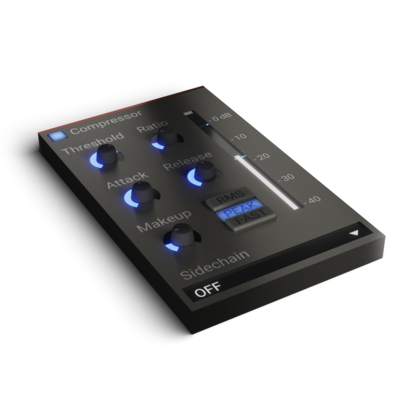
Kilohearts Compressor reduces the level when an audio signal rises above a threshold. Its controls let you set how much reduction occurs and how quickly it starts and stops. It has RMS and peak detection modes, and it runs as a regular plugin in a DAW or as a Snapin in a Kilohearts host.
Set the amount and timing of compression
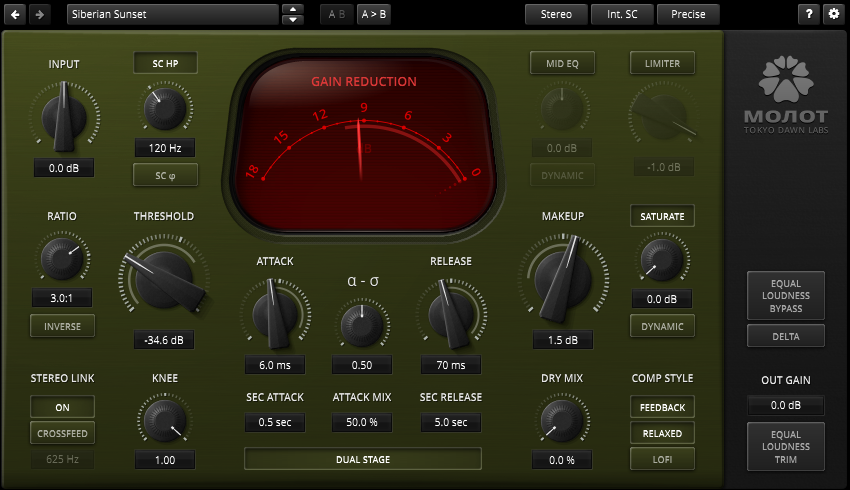
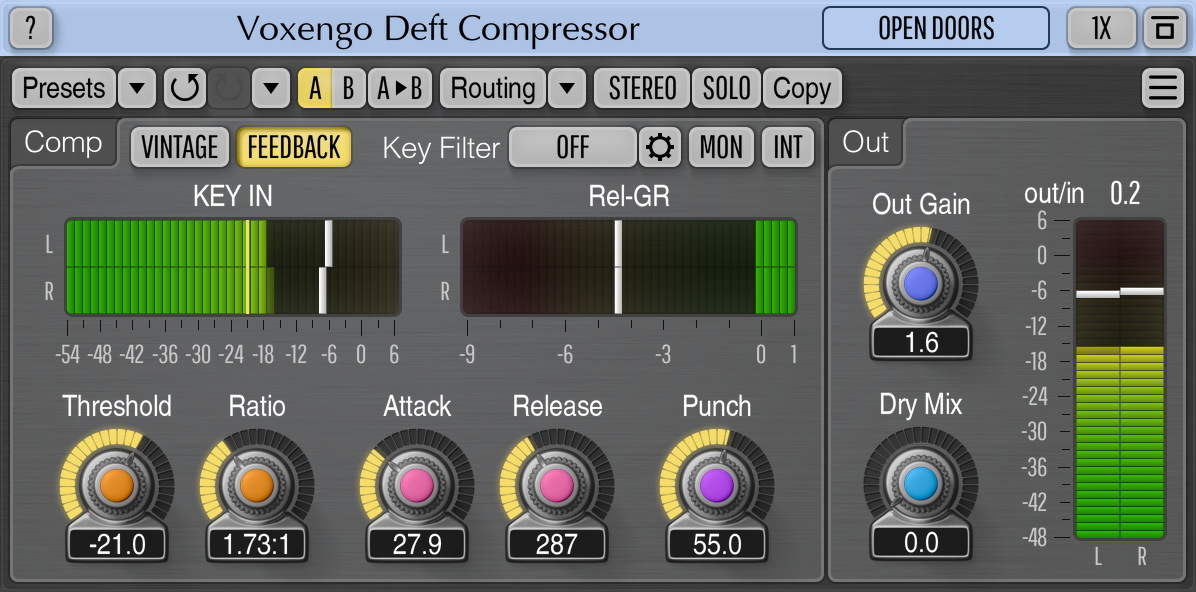
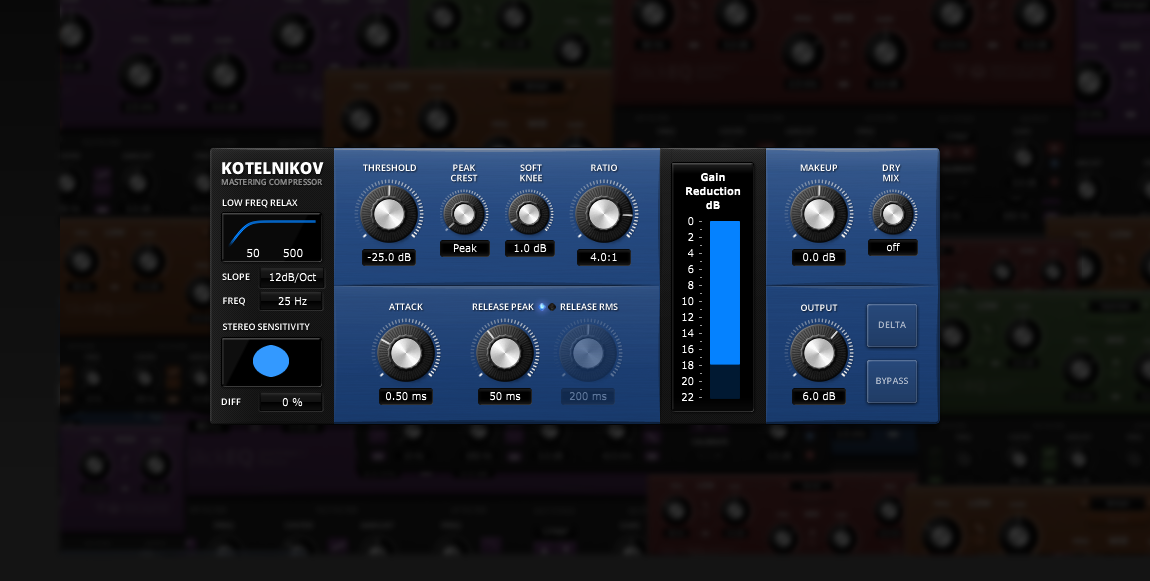
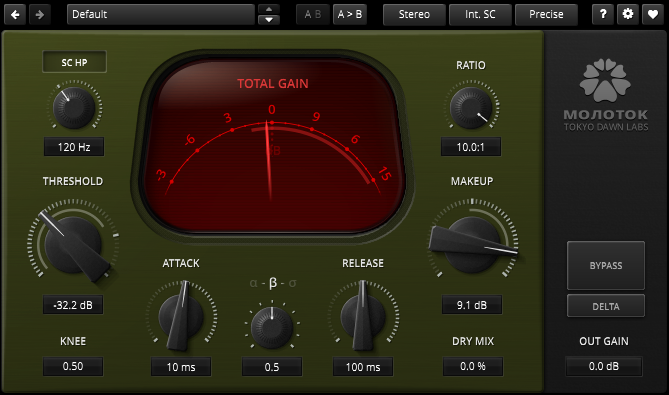
Threshold sets where compression begins, while ratio controls how much the signal is reduced. Attack sets how long the compressor takes to lower the level after it crosses the threshold. Release sets how long it takes to return to normal after the signal falls below it. Makeup gain can compensate for the overall level lost through compression.
Choose RMS mode to measure the signal using root mean square, or peak mode to follow waveform peaks and respond more readily to transients. The VU meter displays input level, threshold and current attenuation, so you can see when the compressor is reducing gain.
Use a secondary signal for sidechain control
With Sidechain enabled, Compressor calculates attenuation from a secondary input and applies it to the main input.
Run it in a DAW or Snapin host
Compressor can run as a regular VST, AAX or AU plugin, or as a Snapin in Phase Plant, Multipass or Snap Heap. The Kilohearts Essentials collection includes Compressor and is listed as free with an account.
Kilohearts lists support for DAWs that use VST2, VST3, AAX or Audio Unit. Its minimum recommended processor requirements are an x86 64-bit CPU with SSE3 support or an Apple M-series processor. CPU usage increases with many plugin instances or many Snapins running at once in a patch, so meeting the minimum requirements does not guarantee flawless operation in every use case. Kilohearts does not support operating systems that their manufacturers no longer support. For an outdated OS, it recommends trying its free trials to check compatibility before purchase. See the system requirements .