Conversy Representation Monitoring is a Premiere Pro extension from Conversy AB. The Adobe Exchange listing describes a workflow that sends video from Premiere Pro to Conversy's platform for biometric analysis and returns speaking time between men and women.
What the speaking-time measure can tell you
The result can help an editorial team ask how much speaking time men and women receive in a submitted video. For a finished interview or edited segment, that can be a useful prompt to review who is heard and whether the distribution fits the piece's editorial aims.
Speaking time is one dimension of representation. The available product description does not say that the analysis covers on-screen presence, narrative roles, topics, interruptions, or the context and importance of each contribution. A speaking-time result alone cannot answer those questions, so review it alongside the content and the people represented.
Using the result in an edit review
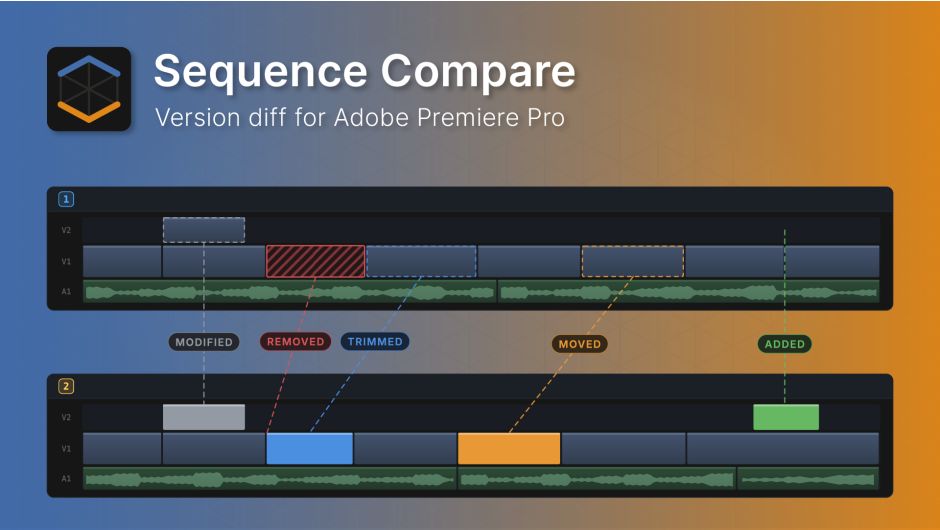
Use the measurement to identify cuts that may deserve closer editorial review. If you compare versions, keep track of which cut you submitted and compare equivalent material. A different duration, interview selection, or narration track can change the speaking-time totals.
The listing does not document a built-in comparison or history feature. Comparing cuts this way is an editorial review method, not a claim about an in-plugin function.
Check service terms before submitting footage
The described workflow sends video to Conversy's platform. The available product description does not specify processing location, file retention, access controls, training use, or account and service requirements. Confirm those details with Conversy before submitting confidential, unreleased, or rights-restricted footage, and follow any notice or approval requirements that apply to the people and material in the video.