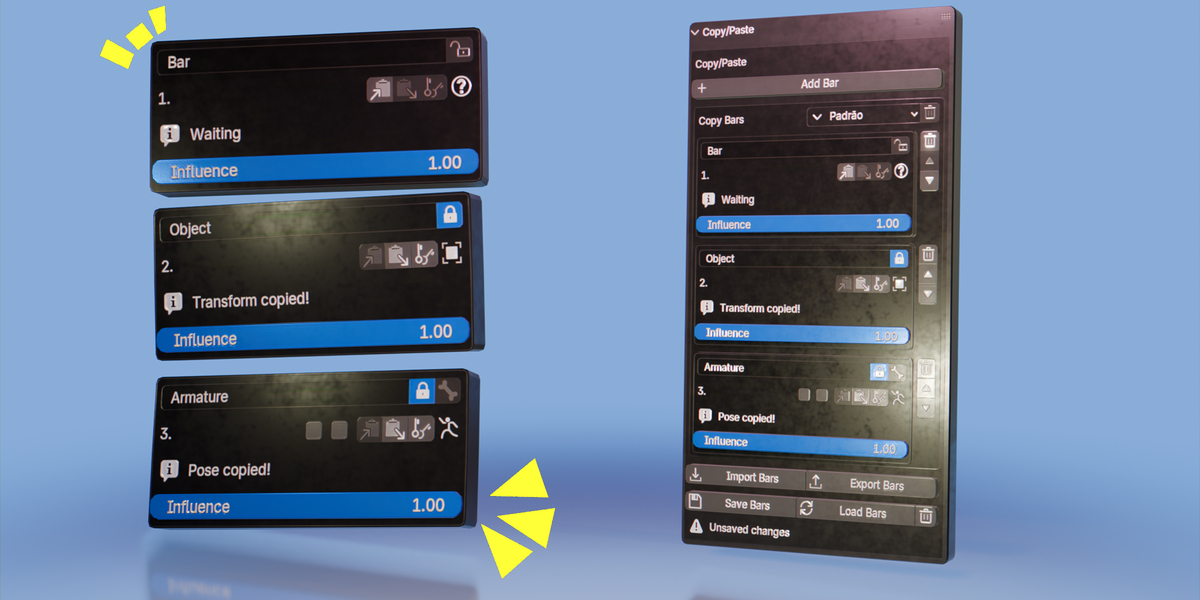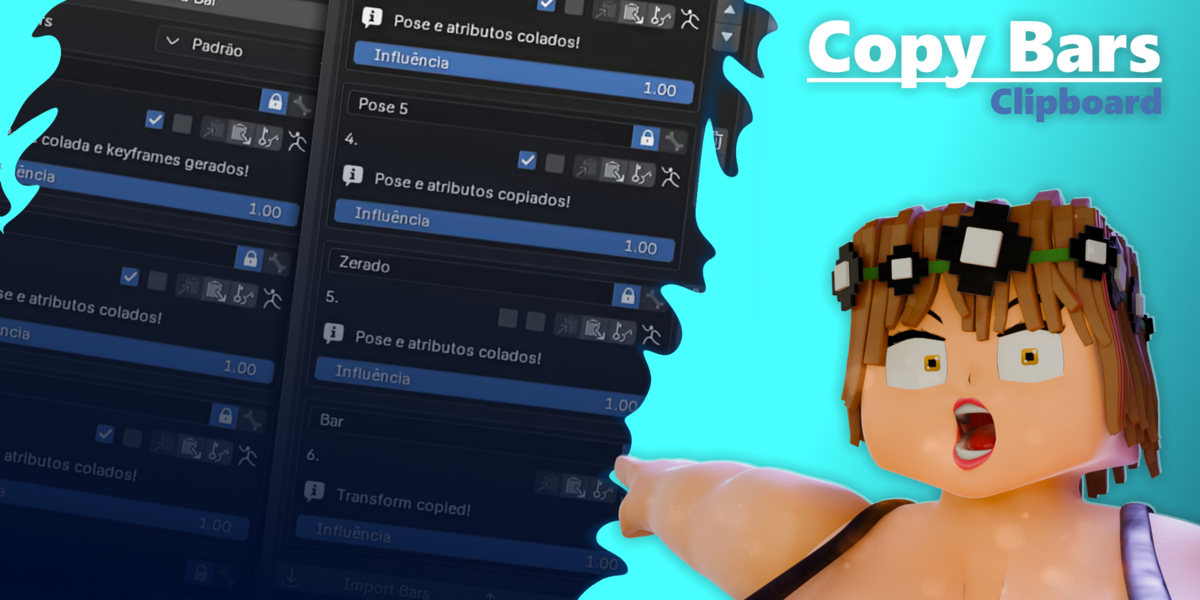
Copy Bars is a Blender add-on for keeping armature poses and object transformations ready to reuse. It stores this information in bars, so you can paste it elsewhere or use it to build an animation without first creating a separate pose library. The product listing specifies Blender 4.2 through 4.5. See the Copy Bars listing for the current product details.
Store poses and object transformations
In Pose Mode, Copy Bars can capture an entire armature pose or only the selected bones. In Transform mode, it stores an object's location, rotation, and scale. Custom properties are saved alongside the main data. This gives you a place to keep selected rig or object states while working, then apply them again when needed.
Organize bars and presets
You can add, remove, rename, and reorder bars. Lock a bar to protect its contents from being overwritten; open the lock when you want to replace them. The built-in preset system saves a complete bar setup and lets you load that arrangement for another workflow. The documentation notes that edits to bars and presets should be saved to make them permanent. It also explains that bars with open locks are excluded when exporting, which lets you choose what to include.
Apply transformations and add keyframes
Copy Bars can paste stored transformations and insert keyframes for changed values on the current frame. This is useful when you want to reuse a saved pose or object state as part of an animation. The product listing also describes animating between poses. For pose control based on selected bones, consult the documentation for the Copy Bars++ variant.
Export setups for reuse
Bars and presets can be imported from or exported to a JSON file. Use export to share a setup with teammates or keep a backup, and check which bars are locked before creating the file. The add-on suits Blender artists who want a compact way to store and reuse specific poses, transforms, or custom properties. Its documented version range is 4.2 to 4.5, so check the listing if your Blender version falls outside that range.