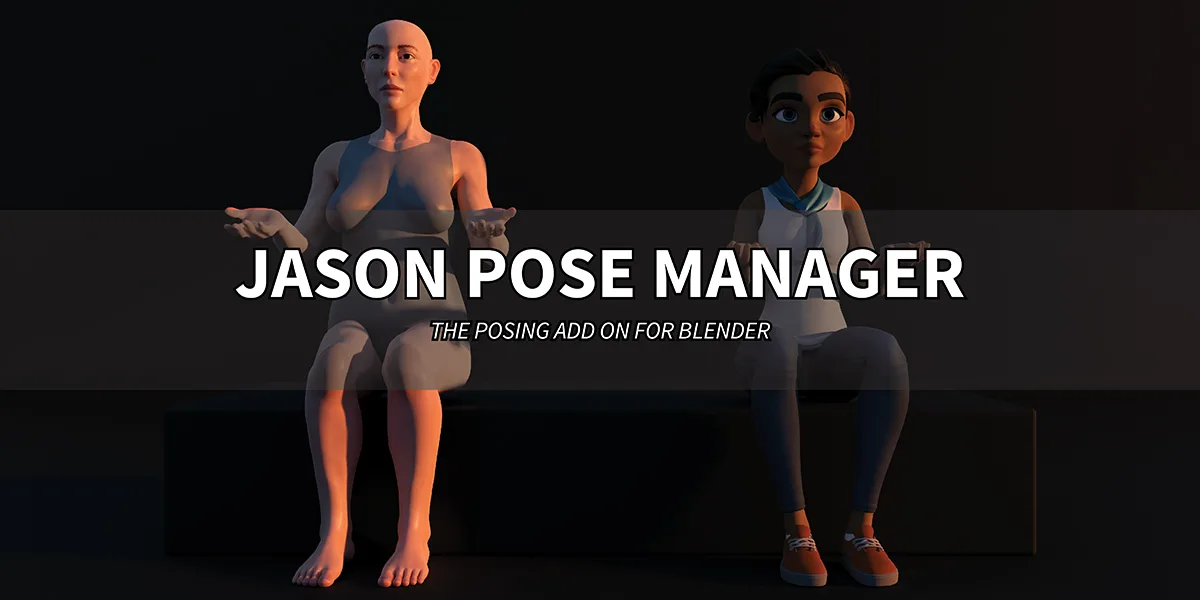
Jason Pose Manager (JPM) is a Blender add-on by Vincentius Sesarius for saving, organizing, and reusing character poses. It exports poses as JSON files to a folder you choose, so you can keep them with a project or collect them in a separate pose folder.
Keep pose files outside the project
To reuse a pose, open the folder where you saved it and select the poses to import. The files can be searched with your computer’s file browser. This workflow can suit artists who want to manage pose assets independently of the Blender project where they were created.
Reuse poses with different rigs
JPM includes inter-rig pose loading, which lets you load poses created for one rig onto another. The developer notes that a different rig may need settings adjustments and pose tweaking, so the feature does not guarantee a perfect transfer between every pair of rigs.
Manage poses from the panel
The add-on lets you edit saved poses, rename them, and arrange the pose list. Its description also says you can hide poses or remove them from the list without deleting the saved pose data. Controls beside the pose data handle selecting bones for keyframing, flipping a pose, and renaming it.
The Bone Manager panel sets the active bone when you select a bone item. Mirror bone name rules account for hyphens and spaces and can trim trailing numbering. Undo is available for some operators.
Check version details and learning material
The Superhive listing names Blender versions 3.1 through 3.6, and its change log includes a version 1.04 entry marked “Blender 4.1 ready.” Those notes do not confirm support for later Blender releases, so check the current product listing before installing. The listing identifies the license as GPL. AnyPlugins lists the add-on as free; check the marketplace listing for current terms.
The developer provides a video playlist for learning the add-on.