Set a repeatable naming pattern for compositor output
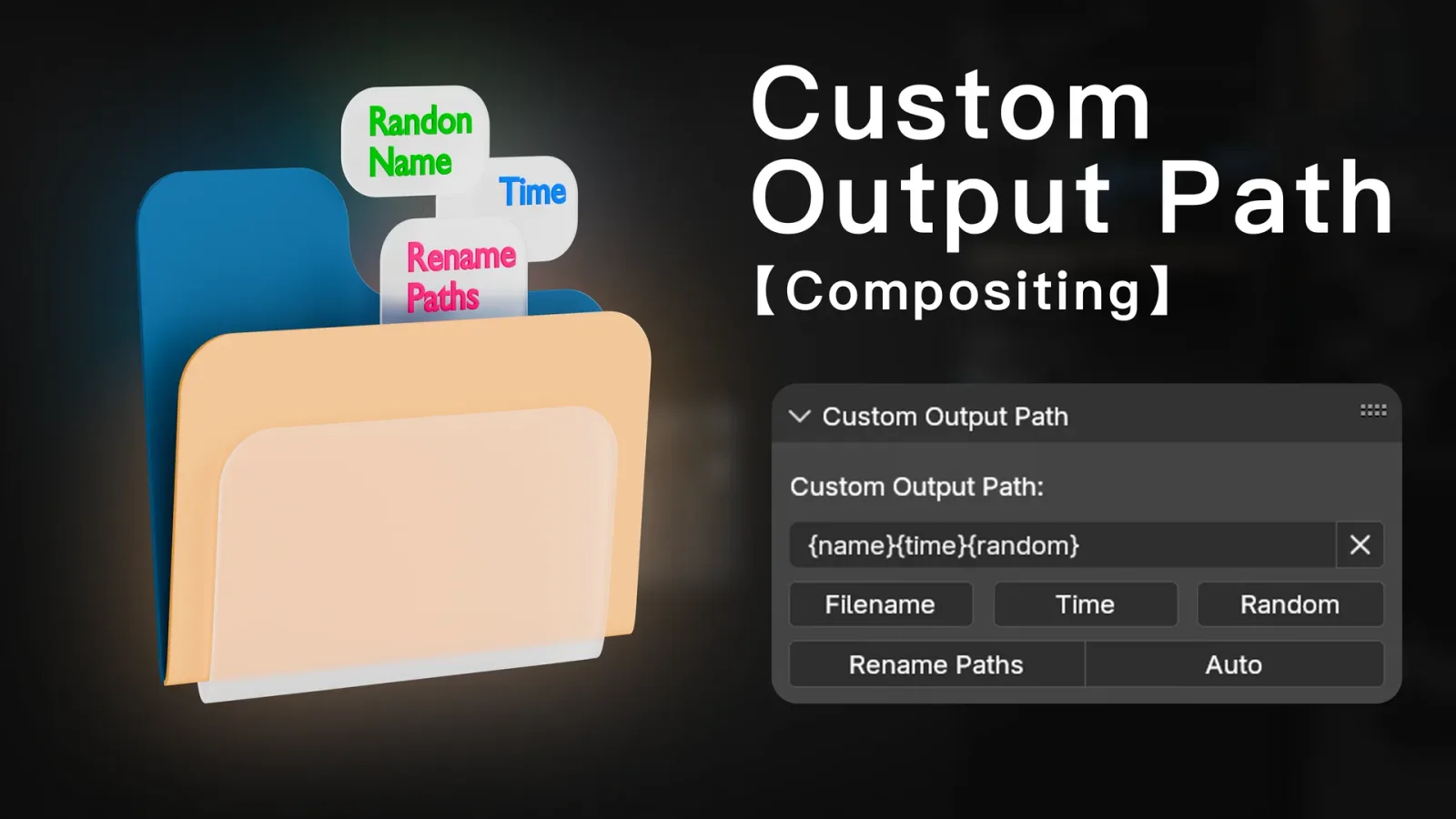
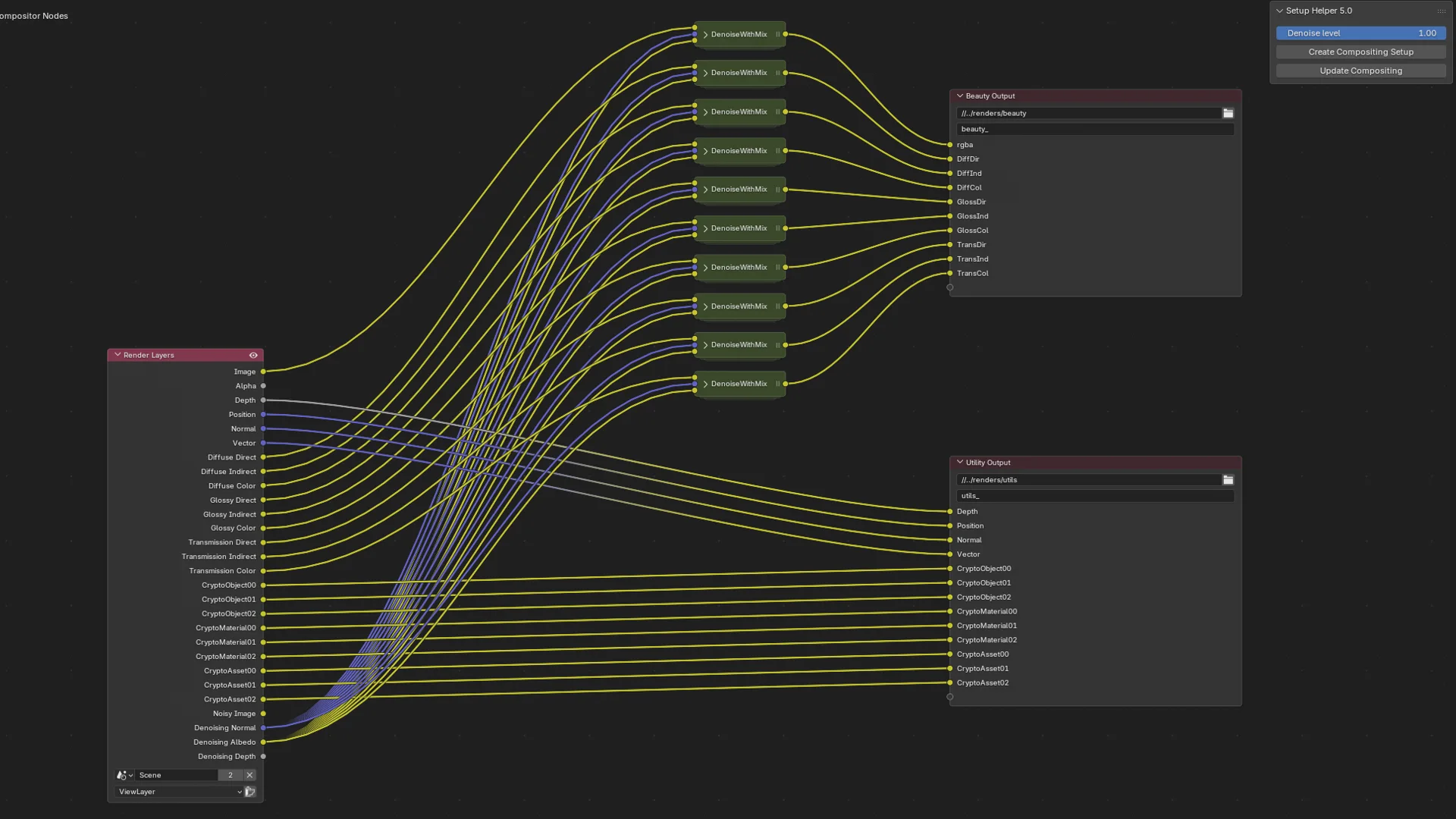
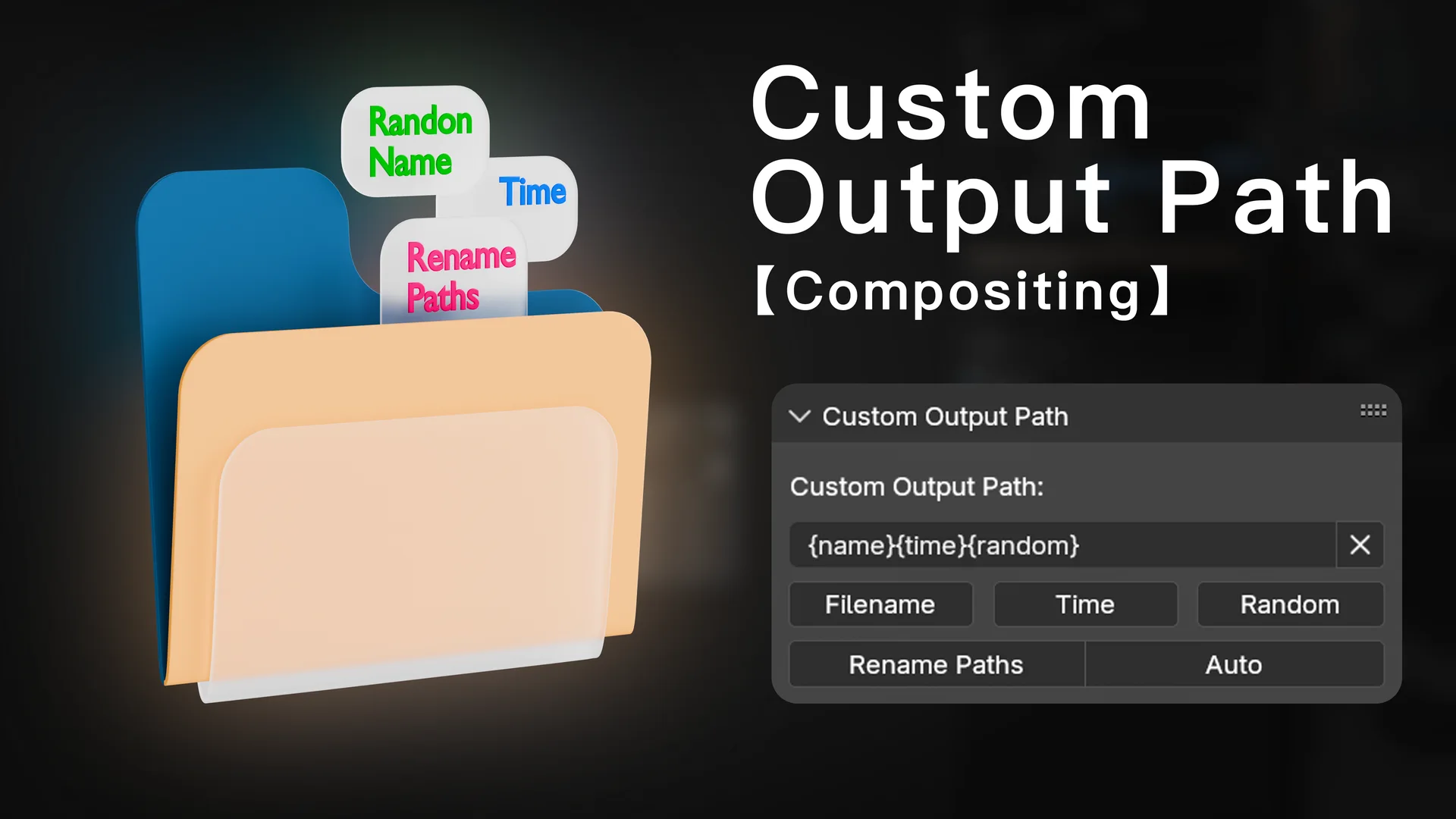
Custom Output Path is a Blender add-on for customizing file output paths with placeholders. Its listing focuses on frequent renaming in Blender's compositor. The Blender Extensions catalog record describes placeholder-based path customization and tags the add-on for Compositing and Render. The AnyPlugins listing also describes its focus on standardizing compositor output names.
A consistent path pattern can help when you create image files repeatedly and want names that are easier to sort. AnyPlugins notes that the add-on is intended to help avoid accidental overwrites from continuous image output. That depends on choosing a pattern that gives each output a distinct name.
Check placeholder details against your scene
Placeholder-based paths are useful when a naming rule needs to reflect changing details in a Blender project. Before relying on a particular token, check its spelling and behavior in the extension listing. The catalog record confirms placeholder support but does not enumerate the full token syntax or provide an example pattern.
Try a small set of representative outputs before using the add-on in a batch render. Inspect the resulting paths and filenames, and check that repeated runs will not overwrite files you intend to keep. The available source details do not specify collision handling or path evaluation rules.
Compatibility and installation
The Blender Extensions record lists version 1.1.8 with Blender 4.5.0 as the minimum version. Check the extension page for current release and compatibility details before installing. If you install an extension from a downloaded file, Blender's manual installation instructions explain the Install from Disk option.