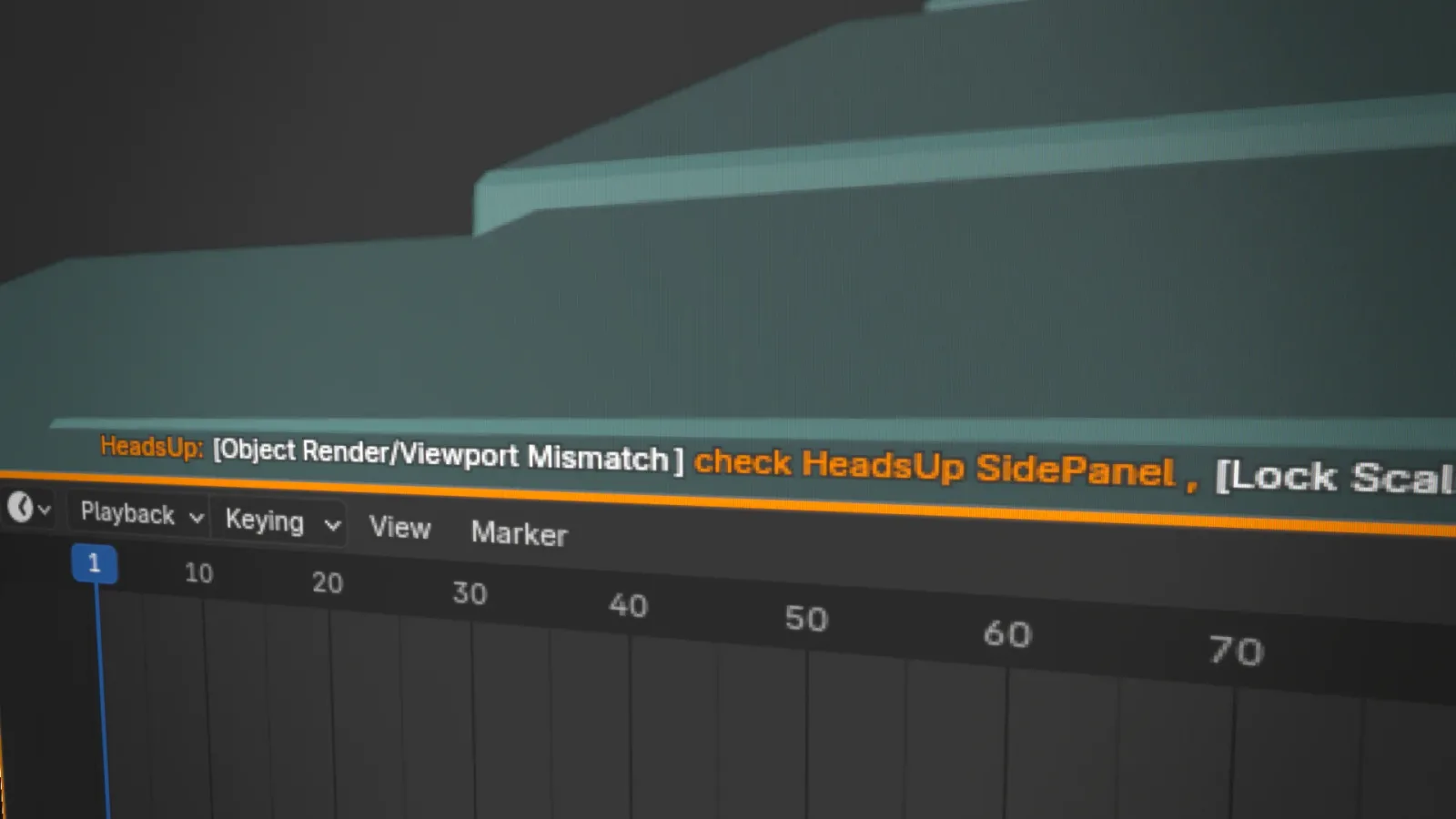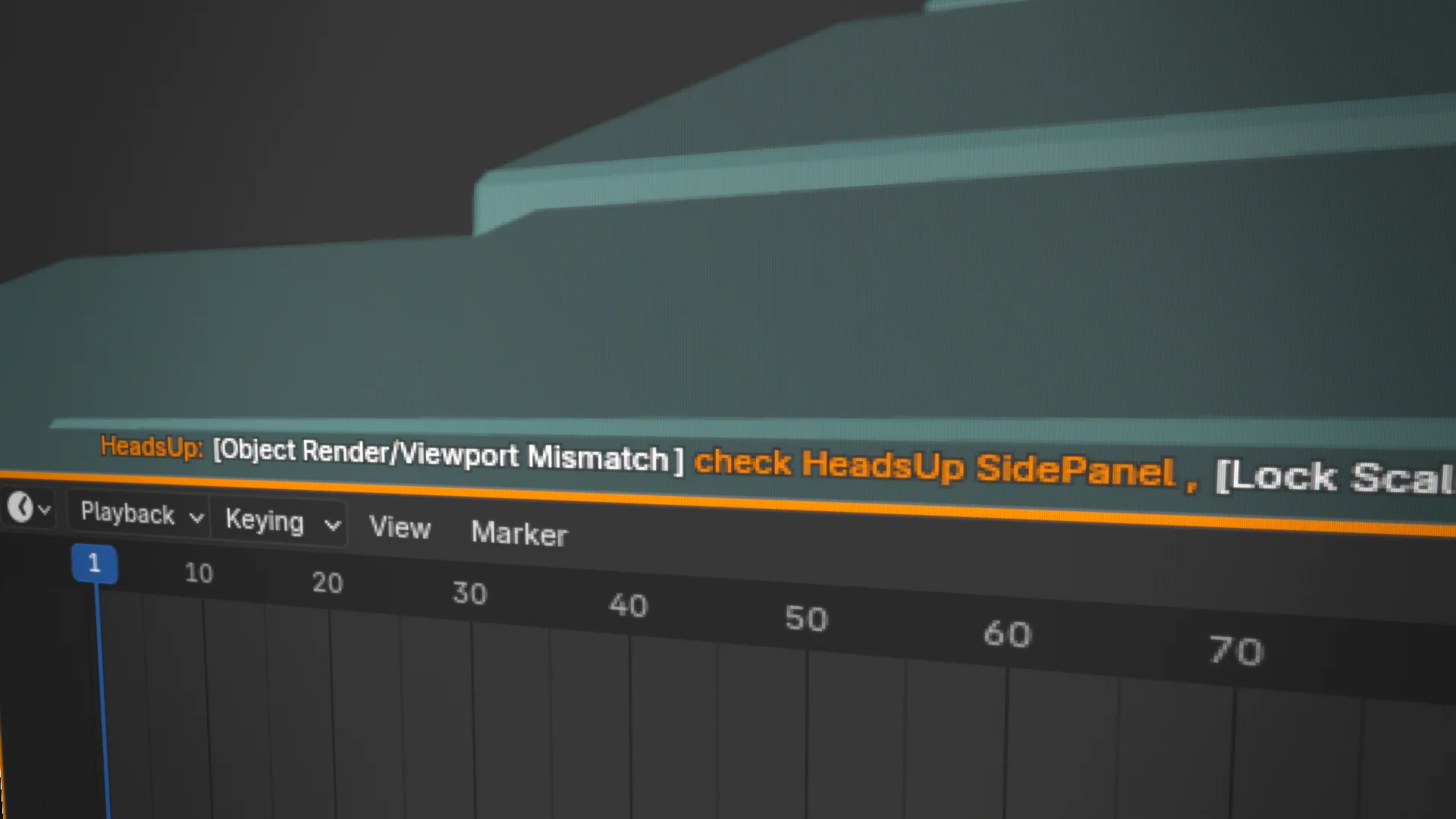
HeadsUp Warnings is a Blender add-on that calls attention to settings that are easy to overlook or could affect a scene unexpectedly. Its product description lists more than 50 warning conditions for the 3D Viewport and compositor. Alerts appear as colored UI borders and on-screen messages, with an explanation of the issue and guidance for resolving it. Many checks are context-aware; for example, Edit Mode warnings appear when Blender is in Edit Mode.
Keep warnings relevant to the current task
Each warning can be toggled in Add-on Preferences. This makes the add-on useful as a reminder when you tend to overlook a setting during a particular task.
HeadsUp Warnings explains an issue and how to address it, but it does not change settings automatically or provide a one-click fix. You review the alert and make any needed correction yourself.
A review on the official extension page requests a texture-paint warning for Occlude and Cull. That is a feature request, not confirmation that the check is included. If those settings matter to your work, inspect the warning options for your installed version.
Version, permission and source
The Blender Extensions record lists version 1.1.0 with Blender 4.2.0 as the minimum version. It declares a Files permission for checking file paths to validate whether textures are missing. The listed license is GPL-3.0-or-later. The maintainer is ManuelLuellau, and the add-on's source is available in the developer's GitHub repository.
For installation steps, consult Blender's Install from Disk instructions and use the release on the official extension page.