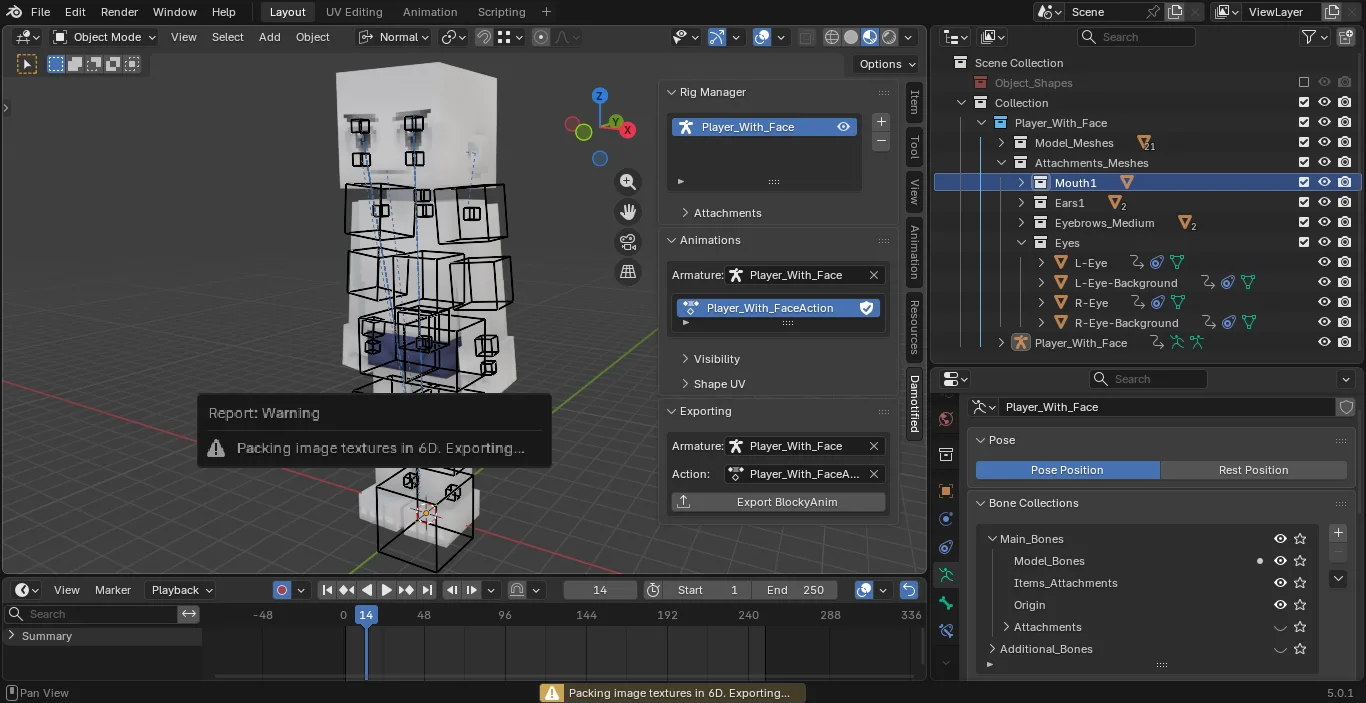
Damotified is a Blender add-on for importing, animating, and exporting Blockbench models for Hytale. Version 0.2.1 is listed for Blender 5.0 and newer. Its workflow is designed around Hytale animation constraints described on the official Blender Extensions listing, including no interpolation, strict timeline ranges, and integer-only frames.
Import Blockbench models and attachments
You can import .bbmodel and .blockymodel files through Damotified’s interface or Blender’s Import menu. The add-on includes texture selection options and lets you switch between a rig and an attachment. A rig is required for attachment importing; attachments have a separate section for managing different attachment files.
The listing names no other import formats.
Work with actions, visibility, and shape UVs
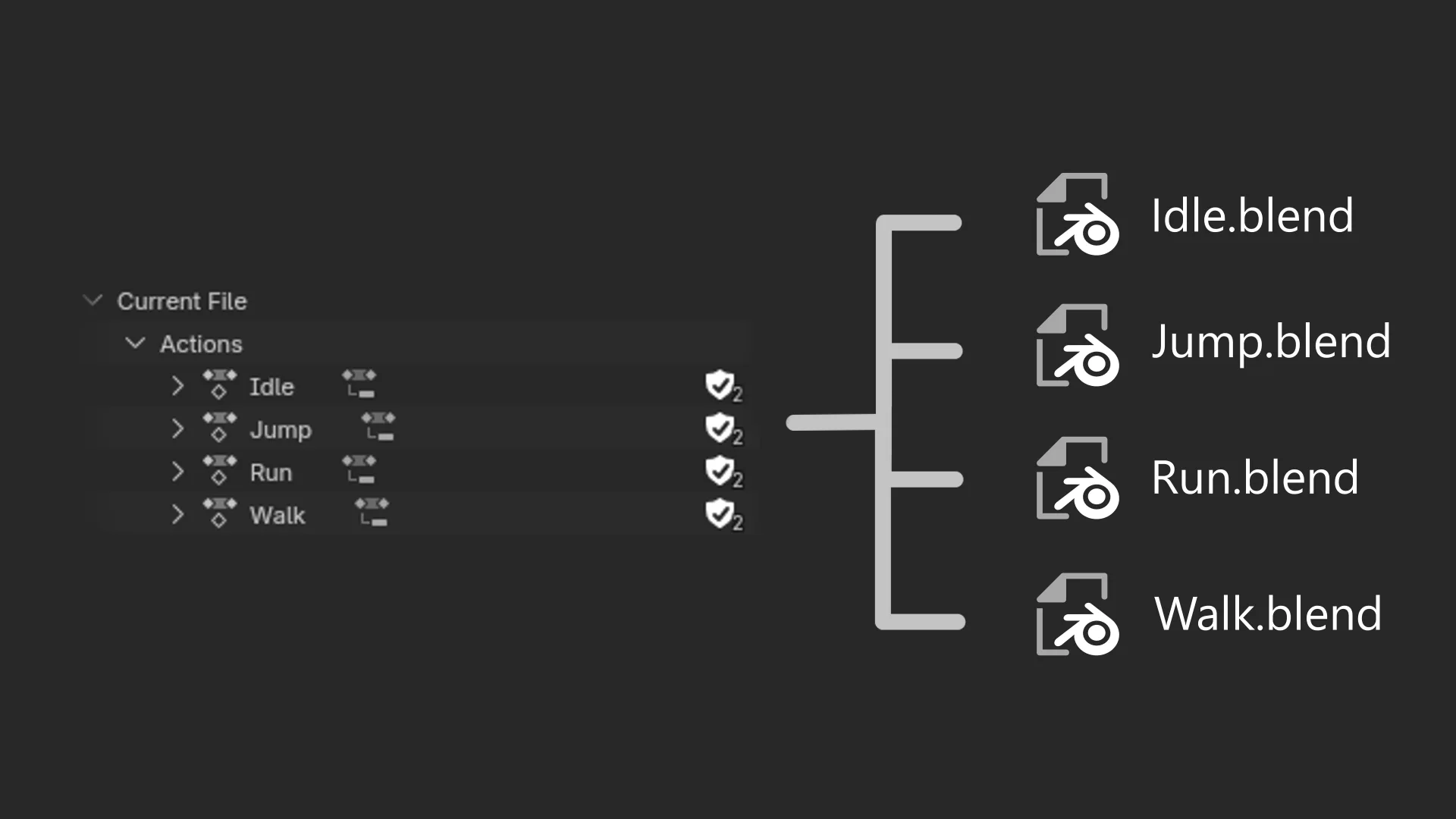
Damotified provides an Actions list with a Fake User option to keep animations saved in the Blender file. For block visibility, it has a separate animation section and list for hiding and showing blocks. Shape UV animation is also supported, with a custom interface for previewing and editing texture UVs.
The available product information does not describe additional animation types, so check the current listing or the developer’s issue tracker if your workflow depends on a specific feature.
Export the selected armature and action
Export uses the selected armature and its selected Action to create a file ready for use in Hytale. The listing does not specify batch export or export of every Action in a scene. Select the armature and Action you intend to export before using the add-on.
Version, compatibility, and license
The official listing identifies version 0.2.1 and Blender 5.0 or newer. It marks the project as still in development, with additional features and content planned. The listing also identifies the license as GNU GPL version 3.0 or later. Check the current extension page for the latest release information. Blender’s Install from Disk instructions explain how to install an extension from a downloaded file.