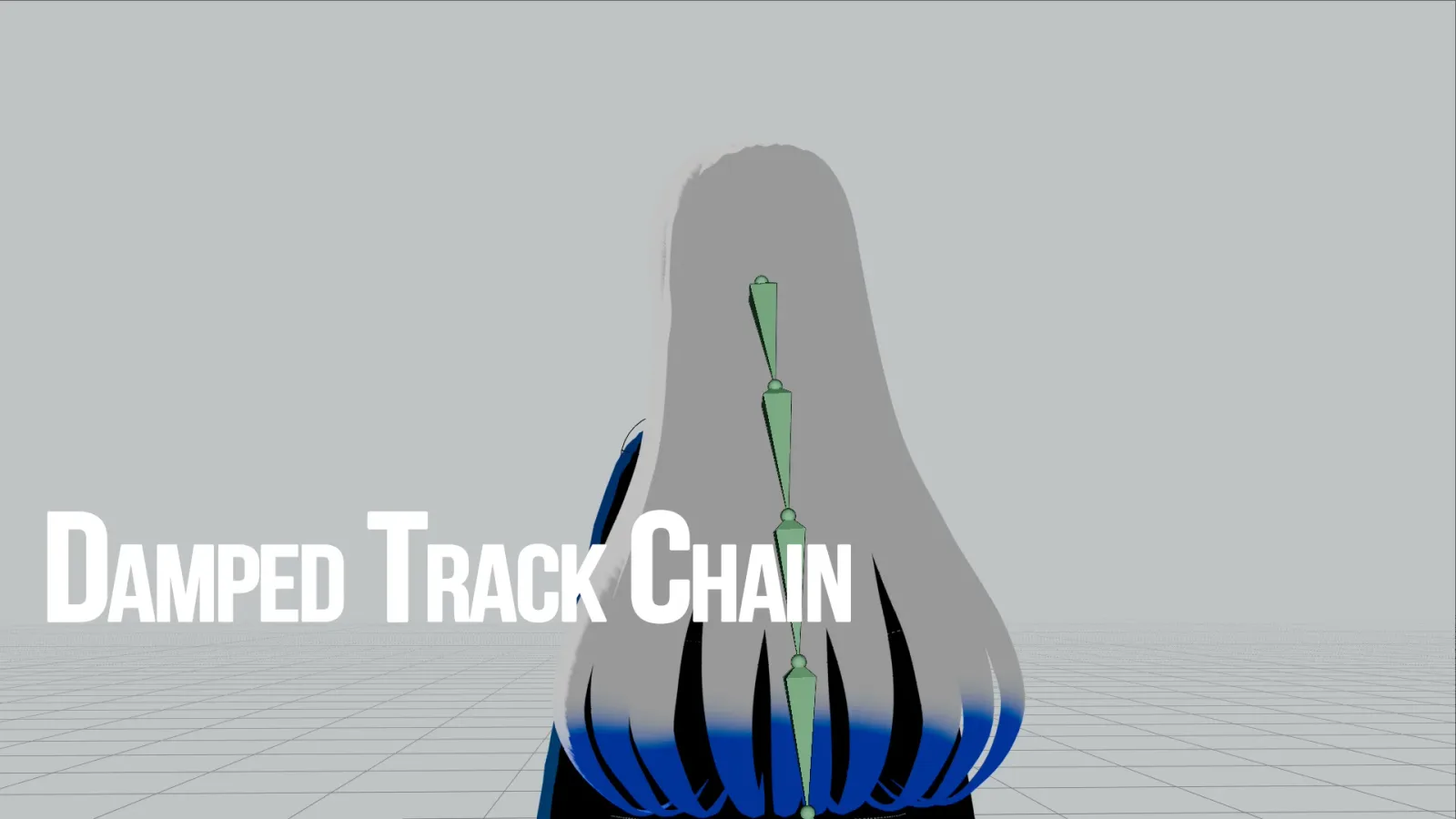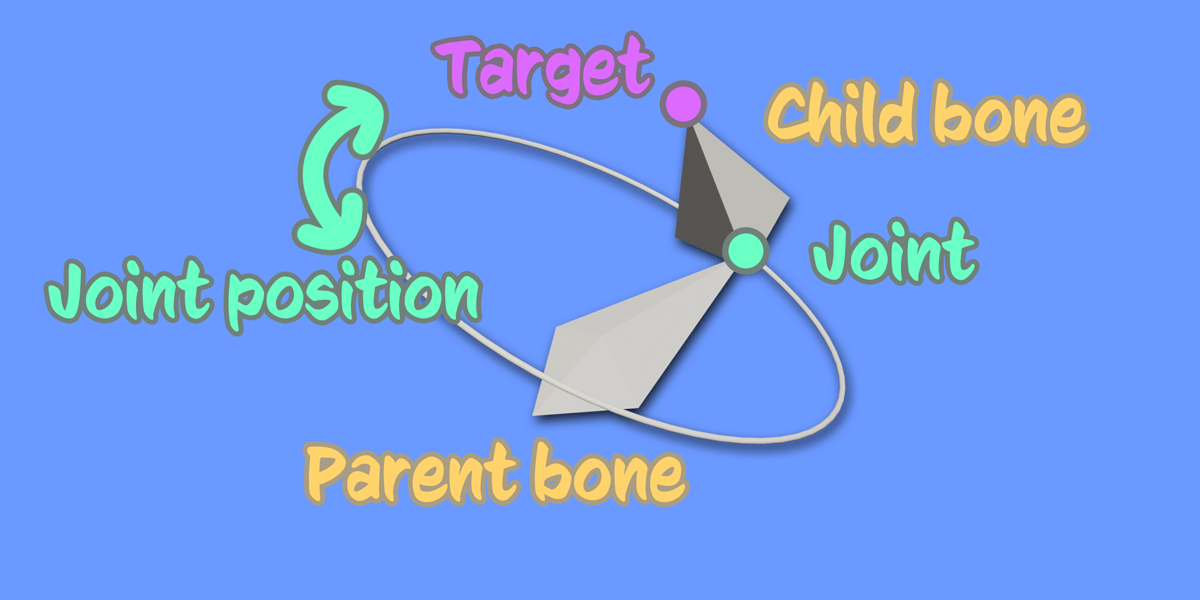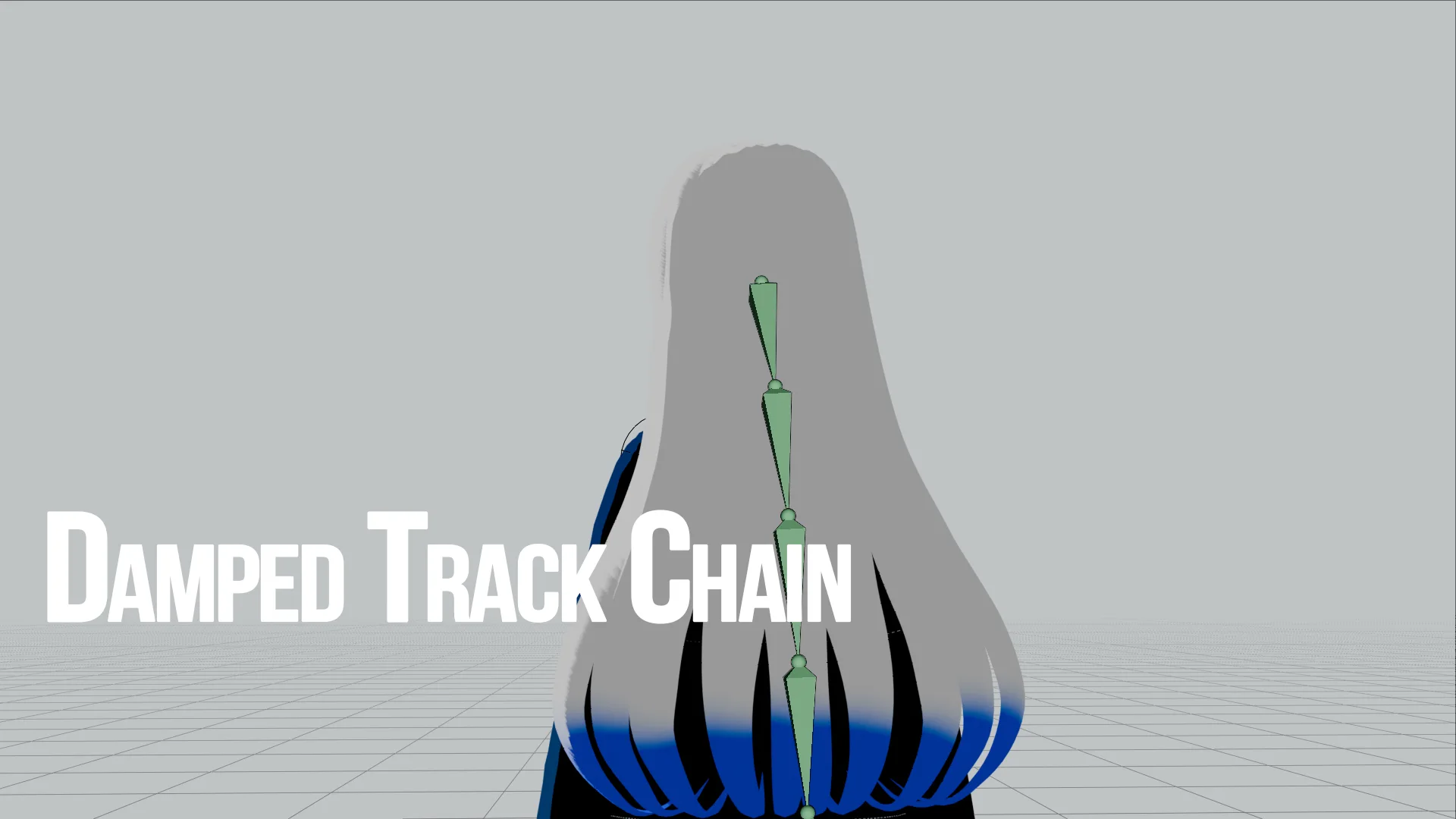
Damped Track Chain automates repeated constraint setup for bone chains in Blender. In Pose Mode, select one or more root bones and click Add Chain. The add-on gives each child bone a Damped Track constraint aimed at its direct parent, processing each selected chain independently.
Set up chains from the Rigging panel
Open the 3D View sidebar with N, then find the controls in the Rigging tab. The workflow suits hierarchical rigs where child bones should track the bone immediately above them, such as hair, tails, or ropes used for secondary motion.
Adjust influence and track axis
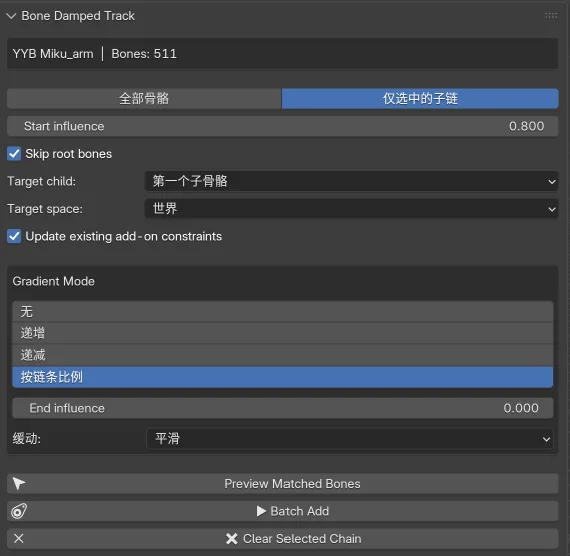
Set a starting influence and a step value to create an influence gradient along the chain. Choose whether influence increases or decreases as the chain continues. The Track Axis setting selects the local axis that points toward the target bone; Y is the default.
Clear constraints when revising a rig
Use Clear Chain on the selected bone chains to remove their Damped Track constraints. The add-on listing says this cleanup leaves manually added constraints in place, so it can remove the chain setup without clearing unrelated constraints from the rig.
The Blender Extensions record lists version 1.0.2, a minimum Blender version of 4.2.0, and a GPL-3.0-or-later license. See the Blender Extensions listing and the developer's source repository for the add-on details.