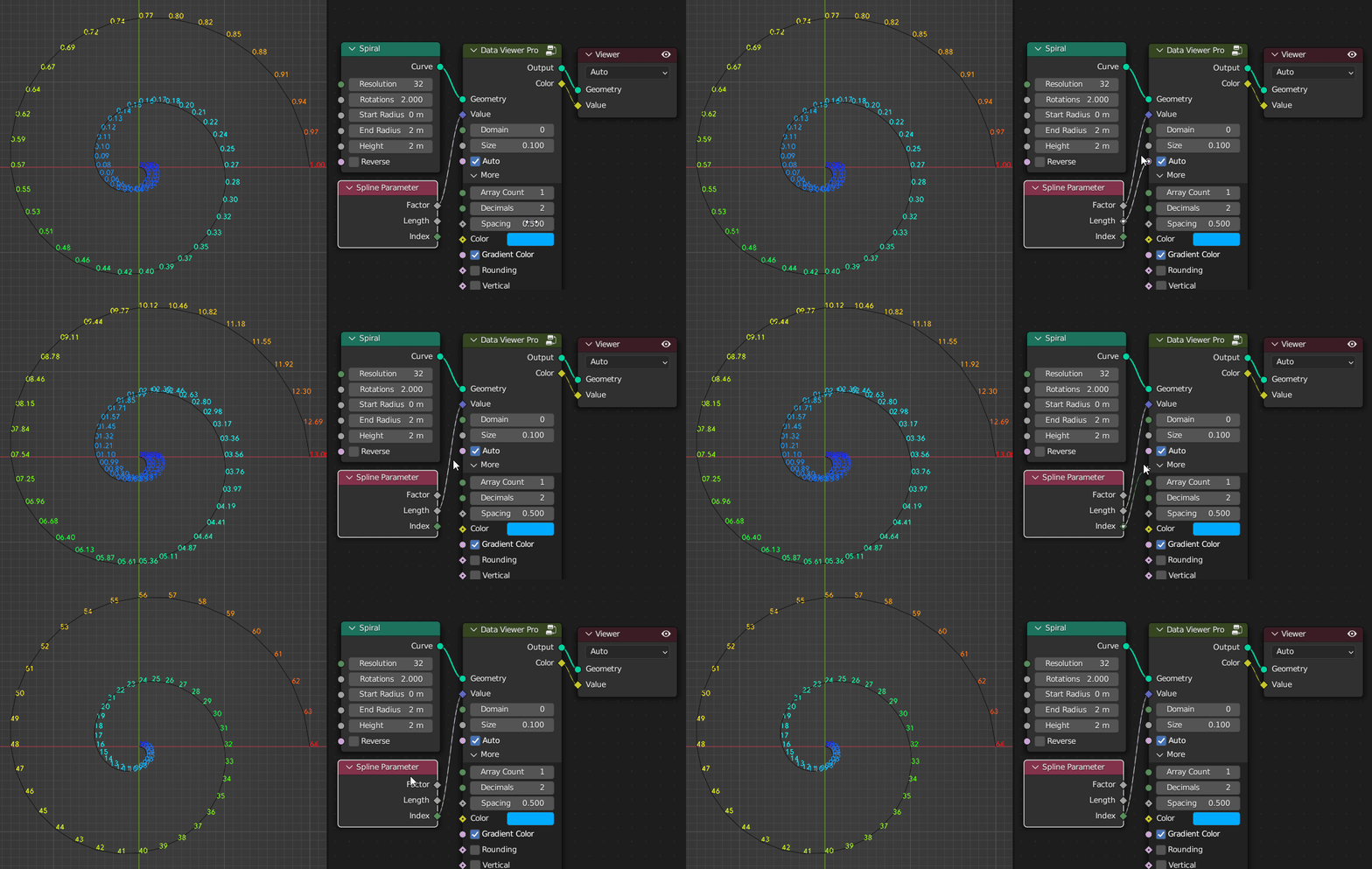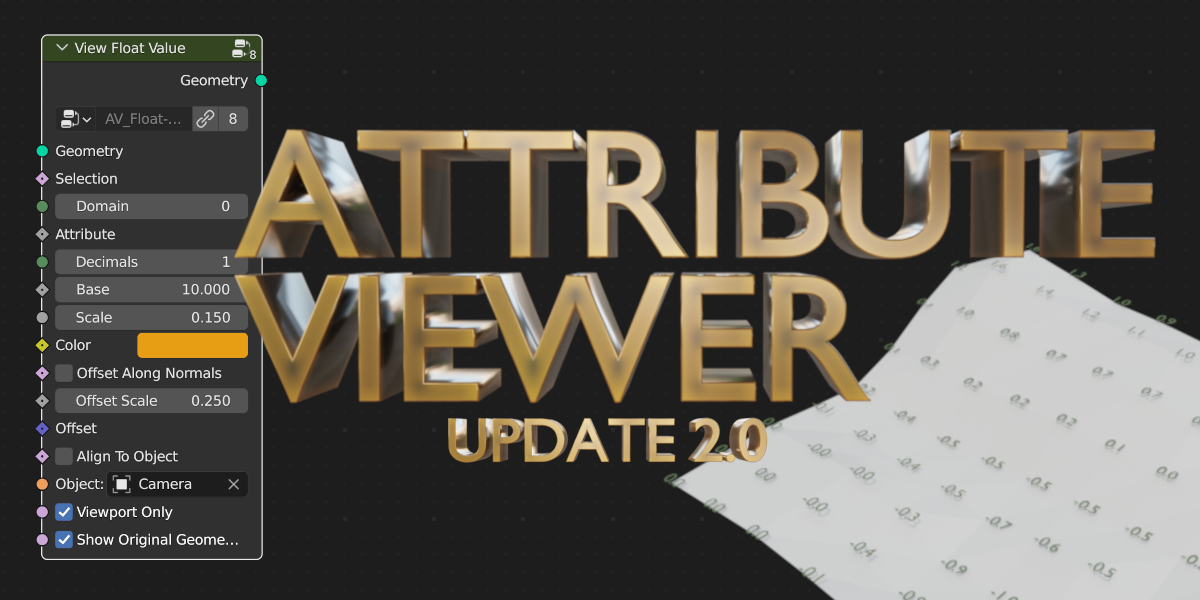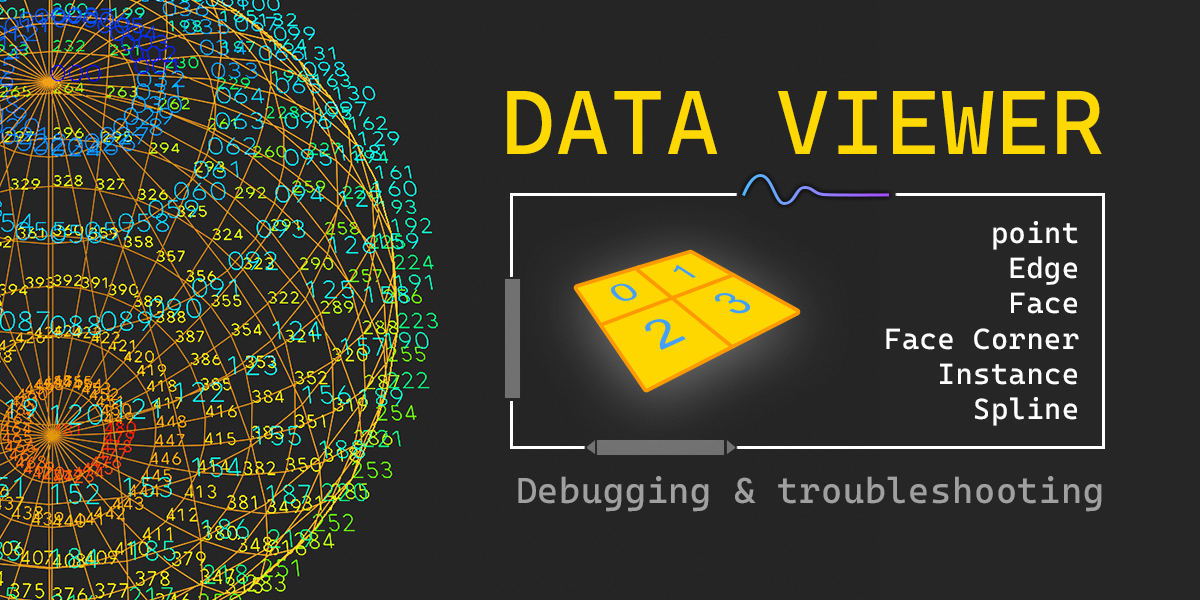
Data Viewer is a Geometry Nodes node group for inspecting geometry attributes in Blender’s 3D view. It lets you read values such as a vertex, edge, or face ID or index without switching to the Spreadsheet Editor. You can also preview attributes such as position, rotation, and radius, depending on the input. This can help when debugging a node setup or examining how a model’s geometry is structured.
Attribute display and controls
The node group offers controls for field type, number color and size, decimal places, alignment, and flat or vertical display. A speed-up option is available for smoother previews with large amounts of data. The Professional edition adds a gradient that maps lower values to blue and higher values to red. It can also display axes instead of numbers: red, green, and blue correspond to the X, Y, and Z axes, while darker colors indicate negative values. Data Viewer can also show spline information and point cloud data; its Rotate option supports rotation tests.
Lite, Standard, and Professional editions
cgpiece lists three editions. Lite supports a single array. Standard supports 3D arrays such as position and rotation. Professional adds automatic processing, axial arrow previews, and a folding panel; the listing’s comparison table also shows edition differences for controls such as gradients and domain selection. Check cgpiece’s product listing for the full feature comparison. The product listing does not state current prices.
Install and add the node group
Data Viewer requires Blender 4.0 or later. The creator points to Blender Market and Gumroad for downloads. After downloading, extract the node group to your asset folder. In Blender, open Edit > Preferences > File Paths, add that folder under Asset Libraries, and save the preference.
In the Geometry Node Editor, press Shift+A and add Data Viewer, or drag it from the Asset Browser. To preview a different value, connect the relevant input; cgpiece’s example replaces the ID node with Position to inspect vertex positions. The domain setting selects which geometry domain to view, ; 0 is automatic mode.
Blender version note
The installation instructions state that Blender 4.0 is the minimum version. The product details separately list Blender Version 5.2 and do not explain how that field relates to the minimum requirement. If you need to confirm compatibility with a specific release, check the current product listing or ask the creator.