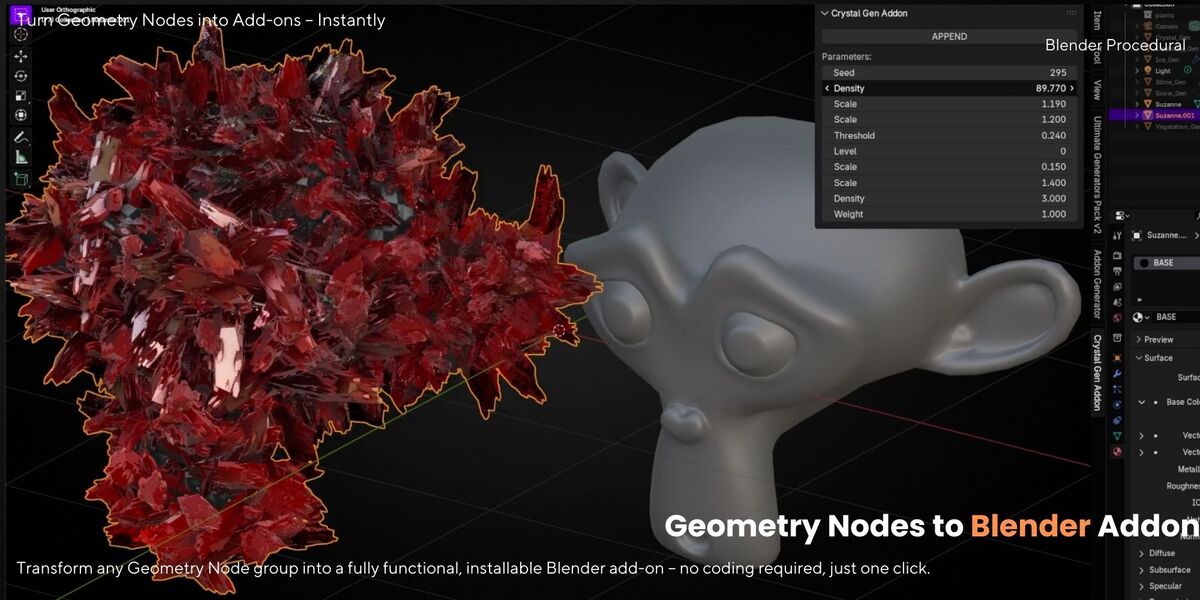
Addon Generator turns a Geometry Nodes group in Blender into an installable add-on ZIP. It builds an N-Panel interface from the group's exposed parameters and generates the Python add-on, so you do not have to write the interface code by hand. Blender Procedural describes it as a way to package node setups for personal reuse, team sharing, or distribution.
How to convert a node group
- Choose the Geometry Nodes group from the Node Group dropdown.
- Enter an add-on name and author. The name becomes the add-on's display name in Blender.
- Click APPEND (Preview) to temporarily add the group as a modifier to the active object. Review how its parameters appear in the N-Panel.
- Click Export as ZIP and choose a filename. The archive contains the node group and generated Python add-on.
- Install the ZIP in Blender through Edit > Preferences > Add-ons > Install, then enable the add-on.
What the generated panel includes
The interface maps exposed node-group parameters to controls in the N-Panel. Only exposed parameters appear, so check the node group's inputs and preview the panel before exporting. The product documentation also says the generator shows properties that exist and handles empty or missing parameters.
An installable package can make a reusable node setup easier to install and use across Blender projects or share with other artists.
Compatibility and license
The Addon Generator listing on Superhive identifies Blender versions 4.1 through 5.3 and lists the license as GPL. Check the listing for current compatibility and licensing details before distributing an add-on.