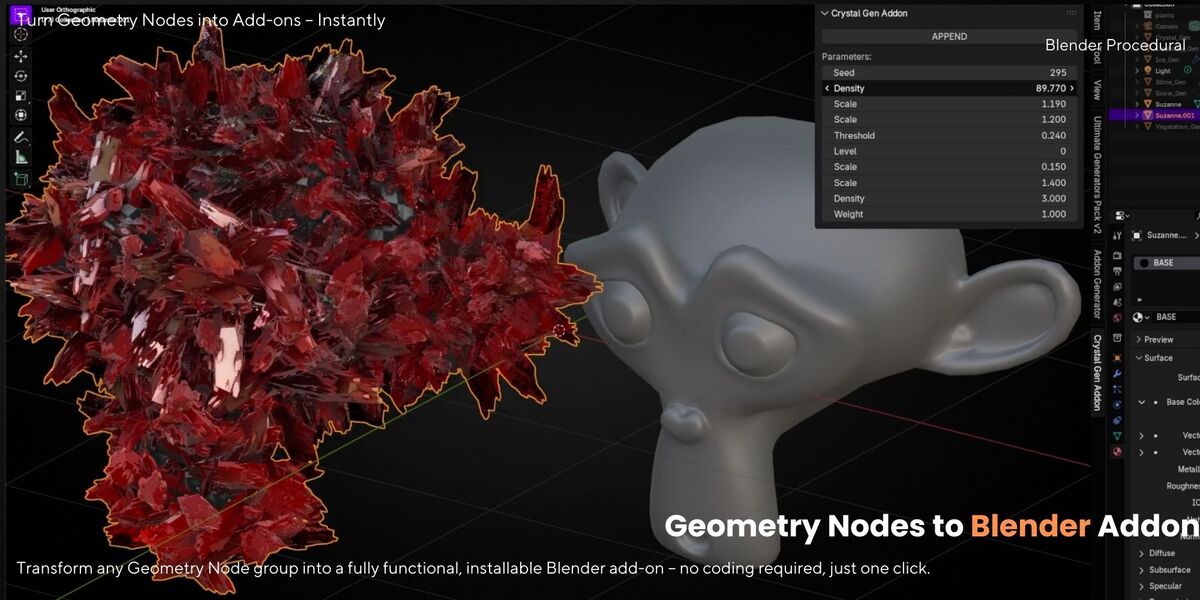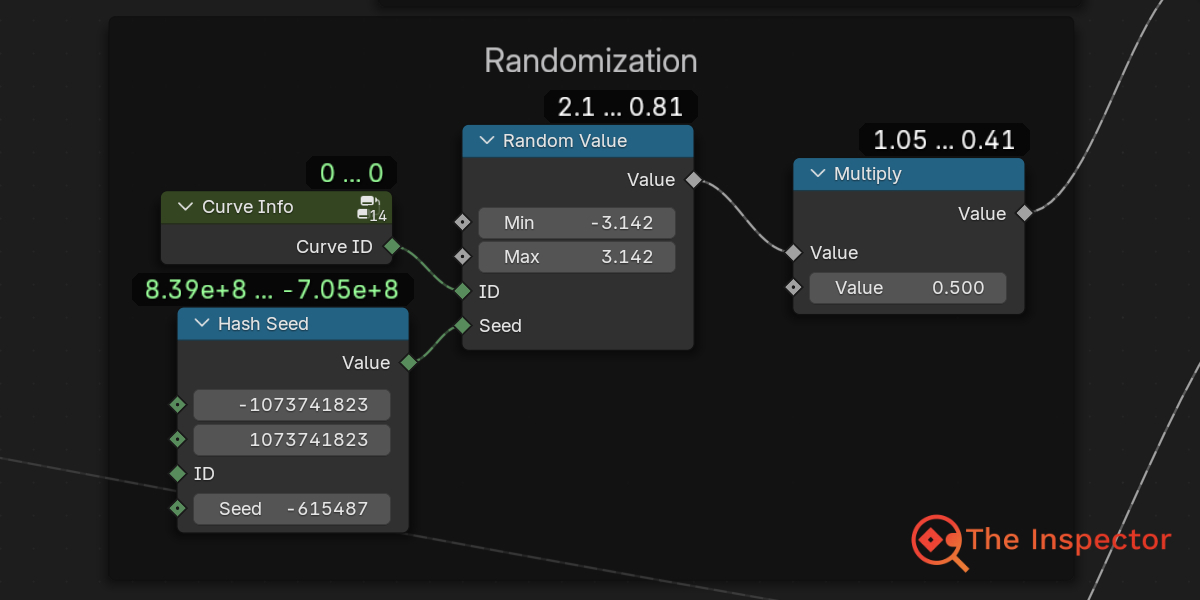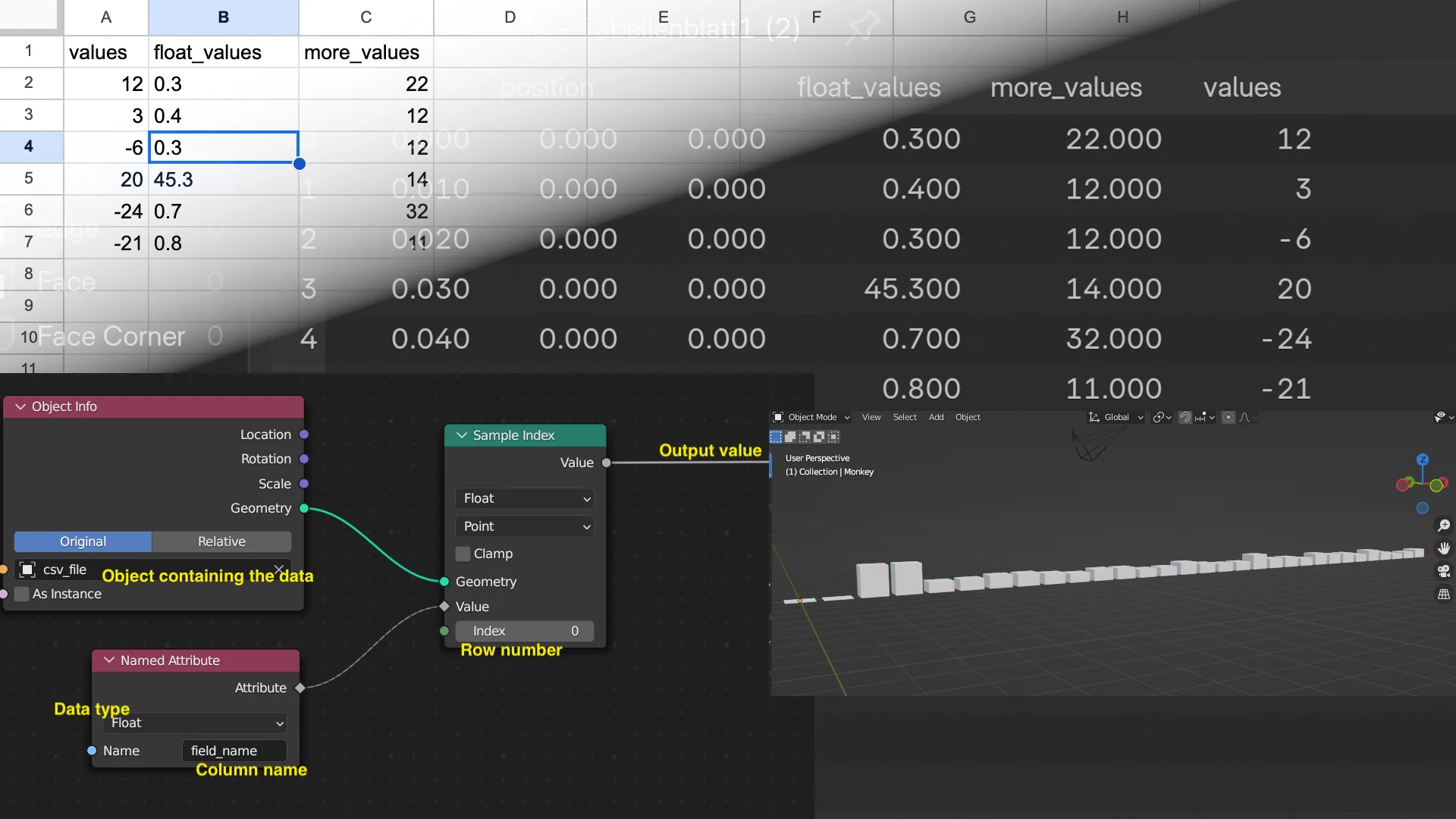
GN Escape is a Blender add-on by Tommaso Malaisi that lets Geometry Nodes values control writable Blender properties. A handler connects a named attribute from a Geometry Nodes setup to a target property, so procedural values can affect objects, cameras, lights and other parts of a scene.
How handlers connect attributes to properties
Each handler identifies the object with the Geometry Nodes modifier, the exact named attribute to read, its domain and element index, and the attribute type. The supported domains are point, edge, face, corner and instance. The element index is usually 0.
Handlers can read float, integer, Boolean, vector and color attributes. The handler's type must match the attribute produced in Geometry Nodes, and its target must be a valid writable Blender data path. For example, a handler can write to bpy.data.objects["Cube"].location.x, bpy.data.cameras["Camera"].shift_x or bpy.data.lights["Light"].energy. Vector attributes can map to X, Y and Z paths; color attributes can target RGB or RGBA values.
Live updates and restoring values
GN Escape uses a timer-based loop to evaluate Geometry Nodes, read attributes from the evaluated mesh and compare them with the last written values. It writes when a value changes meaningfully. The default update rate is 60 Hz. Set Update Hz to 0 for maximum real-time updates, or use Write Epsilon to ignore insignificant float changes.
When a handler starts writing to a property, GN Escape saves that property's original value. It restores the saved value when GN Escape is disabled or the handler is removed.
Examples of procedural scene control
The documentation describes using GN Escape to drive object location, rotation and scale, control camera shift or focal length, and adjust light properties such as energy. It also lists procedural control of materials and modifiers among its use cases. A handler still needs a correctly named attribute and a valid writable target path.
The marketplace marks GN Escape as compatible with Blender's Extension system and lists Blender versions 4.5 to 5.0. Its documentation's installation section says to open Blender 5.0 or later, so check the current instructions if you use Blender 4.5. The listing identifies the license as GPL, and the documentation specifies GNU GPL version 3.0 or later.