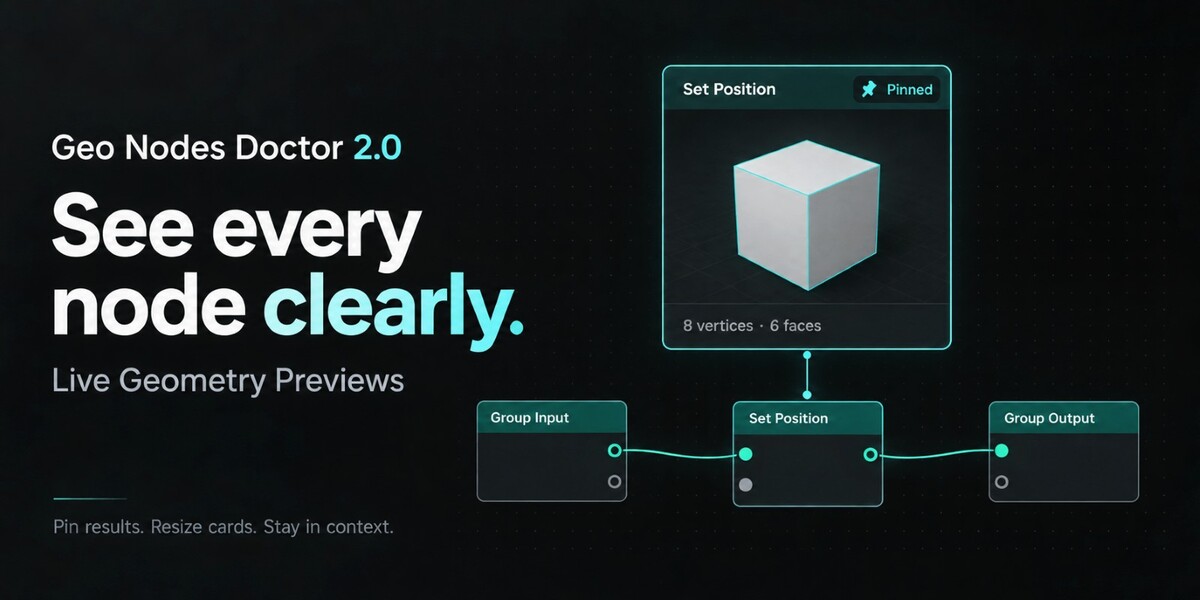
Geo-Nodes Doctor 2.0 is a Blender add-on for inspecting and debugging Geometry Nodes graphs. Its preview cards show evaluated results for meshes, points, curves, instances, and volumes in the Geometry Node Editor, so you can examine intermediate output while working in the graph.
Inspect node results in context
Choose an inspection mode to view a node's result, highlight selected geometry, or examine a stored attribute. For supported nodes such as Transform and Set Position, compare the geometry entering and leaving the node. Preview cards can be pinned while you select other nodes, and they remain live rather than becoming static screenshots.
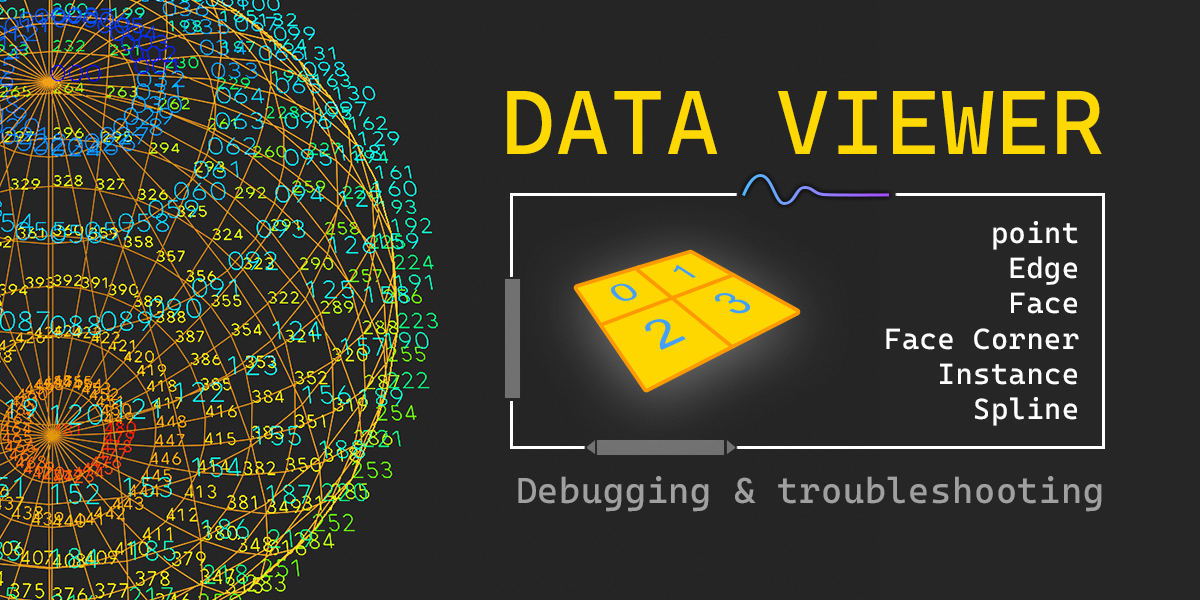
Field and attribute views can show sampled values, indices, or distributions when supported. Element probing lets you inspect an element in the preview and read its index and value. Specialized displays include vector arrows, a UV layout that shows seams and coordinates outside the 0–1 region, and a two-dimensional density slice through volume data.
Trace data through a large node tree
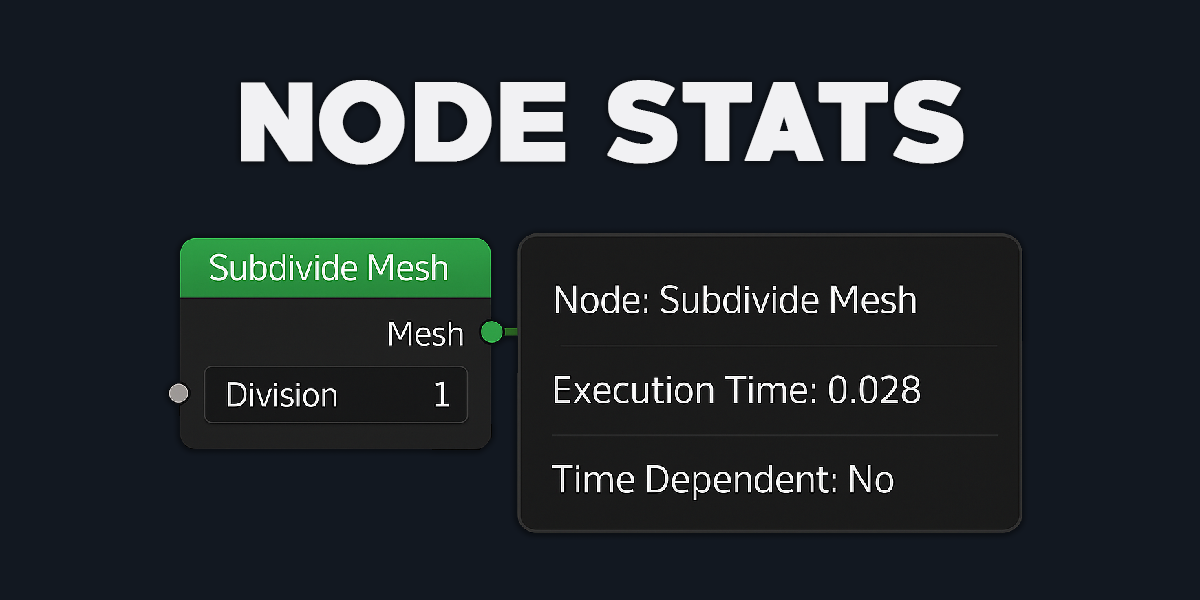
The Node Inspector shows socket values, metadata, and node properties. Execution Order lays out the dependency order of nodes that contribute to the output, while Named Attribute Changes and Attribute Domains help trace attribute changes and domain mismatches. A minimap helps you navigate dense graphs, and the quick access menu opens tools with Ctrl + Shift + D.
For before-and-after checks, compare a node's input and output or save a valid result, change the graph, then compare the saved and current geometry. The comparison can report changes in counts, attributes, and bounding-box dimensions. Saved comparison baselines last for the current session and clear when another file is loaded or the add-on is disabled.
Use performance estimates with context
Slow Nodes estimates which nodes may contribute to longer evaluations and highlights likely hotspots. It does not provide exact per-node timings; caching, the modifier stack, and the evaluation environment can affect its results. Use it to guide investigation, then assess the graph in your own scene.
Compatibility and limitations
The product documentation lists Blender 4.2.0 through 5.2.x and support for Windows, Linux, and macOS. To get a preview, select an object with a Geometry Nodes modifier, open its node tree, enable Node Preview, select a supported node, and refresh if needed. Some field previews also require a supported geometry consumer.
Some advanced Geometry Nodes features may need additional context or may not be supported in every context, including complex fields across group boundaries, unsupported geometry components, string, rotation, or matrix outputs, complex anonymous attributes, materials and material previews, interior simulation-zone states, and some cached simulation contexts. Geo-Nodes Doctor evaluates previews using temporary copies and does not rewire the original node tree. Consult the documentation for setup steps and details on supported inspection modes.