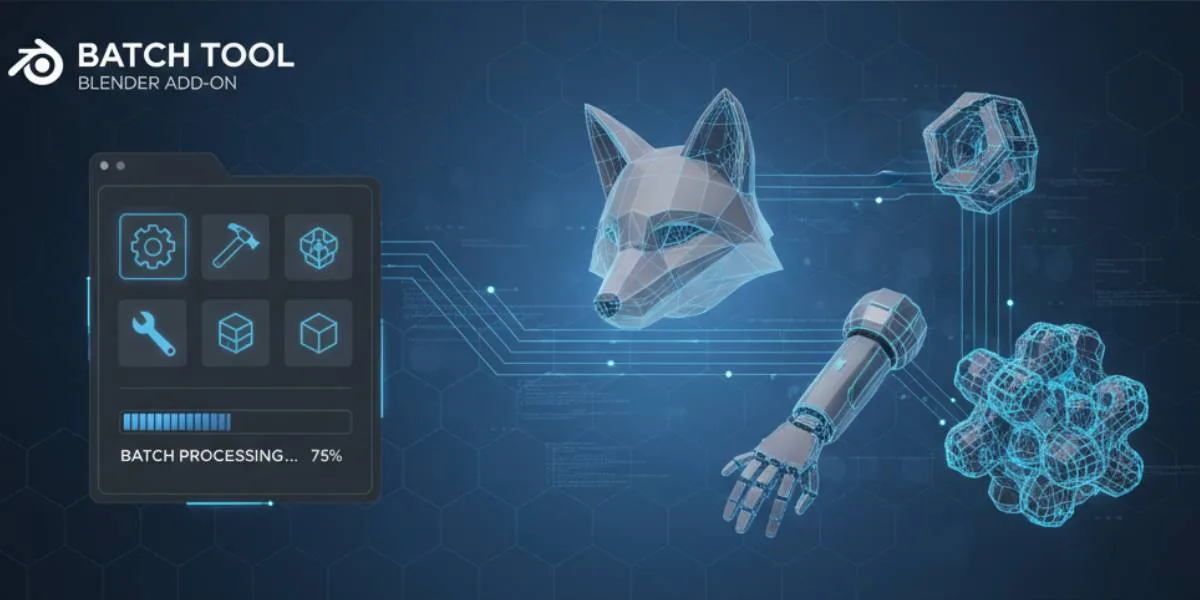
Depth Map Batch For Images is a Blender add-on for generating depth maps from a single image, a directory of images, or a video file. Processing runs locally without external APIs or web services. It also supports normal and height maps, image resizing, and video frame extraction. The product listing and the developer documentation describe its available options and setup.
Inputs and outputs
For still images, the documented input formats are PNG, JPG, and JPEG. You can select a single file or process a directory, then choose an output folder and batch size. The add-on can also take a video file, extract its original frames, and compile video. Available outputs include depth maps, normal maps, and height maps.
Resolution settings range from 256 to 1600, depending on what the computer can handle. The add-on can preserve DPI settings and image transparency during generation. A larger batch size may put more strain on a lower-powered machine, so adjust it to suit the available hardware.
16-bit depth maps for Blender meshes
The 16_BIT style can produce a 16-bit depth map from an 8-bit image. The additional tonal range can reduce banding in the map and provide more depth gradation for displacement workflows, including meshes with higher subdivision levels. The result still depends on the source image, chosen model, and scene settings.
Model choices and licensing
The product documentation lists nine model options: Depth Anything V2 Small, Base, and Large; MiDaS 3.0 Large and MiDaS 3.1 Large; Zoe Depth models for indoor (NYU), outdoor (KITTI), and mixed indoor/outdoor use; and Depth Pro. Model weights are referenced separately during setup, so check the documentation for the files each option needs.
Licenses differ by model. The documentation marks Depth Anything V2 Base and Large as noncommercial under CC BY-NC 4.0. The add-on's GPL listing is a separate license from the terms for the model weights. Before using generated work commercially, review the license for the specific model you plan to run. See the Depth Anything V2 project and the add-on's licensing table for details.
Setup and hardware
Installation uses an “Install All Packages” control for the Python dependencies. The documentation then instructs users to close and reopen Blender and download or reference the required model weights. GPU acceleration is optional; the documentation describes CPU fallback when a supported GPU is not detected and lists Depth Pro as CPU-only. Follow the setup and GPU instructions for the current steps.
When it fits
This add-on suits Blender users who need to make depth maps for multiple still images or video frames and want to keep generation on their own computer. A depth map can also be used with the source image and Blender modifiers such as displacement, subdivision, and smoothing to create a 3D mesh. Check sample results and test the chosen model on representative images before processing a large batch.