Dimensions Ruler + Precision Scaler is a Blender add-on by APEC that combines an interactive on-screen ruler with a tool for scaling geometry to a chosen distance. Its controls appear in a tab named DR, which you can rename in the add-on preferences. The product documentation describes the ruler settings, scaling steps and added features.
Measure objects while modeling
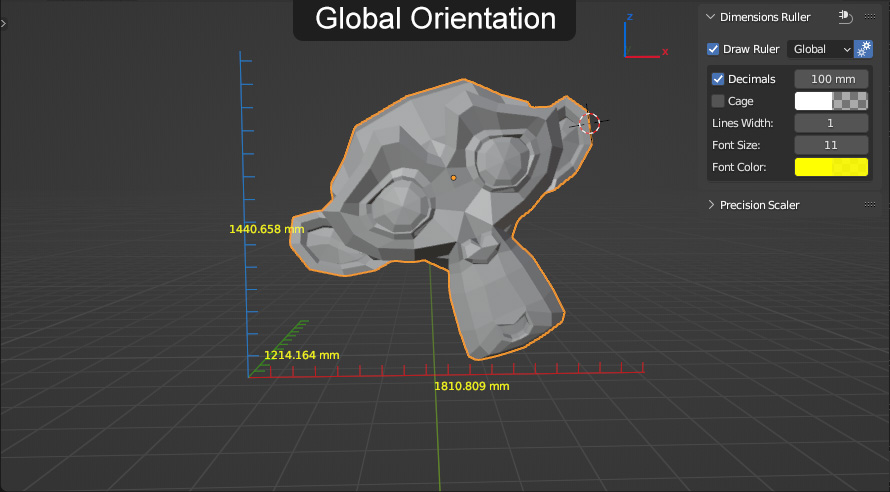
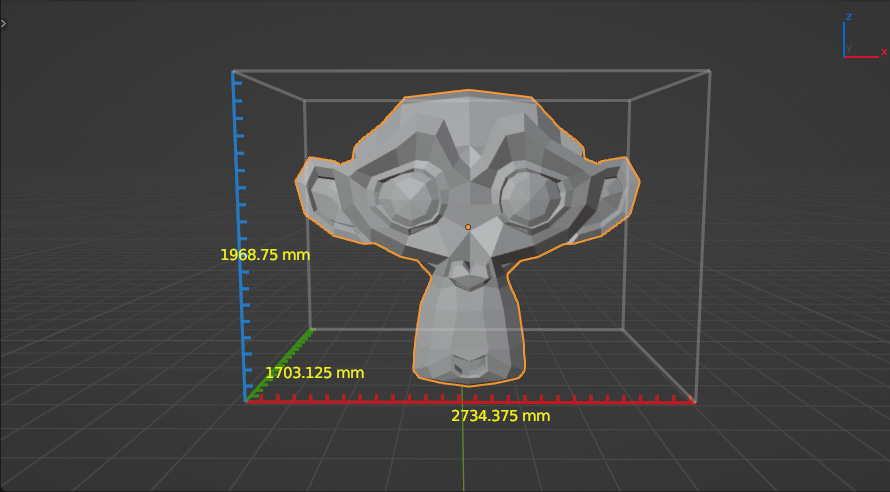
Enable the ruler with its checkbox and choose an orientation; other settings are optional. It draws measurement lines interactively using a background calculation process, so you can continue modeling while it is active. The ruler supports multiple selected mesh objects. Update 1.0.4 added support for curve, surface and font objects.
You can turn off the ruler's X, Y or Z line individually. Display options include a background behind the measurement numbers and rounding the displayed millimeter value to a chosen number of decimal places. Integer measurements omit the trailing .0.
Scale to a measured distance
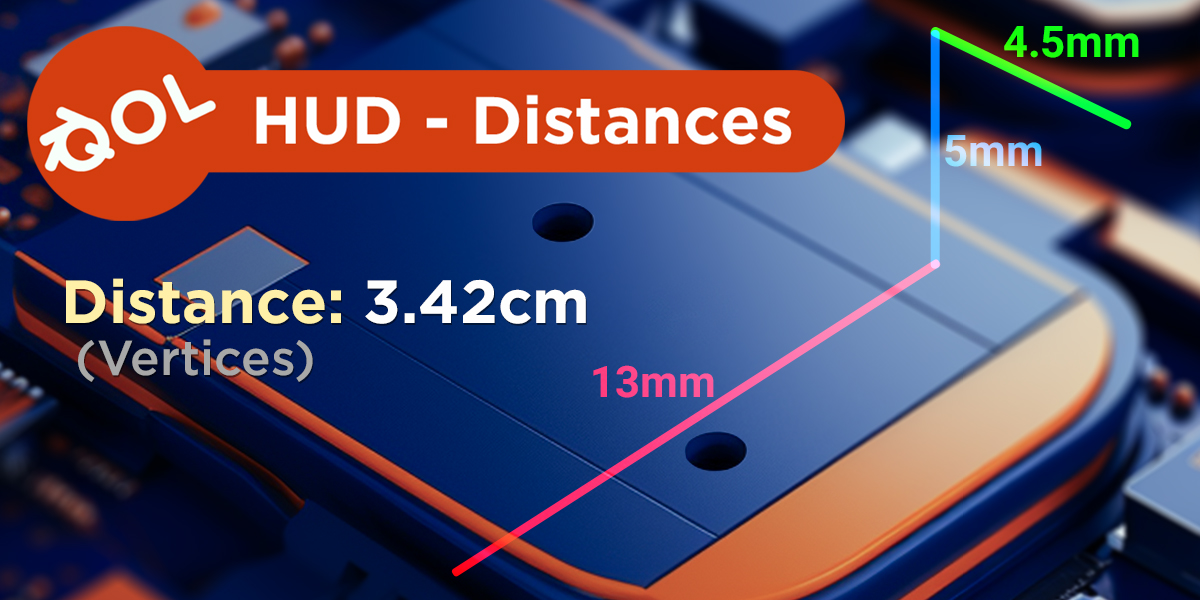
Precision Scaler uses a pair of points to get a current distance and set a target distance. To use it, select two vertices or one edge, get the distance, enter or set the desired value, then scale. You can enter the values yourself or use the GET and SET buttons. An option added in update 1.0.1 can automate getting and setting the length without those buttons.
The scaler uses Blender's current Transform Orientation and Transform Pivot Point. Two object origins can also act as the pair of points when getting or setting a distance, which lets you work between objects as well as between selected vertices.
Shortcuts and experimental features
You can assign a shortcut to toggle the ruler from the add-on preferences: right-click and choose Assign Shortcut. The ruler starts disabled when Blender starts or loads a scene, and it cannot be enabled by default in the startup file because of how Blender modal operators work.
The experimental options can draw dimensions for each selected object and calculate object sizes with modifiers. The modifier calculation includes a vertex-count threshold intended to prevent Blender freezes or frame-rate loss when the resulting mesh is too large.
Compatibility and license
The product listing states Blender compatibility from versions 3.6 through 5.3 and lists the add-on under the GPL license. Check APEC's product listing for current release and compatibility details.