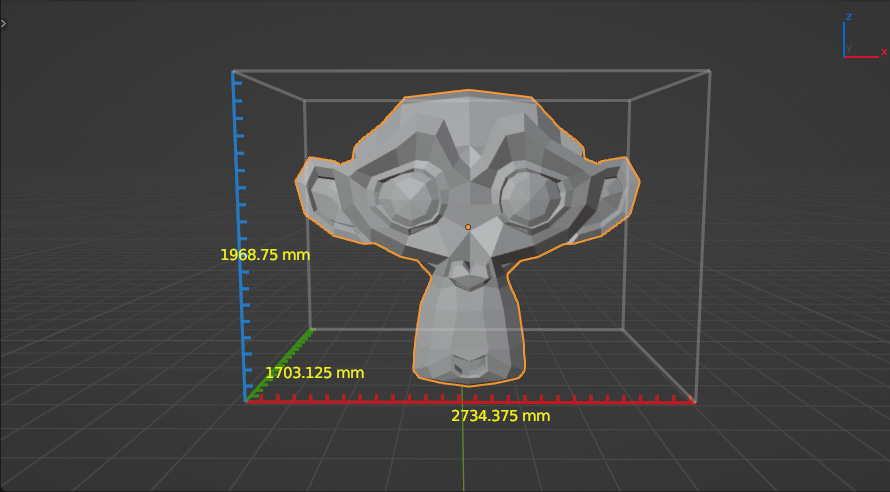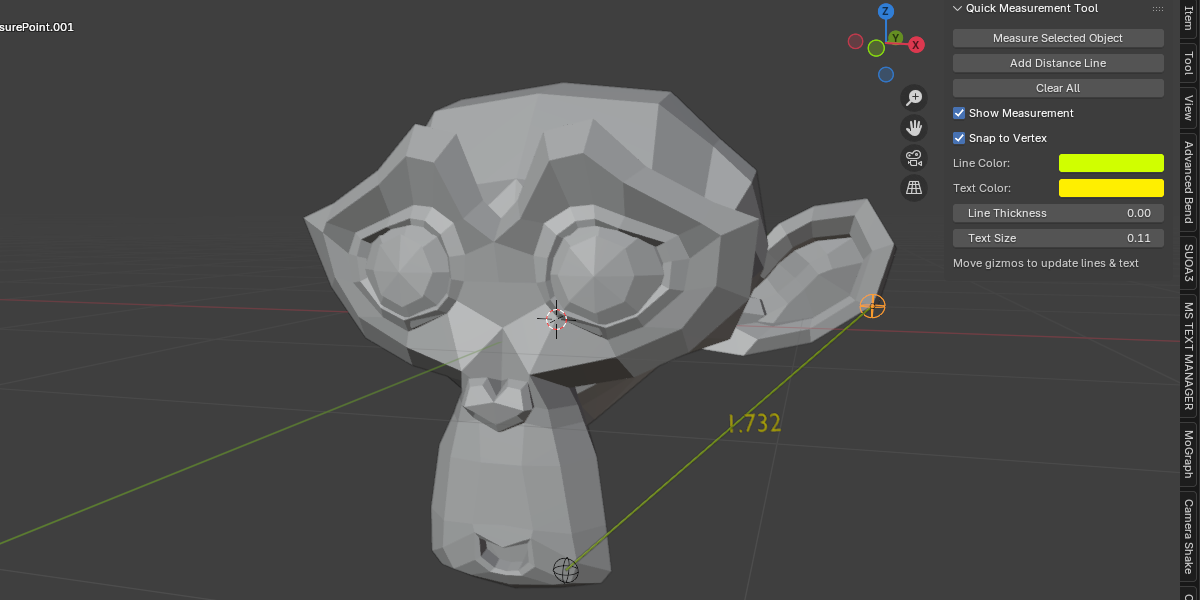
Quick Measurement Tool is a Blender add-on by Mergim Sahiti for checking distances and object dimensions in the 3D Viewport. Create measurement points and a distance line, then move its two draggable gizmos. The displayed value updates as you reposition them. X-ray mode keeps the line and text visible through geometry.
Measure distances and object dimensions
Snap a measurement point to the nearest mesh vertex to anchor it to geometry. For a quick object check, the add-on can measure the dimensions of the selected object. Its billboard text turns to face the viewport, keeping the readout oriented toward your view.
Adjust and clear measurement guides
Set the colors, line thickness, and text size to suit the scene. When you finish measuring, one click clears all measurement elements.
Where it fits
The tool supports proportion and distance checks during modeling, spacing and alignment work in level design, and technical visualizations or presentations where measurements need to remain visible in the viewport.
Compatibility and license
The Superhive product listing states Blender versions 4.0 through 4.5 and names Blender-Internal, Cycles, and Eevee. It lists the add-on under the GPL license. Check the listing for current compatibility and license details before installing.