Documen is a Blender add-on that exports selected information from a .blend file into a mobile-responsive HTML report. It is intended for reviewing scene and render details outside Blender, including when files are checked before they go to a render farm.
Choose what the report includes
From a panel in the 3D View Sidebar, choose which details to export. A report can include quick file information and an example rendered frame, along with more technical details:
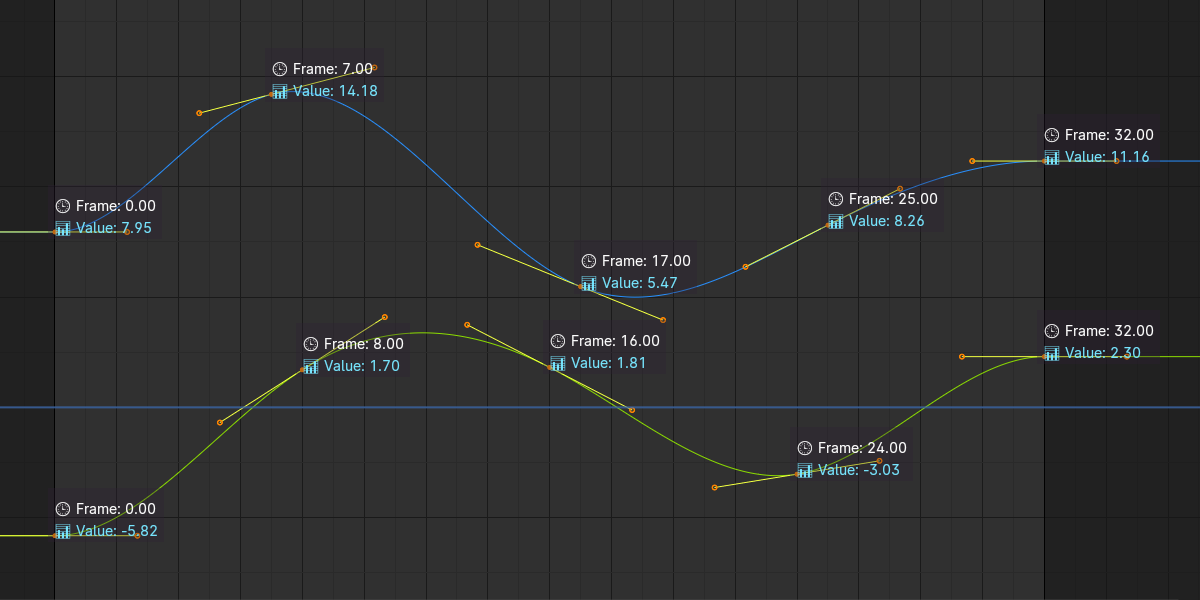
- A frame board listing each keyframe or marker with information about it.
- Render settings and a comparison of those settings between two files.
- The global output path and information about file output nodes.
- Information about images used in the file and a list of files linked to it.
- A custom message as a non-distracting watermark.
This lets you choose a compact overview or include frame and render details for closer review.
Multi-file export and two-file render-setting comparison
Documen includes multi-file export for an overview of an entire production, a command-line script generator for command-line workflows and running Blender on a server, and a settings checker to help review files. The difference checker compares render settings between two files. John Roper says the project grew from a need to review files before sending them to a render farm; he expected the comparison tools to help reduce problems and the cost of each shot.
Install and open the add-on
The installation guide describes these steps for Blender 2.8:
- Open User Preferences from the File menu, or use Ctrl+Alt+U.
- In the Add-ons tab, choose Install from File and select the downloaded ZIP file.
- Find Documen in the add-on list and check the box to enable it. If it is already installed, search for its name.
- Save User Settings if you want it enabled the next time Blender starts.
Open the 3D View Sidebar and find Documen under Misc. The product listing has the export details.
Version and license
The product details list Blender 2.8 and a GPL license. The catalog lists Documen as free. The available installation instructions are for Blender 2.8 and do not confirm compatibility with newer releases, so check the product listing or creator's site before relying on it with a newer Blender version.