Drag & Drop Import is a Blender add-on for importing files by dragging them from an external file manager into the 3D Viewport or Outliner. The publisher says the project is no longer maintained because Blender added drag-and-drop import functionality natively. Check whether Blender already handles the file types and actions you need before installing this legacy add-on. See the publisher's product page for its current notes.
Choose default settings or open import options
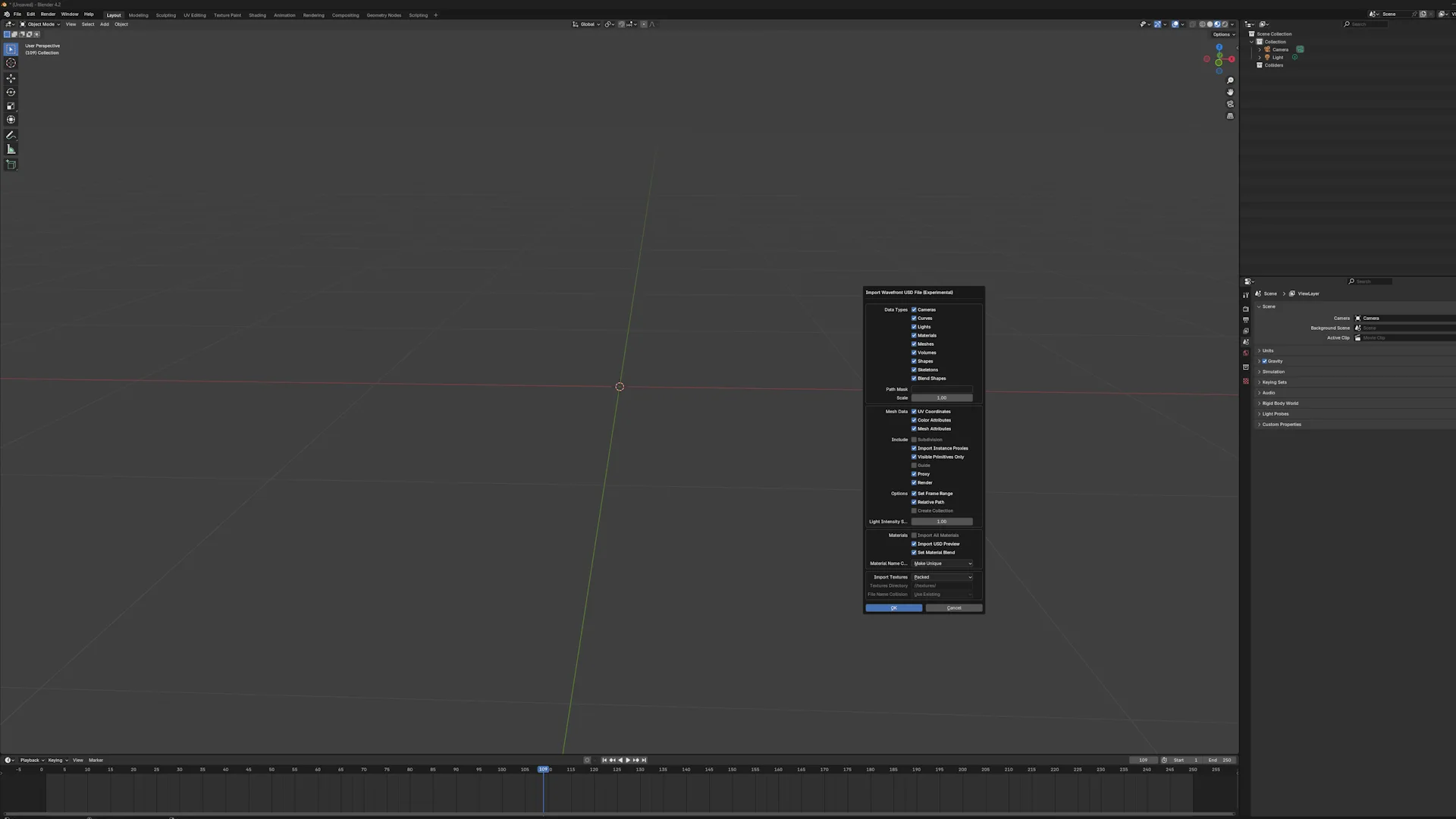
A left-button drag imports a file with its default settings. To change the options first, drag with the right mouse button or hold Ctrl while dragging with the left. The product page lists formats such as FBX, GLB, GLTF, OBJ, USD, BLEND, PNG, JPEG, TIFF, VDB, HDR, EXR, DXF, PSD and SKP, among others.
Drop images into Blender
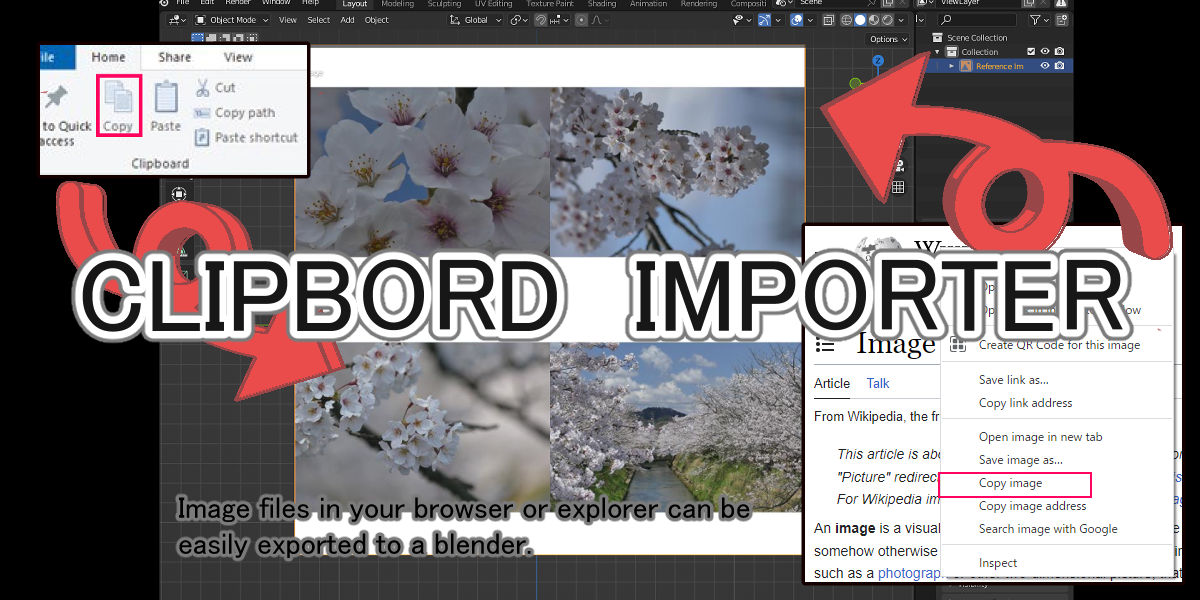
Dropping an image opens a menu with options to add it as a plane, reference image or background image. The add-on also supports dragging images from a website or search results. In the Shader Editor, you can drop multiple images and drop an image onto a node socket to connect it automatically.
The publisher's Blender 4.0 note says direct drops onto the Principled BSDF shader node are not supported. Its release log separately includes an image-import fix for Blender 4.2. Check the notes for the specific release before relying on this node workflow.
Import multiple files and folders
You can drag several selected files at once. When they share a file type, the add-on lets you adjust import settings before importing; mixed file types use their default settings. Dragging a folder imports its contents, including files in nested folders. Folder trees are organized into Collections. VDB sequences can be imported together, while dragged HDR and EXR files are set up as the scene's HDRI.
Installation and compatibility
The publisher's installation guide says to run Blender as Administrator while installing the downloaded ZIP through Blender's Edit > Preferences > Add-ons screen, then enable the add-on. For dependency installation, the guide instructs users to run Blender as Administrator, install PyQt5 and pywin32, then restart Blender normally.
The product page lists a Windows build and a beta macOS build for Intel. It describes Apple Silicon support as under development. Its Blender version list includes 4.0 and releases back to 2.93; the release log also mentions an image-import fix for Blender 4.2. Since the project is no longer maintained, check the publisher's notes for the package and Blender version you plan to use.