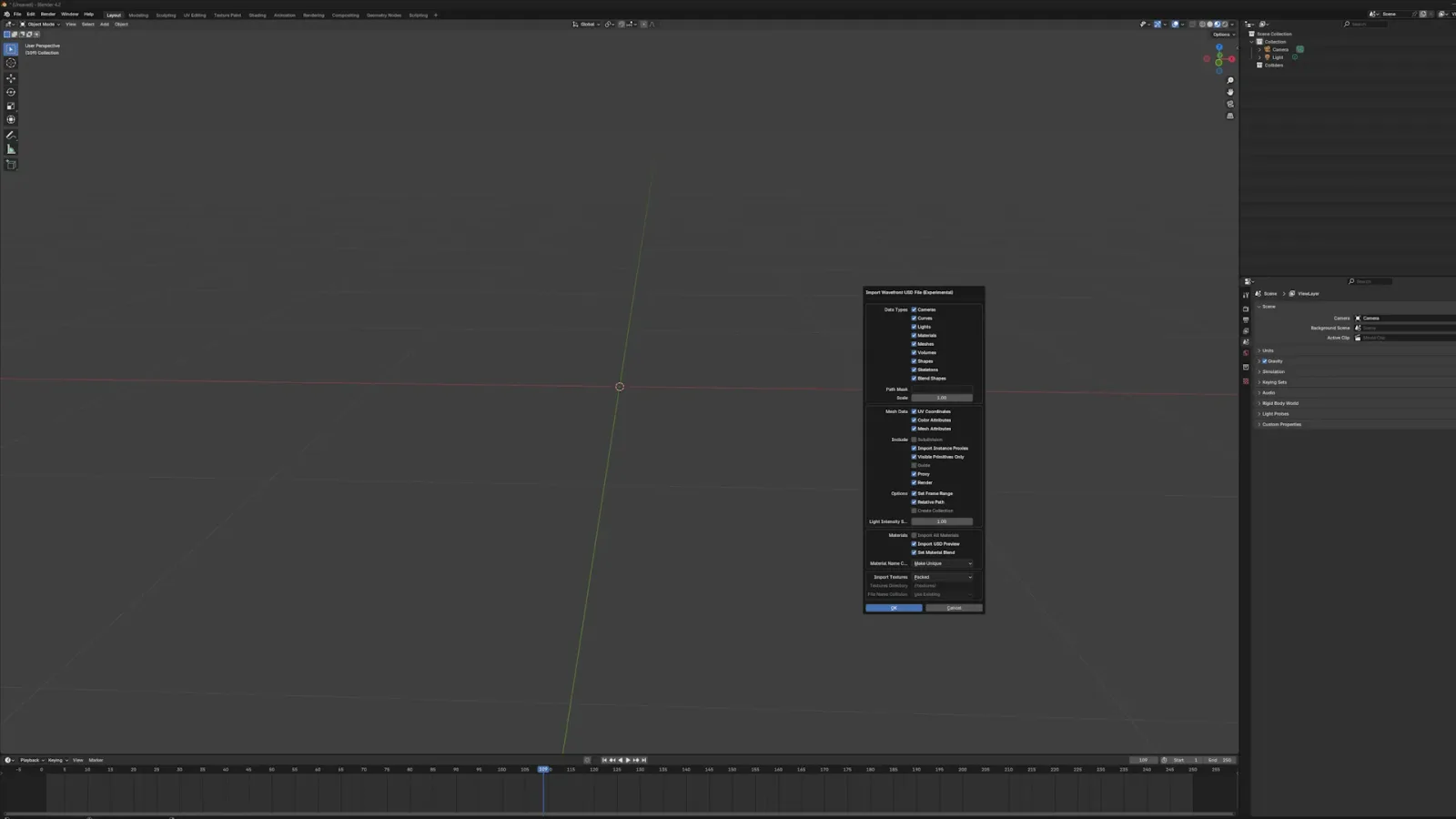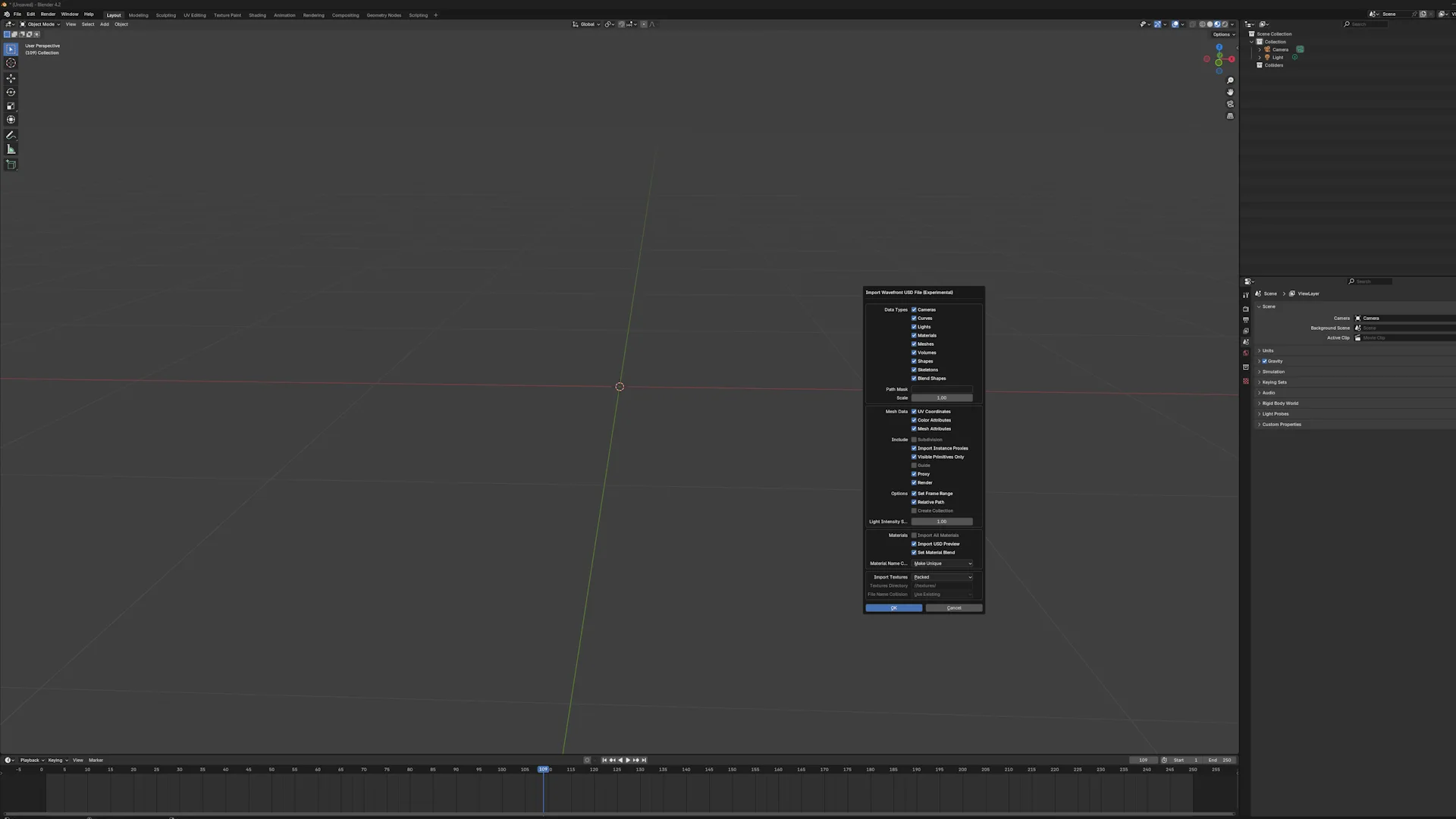
Drag and Drop Support is a Blender add-on that routes dropped files to import handlers for a range of 3D formats. Some formats rely on separate add-ons, so availability can vary with your Blender version and installed extensions.
Supported file formats
The Blender Extensions listing for version 1.3.0 names 3MF, ABC, BVH, DAE, FBX, GLB, glTF, OBJ, PLY, PMX, STL, SVG, USD, USDA, USDC, and VRM. The project README on its develop branch also lists X3D and WRL; it names Web3D X3D/VRML2 as the X3D companion for Blender versions newer than 4.4. Drag and Drop Support routes dropped files to import handlers, but a listed format still depends on its importer being available for your Blender release.
Check format requirements
Several formats need companion add-ons: 3MF uses Blender 3MF Format, PMX uses MMD Tools, and VRM uses the VRM Add-on for Blender. The project README on its develop branch lists X3D with Web3D X3D/VRML2 for Blender versions newer than 4.4. In a reply to a review of Drag and Drop Support 1.0.0, developer Natsune-Mochizuki said Blender 3MF Format did not work with Blender 4.4 and later, which prevented Drag and Drop Support from importing 3MF on those versions. That reply concerns the companion add-on; check its current status if 3MF is important to your workflow.
DAE, the Collada format, is unavailable in Blender 5.0 and later because Blender removed Collada support. If you need to move that content into a newer Blender version, the listing names FBX, GLB, and OBJ among the other supported formats.
Blender compatibility and version 1.3.0
The Blender Extensions catalog lists version 1.3.0 with Blender 4.2.0 as its minimum version. That minimum applies to the add-on; individual formats can have separate version requirements or companion add-on dependencies. Version 1.3.0 adds detection for third-party FileHandlers to help prevent conflicts with other import handlers.
The catalog lists a single Files permission, used to import models from disk, and a GPL-3.0-or-later license. For installation and current release details, see the Blender Extensions listing and the developer documentation. Blender's manual also explains how to install an extension from disk.
Who it suits
Drag and Drop Support can suit Blender users who regularly bring model files into a scene and want to start an import by dropping a file into Blender. Before relying on a particular format, confirm that its importer and any required companion add-on are available for your Blender version.