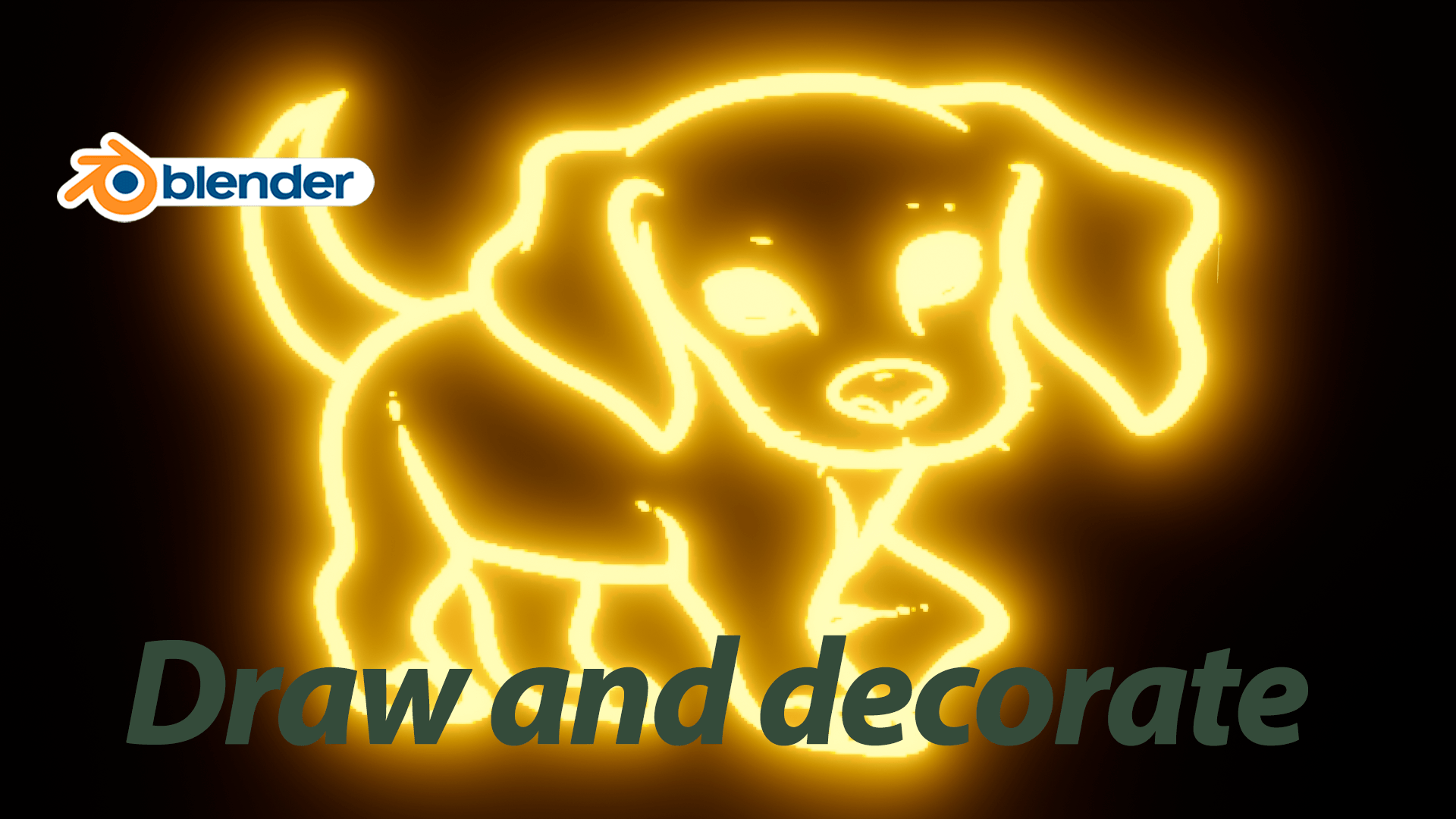
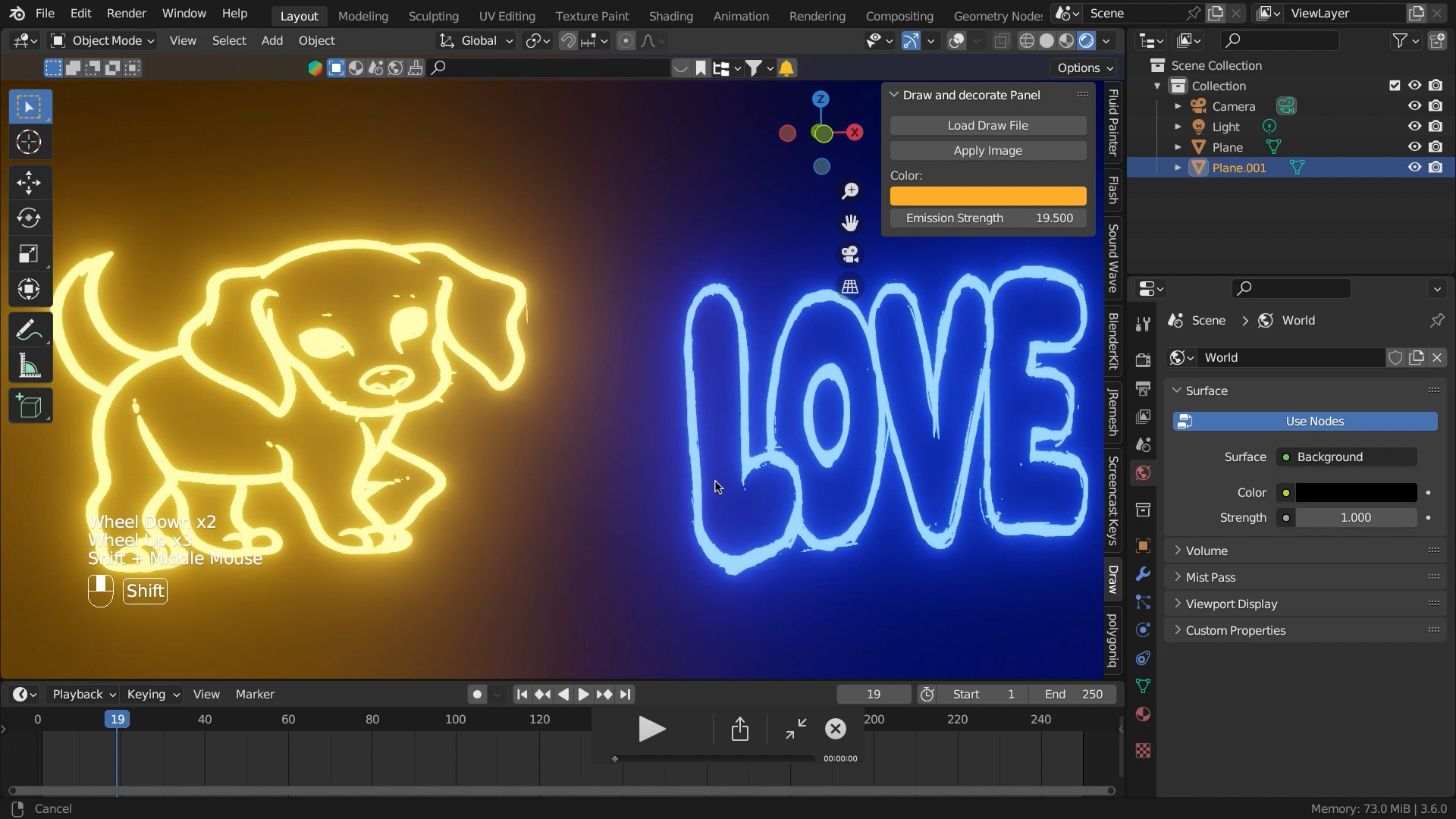
Draw And Decorate is a Blender add-on by studioromanrec for bringing your own designs, signs, and inscriptions into scenes.
Ways to add artwork
Draw on paper, photograph the design, then add the image to the add-on.
Draw in Blender or another program and add that artwork.
Scene decoration
Draw And Decorate lets you add your designs, signs, and inscriptions to stages, cities, bars, and similar scenes.
Blender versions and license
The Superhive listing names Blender 3.1, 3.2, 3.3, 3.4, 3.5, 3.6, 4.0, 4.1, 4.2, and 4.3, and lists the license as GPL. Check the Superhive product page for current details, including its documentation tab and demo video. The listed compatibility range ends at Blender 4.3, so verify support there before using a later release.
Common questions
How can I add my own drawings to Draw And Decorate?
Draw on paper, photograph the result, and add the image to the add-on, or draw in Blender or another program and add that artwork to the add-on.
What can I decorate with Draw And Decorate?
The listing gives stages, cities, and bars as examples of scenes you can decorate with designs, signs, and inscriptions.
Which Blender versions are listed as compatible?
The Superhive page lists Blender 3.1, 3.2, 3.3, 3.4, 3.5, 3.6, 4.0, 4.1, 4.2, and 4.3. The listing does not confirm compatibility with versions later than 4.3, so check it before using the add-on with a newer Blender release.
What license does Draw And Decorate use?
The Superhive listing gives Draw And Decorate a GPL license.
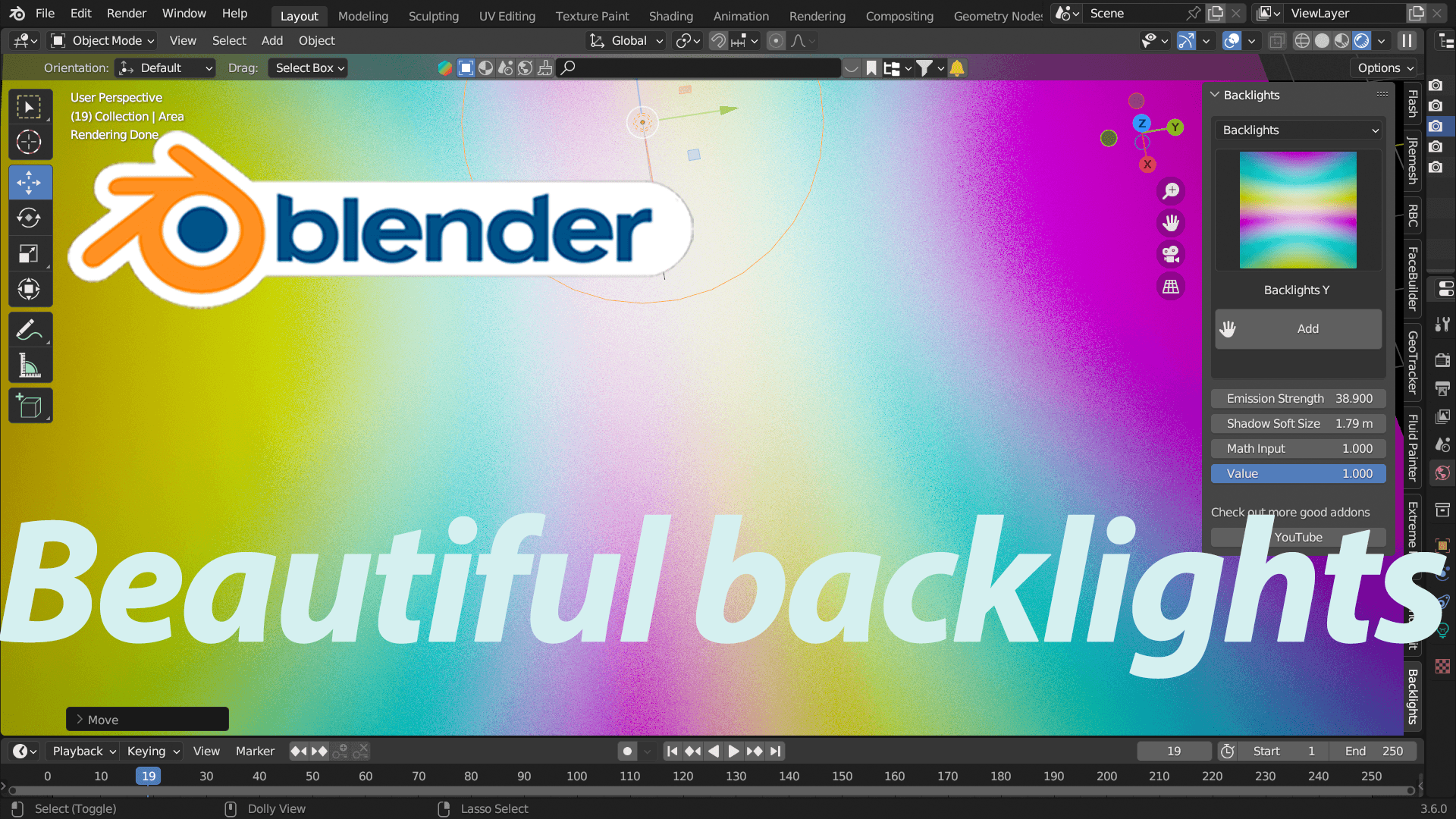
Beautiful Backlights is a Blender add-on for decorating Cycles scenes such as night cities and nightclubs. Check its listed versions before installing.
Addon Collections Manager groups Blender add-ons into named collections. Review its setup and offline use; check the product listing before installing.
Align selected Blender objects to the active object with Align Tools. It is listed as free, with Blender 4.2.0 as the minimum version; check release details.