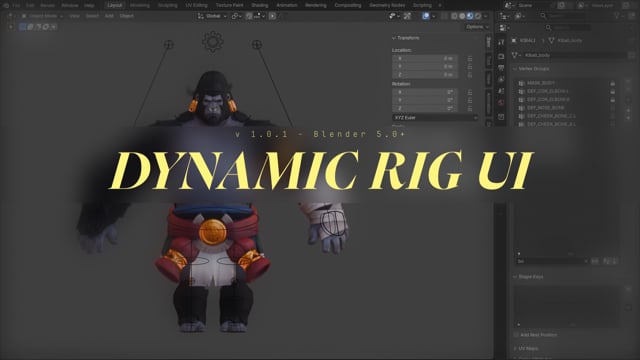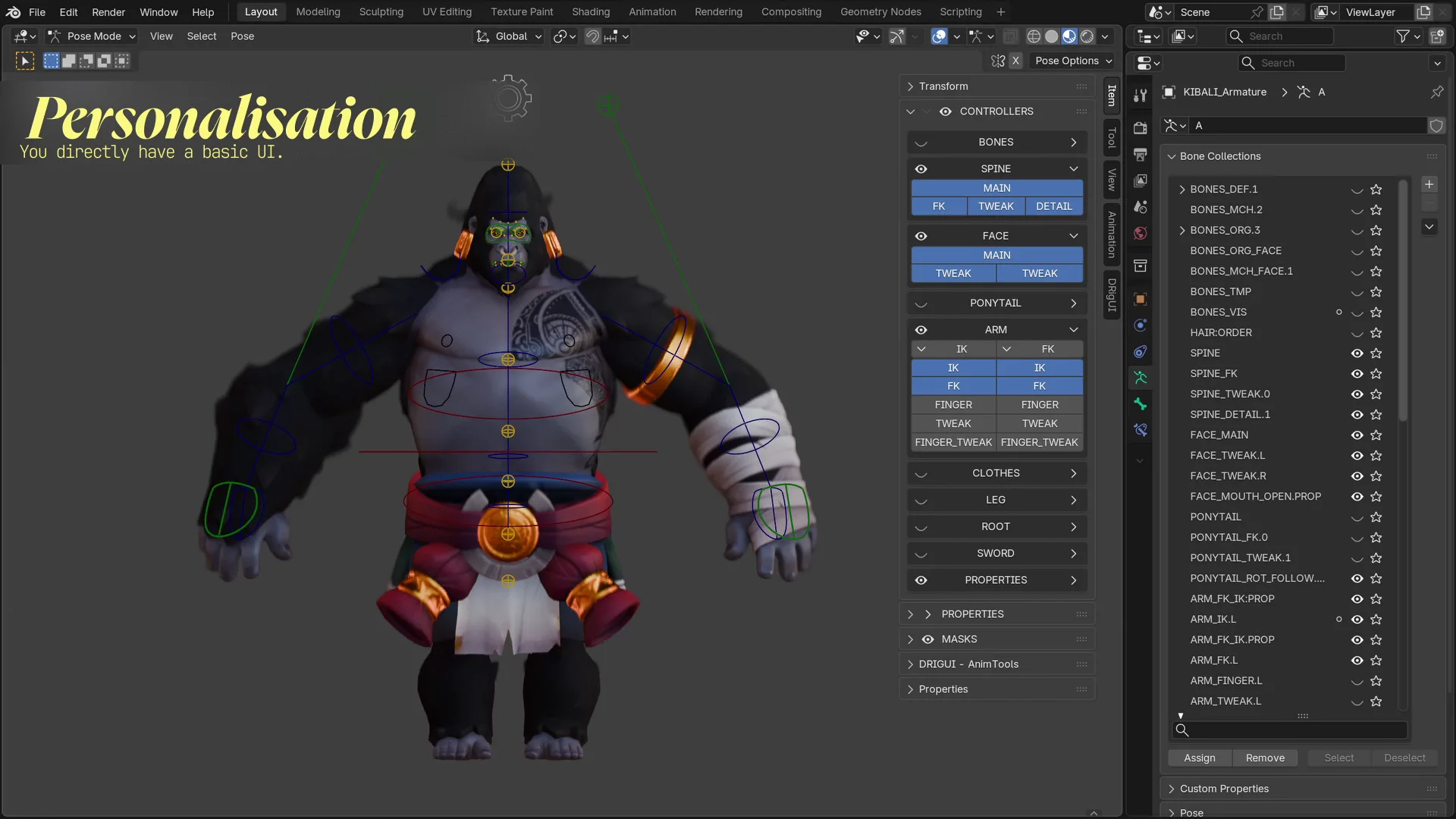
Dynamic Rig UI generates interface panels for Blender rigs from bone collections and custom properties. Its panels can expose collection visibility, property controls, mask toggles for child objects, and configured IK/FK switching. The Blender Extensions catalog lists version 1.0.1, maintainer Samy_Rodriguez, a GPL-3.0-or-later license, and Blender 5.0.0 as the minimum version.
Rig controls from collections and properties
The main panel groups bone collections by their names and provides visibility toggles. You can collapse groups, and the collection controls include options for solo visibility. Collections marked with :PROP or :MASK can show matching property controls or mask toggles inline.
A separate Properties panel displays custom properties from the pose bone named by the rig's drigui_properties setting. These controls appear as sliders or, when the property description contains a JSON value-to-label mapping, as a dropdown. The Masks panel adds toggles for mask modifiers on armature child objects. When several objects share a matching vertex-group name, one button controls their corresponding masks.
Naming conventions shape the panels
Dynamic Rig UI parses uppercase, first-level bone collections. Names use a main category such as BODY or ARM, with an optional sub-part such as ARM_FK. Side suffixes such as .L and .R let corresponding controls line up. Lowercase collections can remain outside the generated interface, which is useful for technical collections that should stay hidden.
Property names follow the same category and sub-part pattern. Mask modifiers use names based on their vertex groups. The project README documents the accepted naming patterns and the special suffixes for inline properties and masks.
Initialize the armature and configure snapping
Select an armature, open the Dyn RigUI settings tab, enter a rig name using uppercase letters, digits or underscores, then choose Create. The documented minimum name length is three characters. The generated rig panels appear in the Item tab of Blender's sidebar.
For custom property controls, check that drigui_properties points to the pose bone holding the driver properties. IK/FK snapping also requires chain configuration: enter the chain data in a Blender Text Editor block and apply it from the settings panel. The snap tool then uses the selected bone to determine the chain and direction, copies transforms from the opposite chain and switches the driver property. With auto-key enabled, it inserts a keyframe.
Version and documentation
The Blender Extensions listing identifies version 1.0.1 and Blender 5.0.0 or later as its compatibility requirement. The linked repository README credits version 1.0.0, so check the listing's version history for details specific to 1.0.1. Dynamic Rig UI is a fit for armature workflows whose collection and property names follow its conventions; rigs with different naming schemes may need their names organized first.