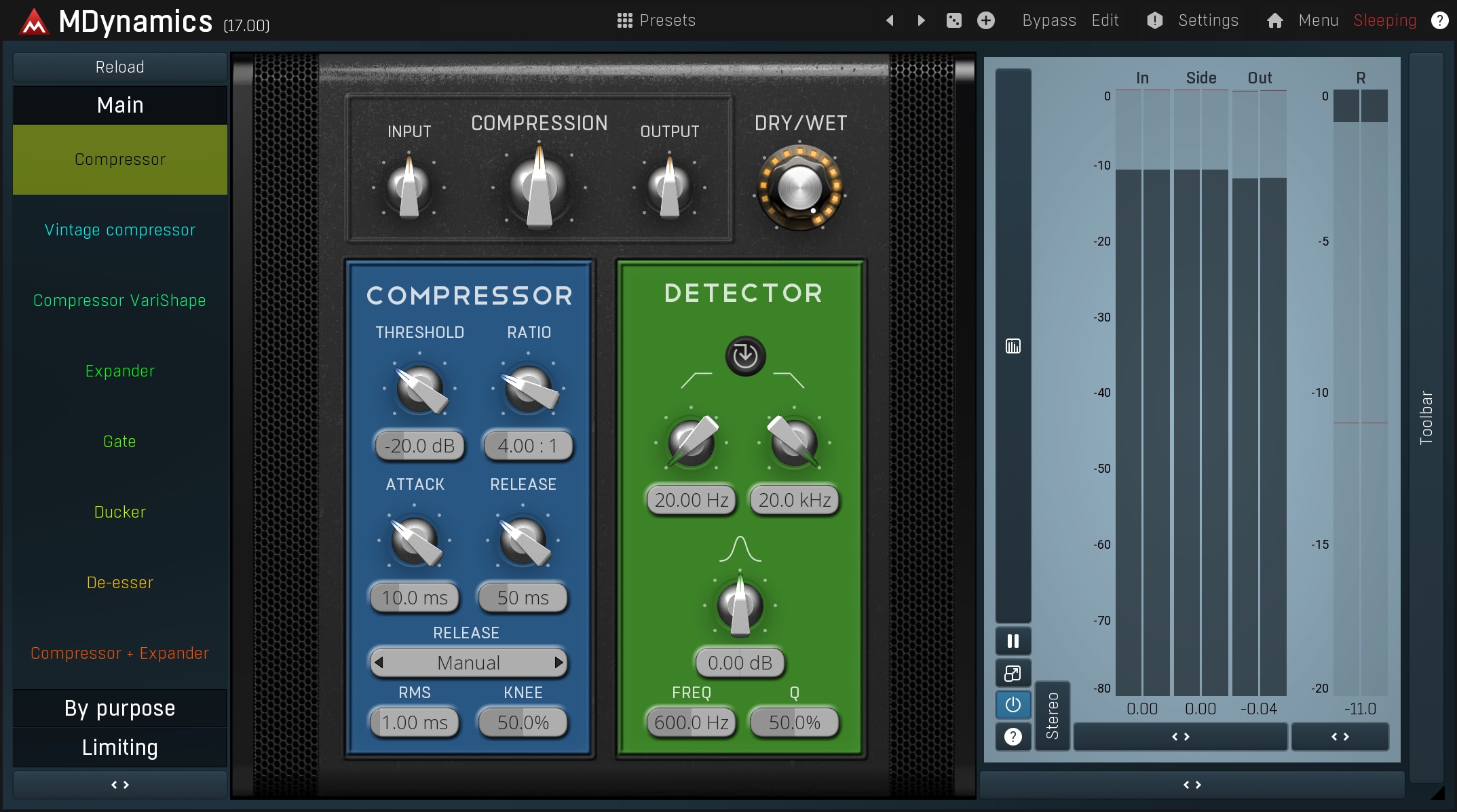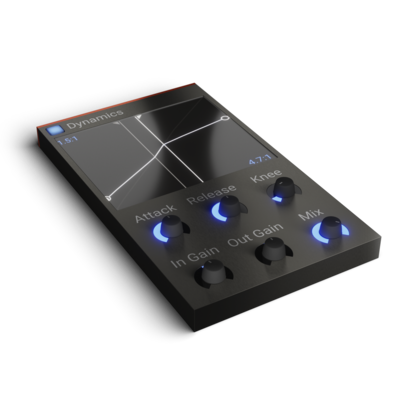
Dynamics is a Kilohearts effect for shaping audio levels with upward compression or expansion below a low threshold and downward compression above a high threshold. Kilohearts lists it in its Essentials collection, which is free with an account.
How Dynamics shapes a signal
The low threshold and ratio control upward compression or expansion below the low threshold. The high threshold and ratio control downward compression above the high threshold. A graph shows how input levels map to output levels, and you can adjust the thresholds and ratios by clicking and dragging on it.
- Attack and release set the response times.
- Knee smooths the compression curve across the thresholds.
- Input gain adjusts the incoming signal; output gain adjusts its level after compression.
- The Mix control blends the processed signal with the unmodified signal.
Where it fits
Kilohearts suggests using Dynamics to add an aggressive edge to lead sounds. For multiband processing, the product page points to using it in Multipass. Dynamics can also run as a regular DAW plugin or as a Snapin in Phase Plant, Multipass, or Snap Heap. Kilohearts documents combining and modulating Snapins inside those hosts.
Compatibility and access
Kilohearts' minimum recommended requirements include a DAW supporting VST2, VST3, AAX, or Audio Unit and an x86 64-bit processor with SSE3; macOS also supports Apple M processors. Kilohearts does not support operating-system versions their manufacturers no longer support; for an outdated OS, it recommends trying a free trial to check compatibility. Running many plugin instances or stacking many Snapins in one patch increases CPU use, and meeting the minimum recommended requirements does not guarantee flawless operation in every use case. Kilohearts lists no licensing hardware requirement for its standard plugins; versions installed through Slate Digital require iLok and a valid Slate Digital license. Check the system requirements before installing.