Easeam 2 is a Blender add-on for marking UV seams, running unwrap actions and managing UV maps. Its tools are available in Blender’s 3D View workflow, with previews for modal operations and one-shot operators for geometry you have already selected.
Preview and mark seams on mesh geometry
Modal tools let you hover over an edge and preview a connected edge loop before applying it as a seam. Other previews find the boundary around a connected flat region, create a seam on tube-like forms such as cables or pipes, or show the shortest connected edge path between two vertices. Existing seams can act as boundaries when building loop selections.
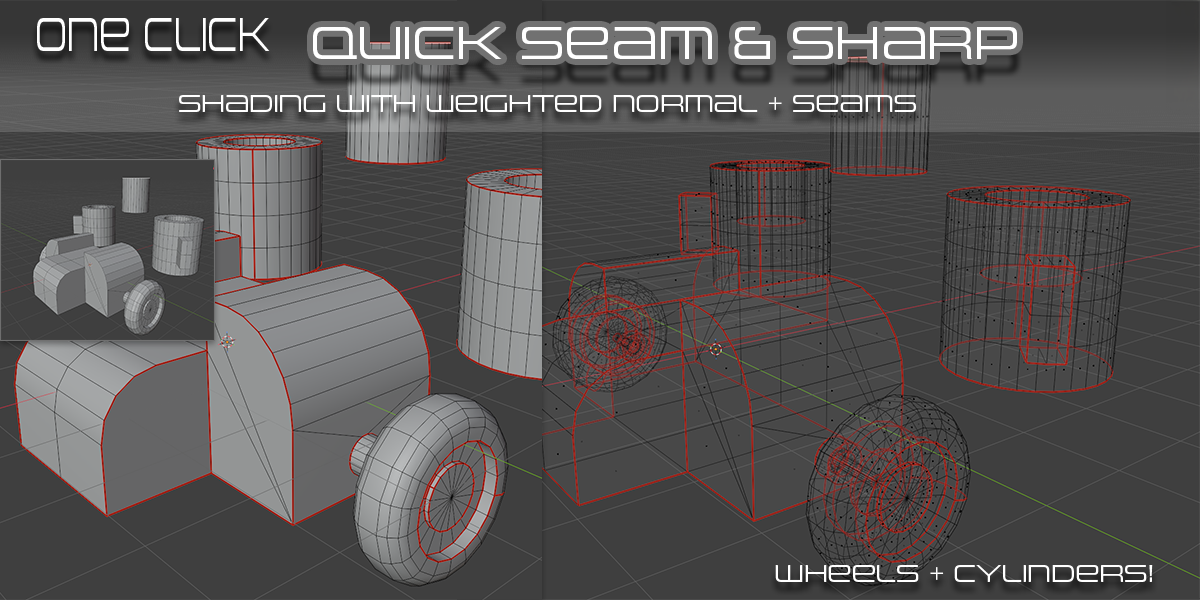
For direct operations on selected geometry, Easeam includes one-shot tools for flat regions, loop seams and tube cuts. Other operators can mark Blender sharp edges, angle-detected edges, or both as seams, and mark loops growing from Y-shaped mesh junctions as seams. Mark, clear and toggle actions handle selected seams, while an option can clear all visible seams or unwrap after marking.
Unwrap and manage UV maps
Auto Unwrap & Seam runs Blender Smart UV Project and converts the resulting island borders into mesh seams. Re-Unwrap refreshes UVs after seam edits using saved unwrap settings, with selected-only mode, material passes and packing options. You can also convert active UV island borders back into seam flags or use Tri-Planar Unwrap to project faces into six directional UV groups for hard-surface assets, blockouts and quick texture previews.
The UV Maps Manager works across selected mesh objects. It can add, delete, rename, prune, compare, activate and align UV channels. Easeam also lists the manager in the Image Editor sidebar.
Compatibility and access
The product listing specifies Blender 5.1 or above. Open the main Easeam tools from the 3D View sidebar. In Mesh Edit Mode, the Alt + S pie menu opens operators; its hotkey is customizable. A CPU suited to modal operations is recommended for speed.
Version 2.0.2
The product listing dates version 2.0.2 to 27 June 2026. Its notes say the add-on preferences gained default value settings, pressing the Pie Menu key now exits the current modal operator, and an error in Seam by Sharp Edges was fixed for a case where the object had not been selected from Object Mode. See the Easeam 2 documentation for operator details and the product listing for product information.