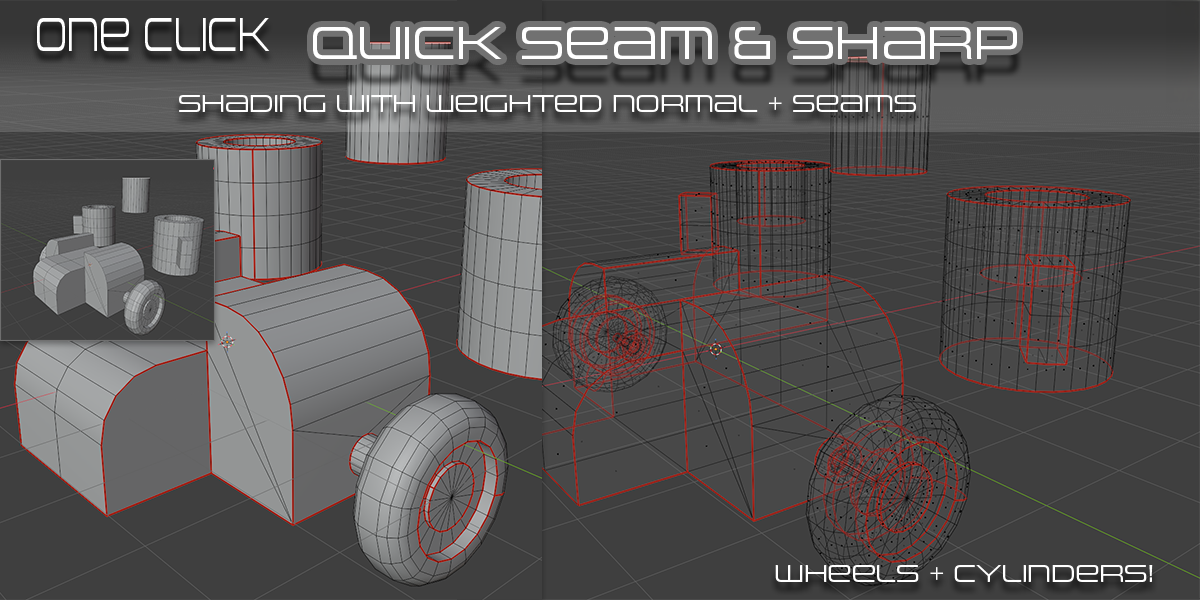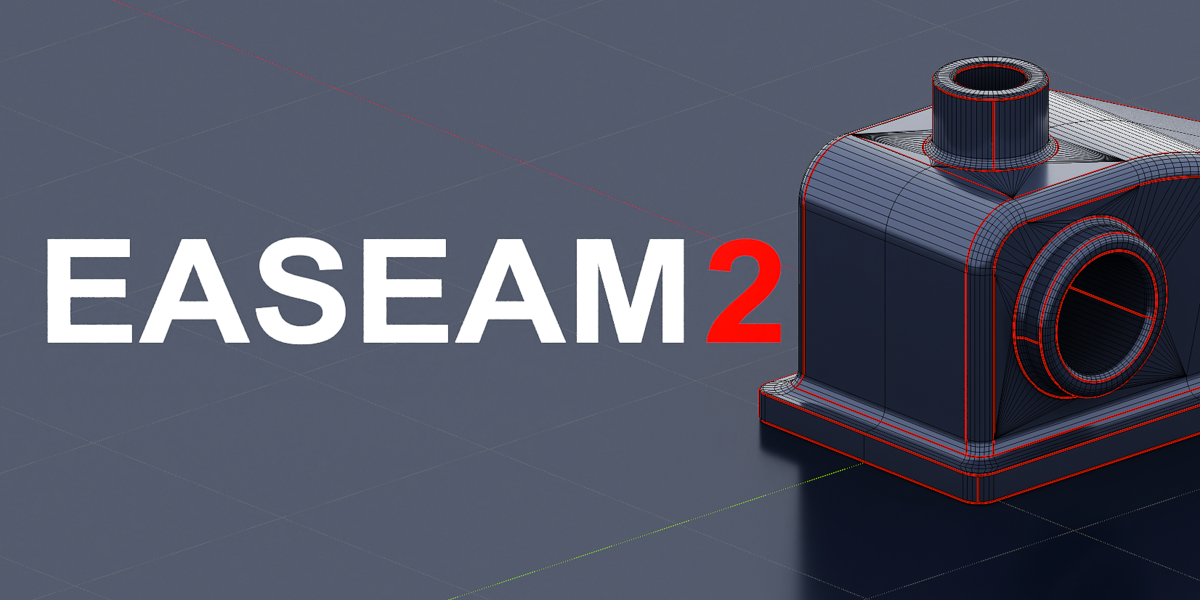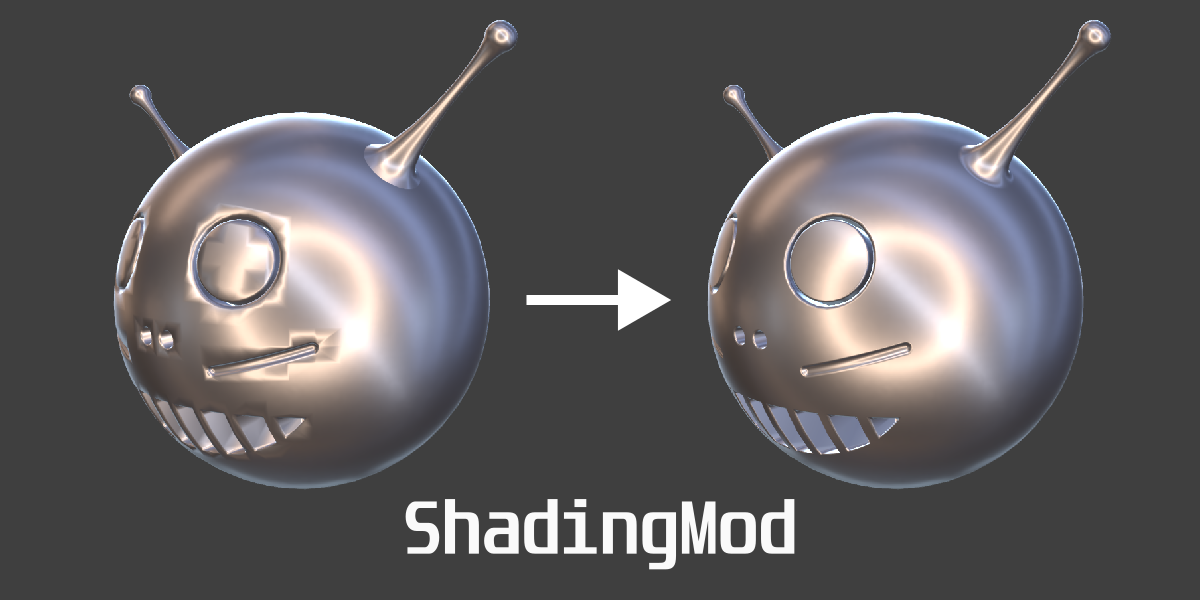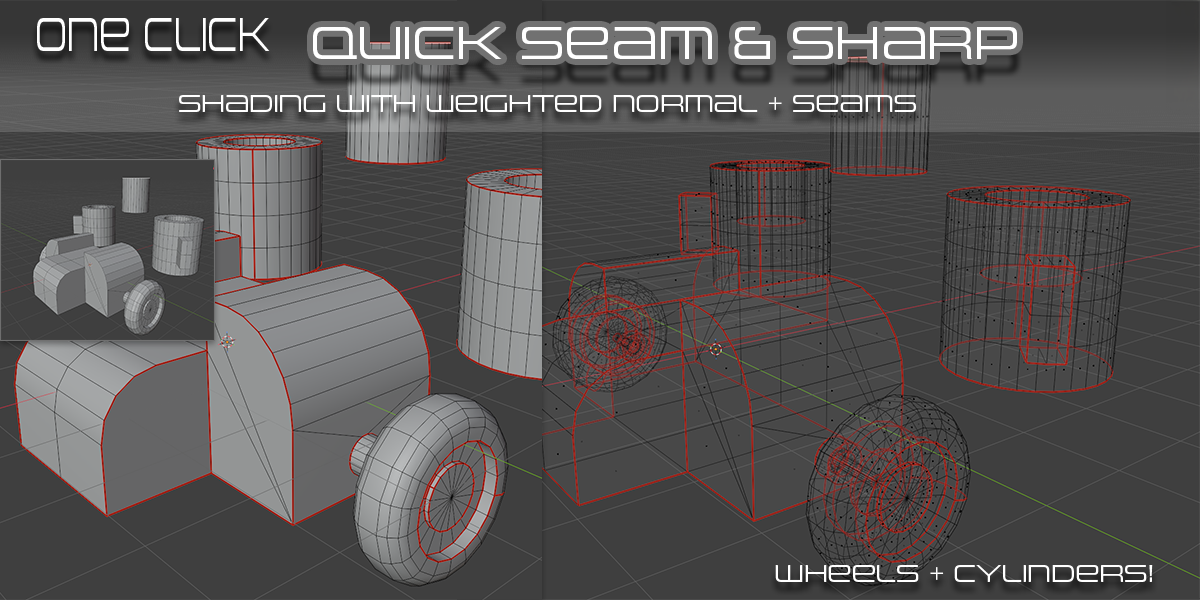
Quick Seam & Sharp is a Blender add-on for marking seams, sharp edges, and bevel weights on hard-surface models. Press Alt + C to run its macro across selected objects. The angle threshold is customizable and defaults to 45 degrees.
Mark edges for seams and shading
The add-on uses curvature-aware geometry analysis to detect where to place marks. Its ring and tube detection handles shapes such as cylinders and pipes by creating a single longitudinal Master Seam without adding sharpness to those edges. A planar cleanup step removes redundant seams from flat surfaces, leaving fewer marks to review before UV work.
Choose which operations to run
The N-Panel has separate toggles for Sharp, Seam, Bevel, and Master Seam. This lets you choose which marks to apply, and the add-on can preserve existing manual edge marks. It can also assign bevel weights from 0.0 to 1.0 along detected angles for non-destructive bevel workflows. A texture checker toggle remembers the original materials.
Set up hard-surface shading
Quick Seam & Sharp applies and configures a Weighted Normal modifier at the end of the modifier stack. Its seam, edge-marking, and shading controls are intended for different steps of a hard-surface workflow, so you can run the macro for a batch of selected objects or adjust individual operations in the N-Panel.
Compatibility and license
The Superhive product listing identifies Rip Vertices Studio as the creator, gives Blender 4.1 through 5.1 in its version field, and names Cycles and Eevee as supported render engines. Its description also claims backward compatibility with older Blender versions using traditional auto-smooth, but does not identify them. The listing identifies the license as GPL. Check it for current version and license details before installing.