Shading cleanup in Blender
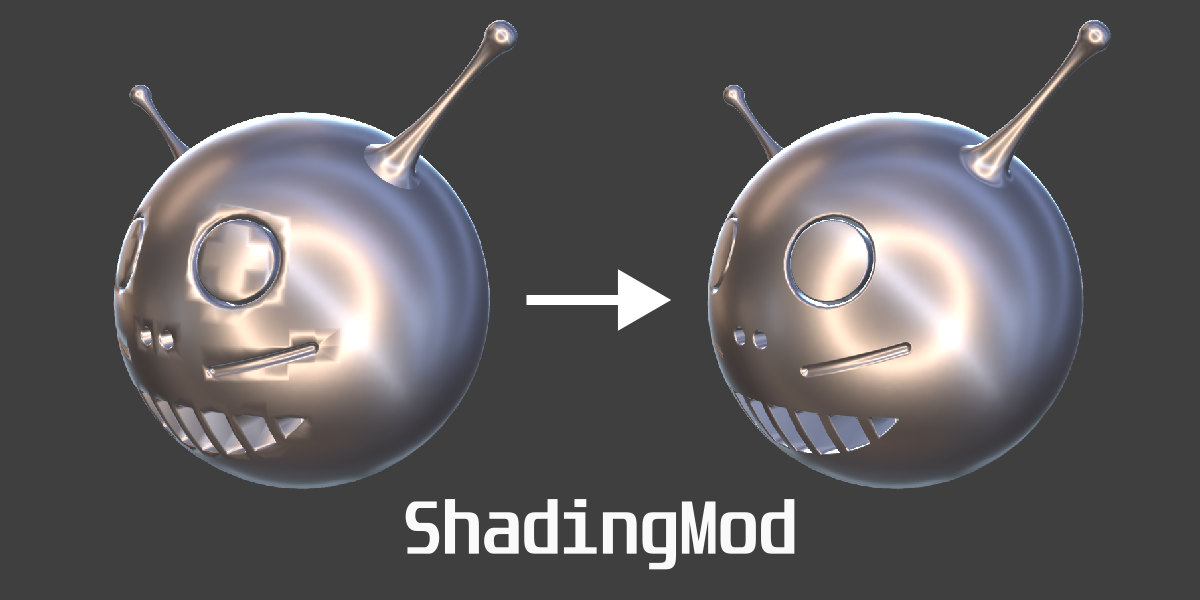
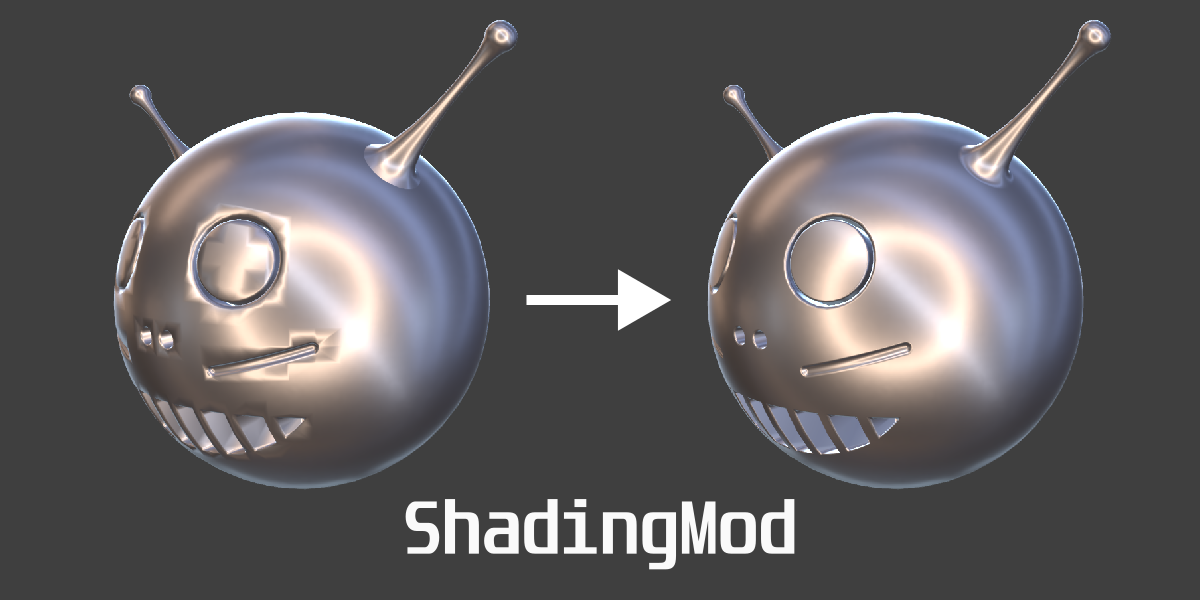
ShadingMod is a Blender add-on by Orcavia that groups tools for common mesh shading problems. It is aimed at work with detailed meshes, hard-surface models and game assets, where inconsistent normals or uneven shading can take repeated manual adjustments. The product listing describes these operations as shortcuts for that cleanup. Blender's built-in shading tools can also fix these issues; ShadingMod makes several of the common operations quicker to reach.
Tools for common normal issues
- Transfer Data Normal copies shading data between meshes. The target geometry follows the source object's normals, which Orcavia suggests trying when a shading problem is difficult to resolve.
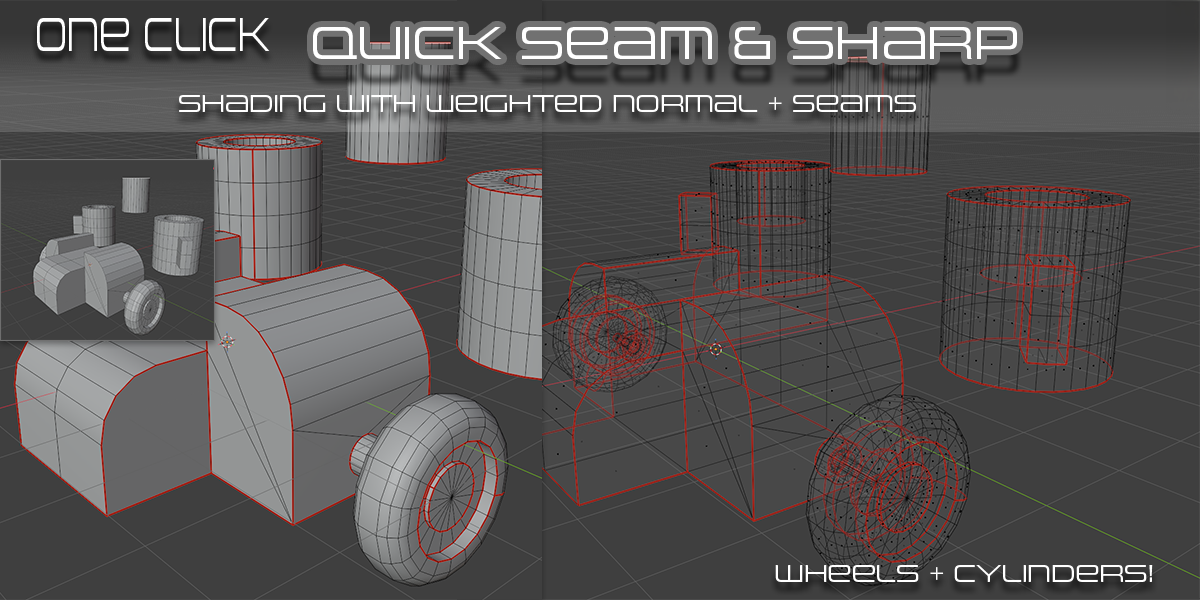
- Weighted Normal+ adjusts normals for surface smoothing. It can optionally add a one-step bevel, and version 0.0.6 adds a preference for the default bevel width.
- Reset Shading restores meshes to their default shading state and supports multiple objects.
- N-Gon to Tris converts N-gons to triangles while keeping the normal.
- Flatten applies uniform normals across selected faces. Version 0.0.6 also adds Auto Mark Sharp.
Choosing a tool for the problem
For hard-surface models, Weighted Normal+ can add the one-step bevel Orcavia says is important for good shading.
These tools address specific operations rather than guaranteeing a repair for every mesh. If Transfer Data Normal does not resolve a stubborn issue, Orcavia suggests asking for help through the product listing.
Version and compatibility notes
The April 2026 version 0.0.6 update adds Blender 5.1+ support, Auto Mark Sharp and the default bevel-width preference for Weighted Normal+. However, the marketplace's separate Blender Version field still says 4.0–5.0. Those details conflict, so check the current product listing or ask Orcavia to confirm compatibility for your Blender release. The documentation page also has a changelog for earlier updates.