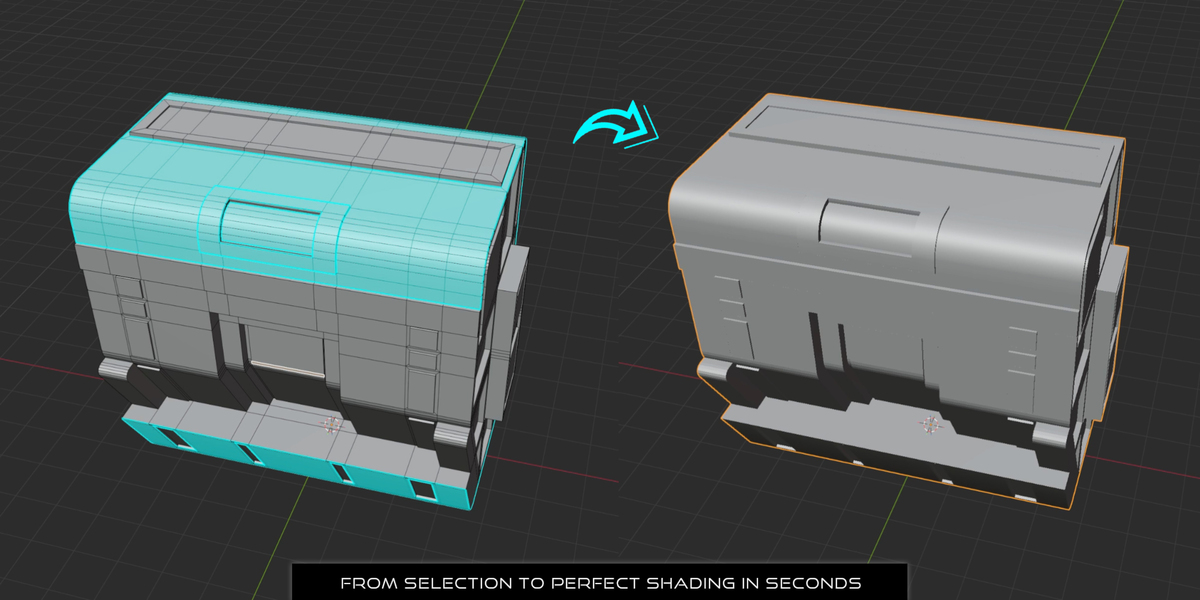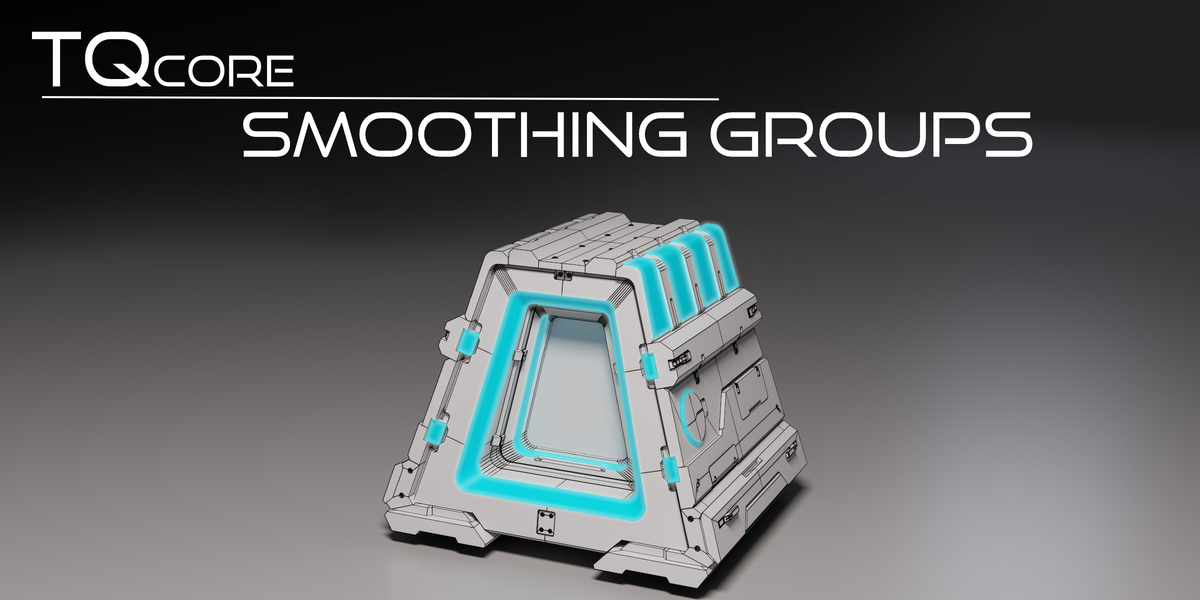
Smoothing Groups is a Blender add-on for organizing shading and other mesh features with reusable groups. It covers sharp and smooth shading, UV seams, subdivision creases, bevel weights, and saved selections. The product listing describes the groups as editable, persistent, and non-destructive, with data stored in the mesh.
This group-based approach gives Blender artists a way to keep related edge and face assignments organized as a model changes. The product listing describes the available features, and the documentation provides setup steps and workflow details.
Five group types for mesh work
- Smoothing Groups control sharp and smooth shading, including which edges form panel lines.
- UV Seams mark boundaries used when preparing a mesh for unwrapping.
- Crease groups control edge sharpness for subdivision workflows.
- Bevel Weight groups assign per-edge weights for a Bevel modifier using its Weight limit method.
- Selection groups store selections for later recall.
Groups can also use a Boundary Only setting, which applies a feature to group edges instead of interior faces. This is useful when a crease or bevel should follow the boundary of an assigned region.
Create groups manually or from mesh geometry
To make a group manually, select faces or edges in Edit Mode, create a group, and choose its type. For a starting layout on a more complex mesh, Auto Groups can generate groups by angle, face orientation, disconnected islands, or merging regions with similar normals. Its live preview lets you adjust settings before creating the groups.
After assigning groups, Smart Select can select a whole group from one of its elements. The add-on also includes a Group ID grid, a configurable pie menu, color visualization in Overlay or Vertex Colors mode, and selection tools such as Expand, Shrink, Similar, and Boundary.
Link related features and manage modifiers
Group Linking can create UV Seams, Crease, Bevel Weight, or Selection groups from a Smoothing Group. In the documented unidirectional setup, edits to the master group update its linked groups. The panel also provides controls for Subdivision Surface and Bevel modifiers, so those settings are available alongside group assignments.
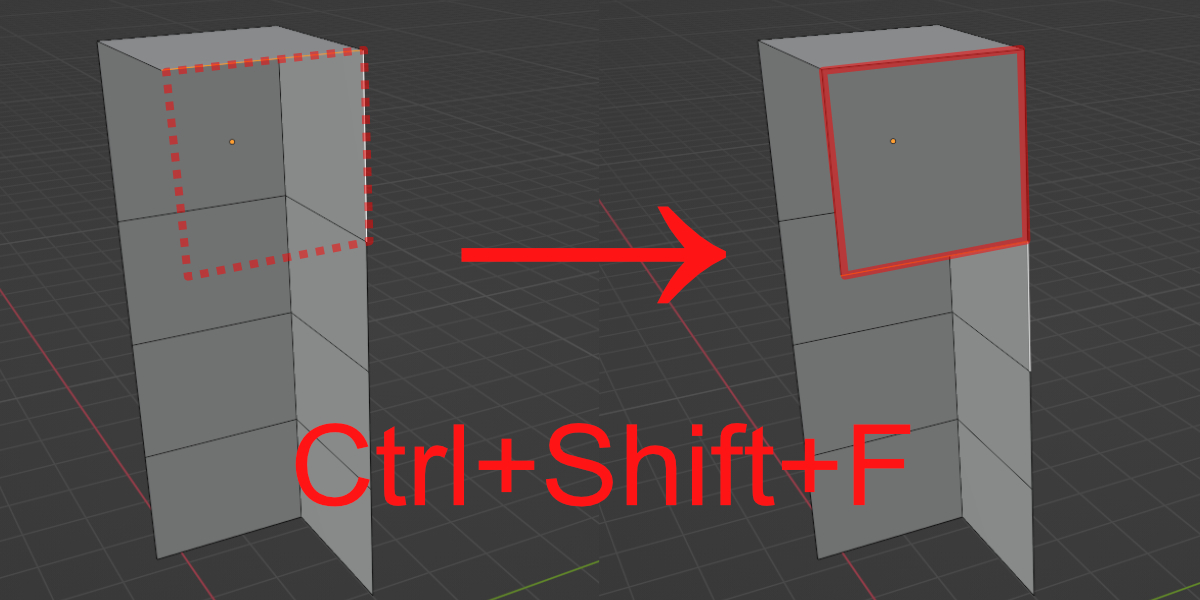
Groups remain assigned to existing mesh elements. The product FAQ says new geometry is not assigned automatically, while deleted geometry is removed from groups. If you change keyboard shortcuts in the settings, restart Blender for the keymap changes to take effect.
Who may find it useful
Smoothing Groups is aimed at Blender artists working on hard-surface models, subdivision surfaces, product visualization, or game assets. Reusable groups can help when a project needs shading assignments alongside UV boundaries, crease control, or bevel weights. If you mainly need a one-time shading adjustment on a simple mesh, the broader grouping and linking tools may be more than your workflow requires.