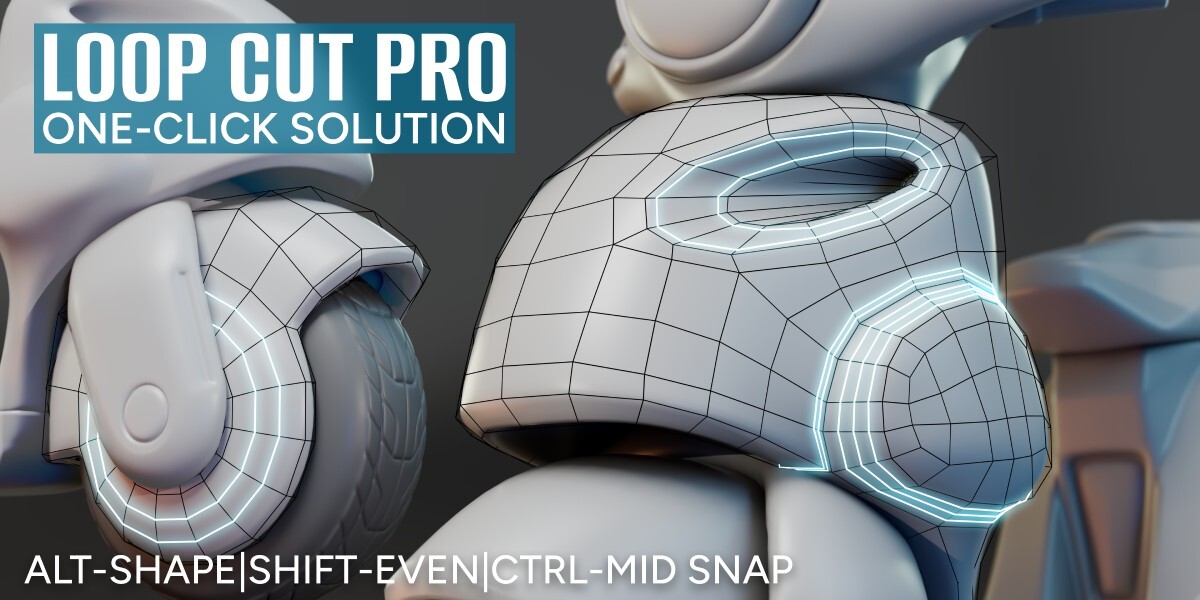
Loop Cut Pro is a Blender add-on by Nodes Interactive that places a loop cut directly under the cursor with one click. You can keep editing the mesh as you work. The default shortcut is Alt+R, and the operator is also available from the Edge menu in Edit Mode.
Place and adjust loop cuts
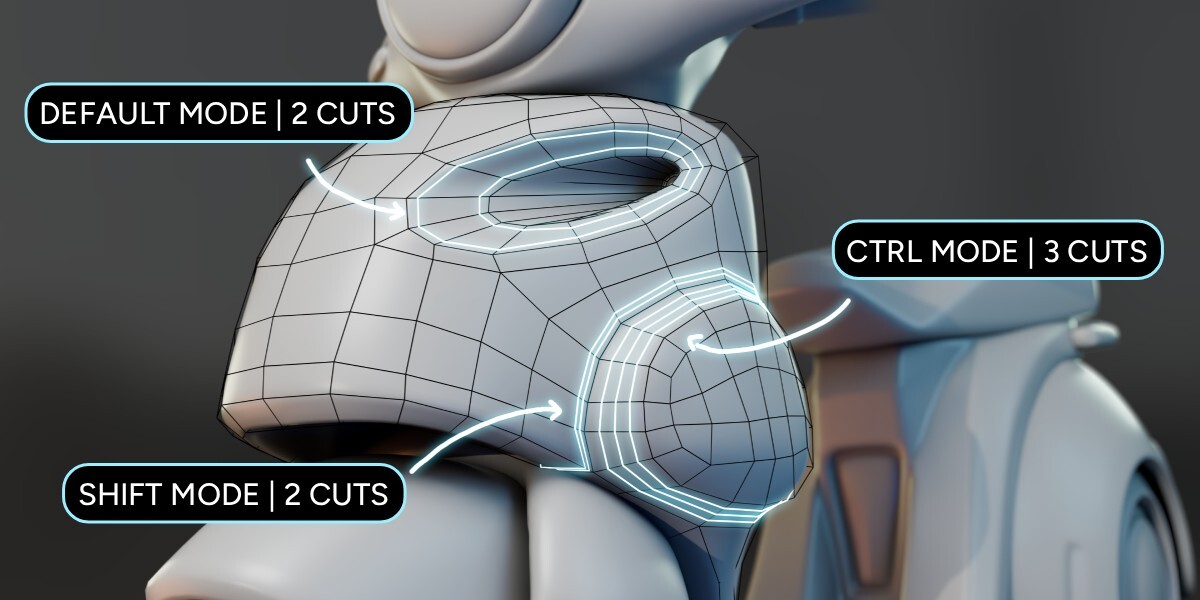
Loop Cut Pro has three modes that can be combined while making a cut. They change how the cut is placed or spaced:
Altactivates Preserve Shape.Ctrlsnaps the cut to the center.Shiftuses Even spacing;Fflips Even mode.
The exact result depends on the selected mode and the geometry being edited.
Multiple cuts and mesh preferences
Version 1.5 adds multiple cuts, with each mode applying its own behavior to them. Its preferences include Ignore Hidden Geometry, Remember Number of Cuts, and Text Size. The release notes also describe optimization for very dense meshes.
UV maps and Blender compatibility
Version 1.0.4 adds support for UV maps with different names and for multiple UV maps. The current documentation lists version 1.5 as compatible with Blender 5.2 and later. Earlier releases have different requirements, so check the version history before installing an older package.
Loop Cut Pro is categorized under Modeling. Its marketplace listing identifies it as a Blender Extension Compatible add-on distributed under the GPL. See the Loop Cut Pro documentation and release notes for installation details and version-specific behavior, or visit the product listing.