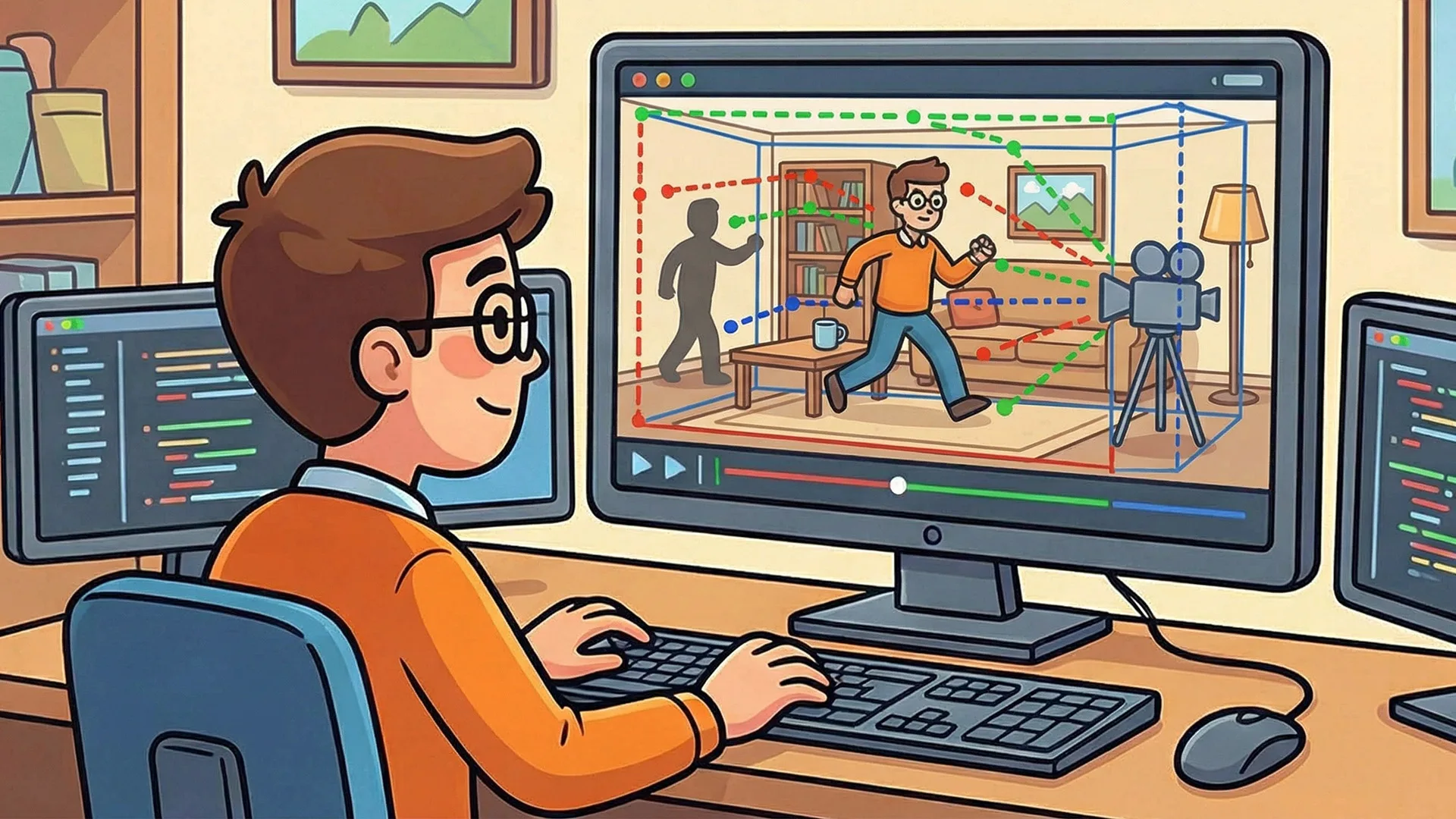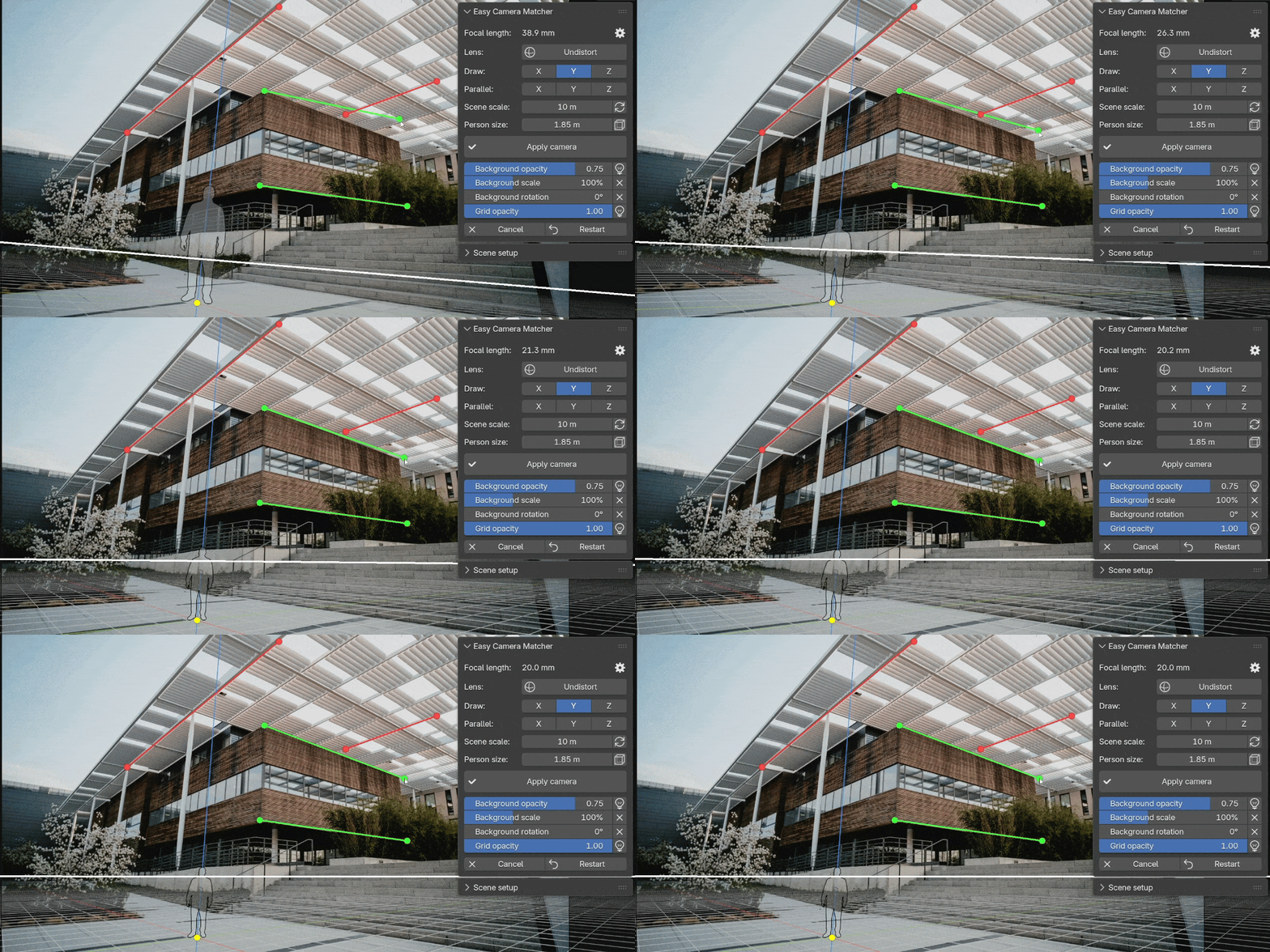
Easy Camera Matcher is a Blender add-on by Sander Wit for matching a 3D camera to a photo or video. Load the reference, draw perspective lines, then set the world origin and scale. The add-on calculates the camera position, rotation, focal length and lens shift so added 3D objects can align with the source perspective and scale.
How camera matching works
Choose an axis and draw perspective lines that follow it in the image. The product documentation describes holding Ctrl while drawing two lines for an axis, then drawing lines for the other axes. Place the yellow origin dot at a useful point, such as the corner of an object with a known size. Set the scene scale with the S shortcut, or use the reference person or cube to match a known dimension. Click Apply camera when the match is ready.
Scene reconstruction and VFX uses
- Match the perspective and scale of 3D objects added to a still image or footage.
- Reconstruct a scene by projecting the reference image onto geometry.
- Remove lens distortion with the add-on's parameters and guide lines, then save an undistorted image.
Camera matching can also prepare a shot for object tracking. Wit describes this as an original use for the add-on; Easy Camera Tracker and Polychase are separate tools for tracking moving objects after the camera has been matched.
Compatibility and release details
The Superhive listing says Easy Camera Matcher runs on Windows, Mac and Linux and works with Blender 4.3 or newer; its details list Blender 4.3 to 5.2 as compatible and mark 5.2 ready. The listing shows version 3.0 beta as live; its version 2.0 notes describe solving photos with one, two or three perspective axes, parallel axes and cropped photos with lens shift. It lists the add-on under the GPL license. Check the listing for the build currently offered and use the documentation for its controls. Wit says he has worked with Blender for more than 20 years and creates 3D animations and films for museums.