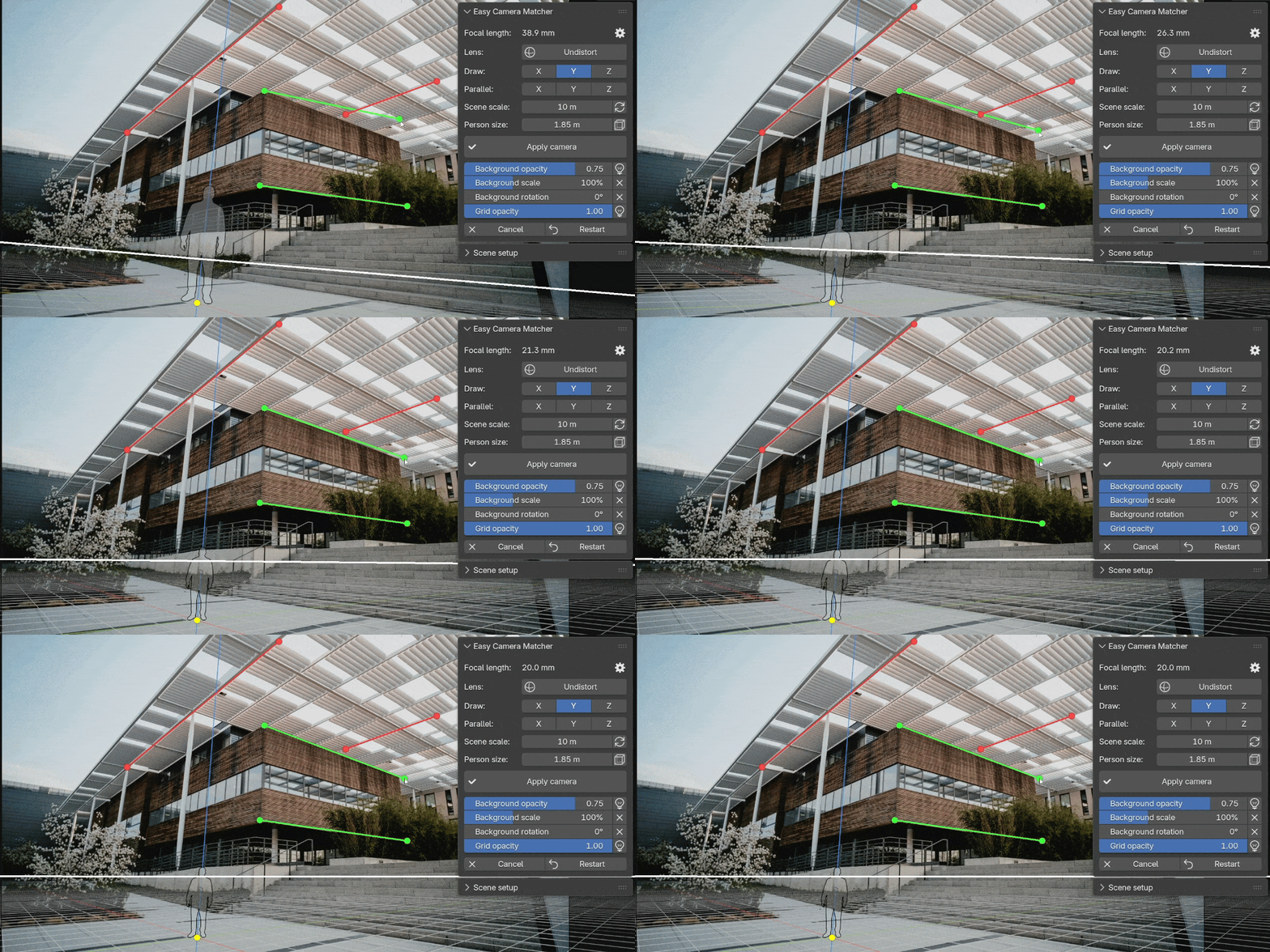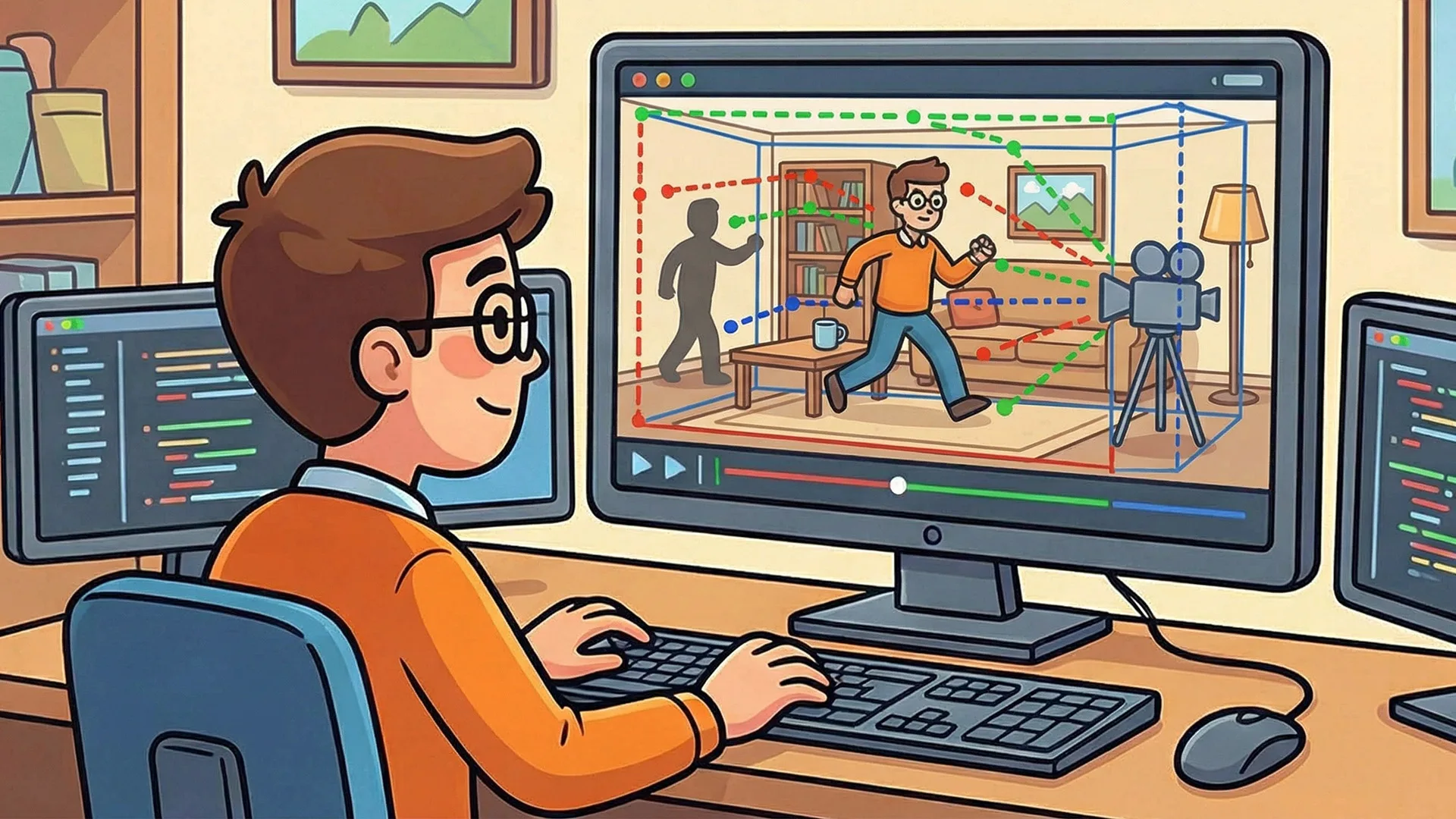
Simple Camera Match is a Blender add-on for reconstructing a camera from a reference image. In the camera view, draw X, Y, and Z vanishing lines over the image. The add-on solves the camera’s focal length, location, and rotation in real time, so you can review the perspective as you place the guides.
Match perspective in the camera view
- Make sure the scene has a camera, then set up a background image as its reference.
- Draw vanishing lines over perspective directions in the image.
- Review the calculated focal length, location, and rotation.
- With the horizon constraint enabled and drawing mode active, drag its handle to adjust the camera’s pitch.
Choose a reference image with identifiable perspective directions for the vanishing-line solve.
Line and axis controls
While drawing, press 1 or numpad 1 to switch to the X axis, shown in red. Press 2 or numpad 2 for the Y axis, shown in green, and 3 or numpad 3 for the Z axis, shown in blue. To remove a line, click its middle dot to enter edit mode, then press X. Press Esc or right-click to leave drawing mode.
Drawing has a separate undo and redo stack, apart from Blender’s global undo tree. The Blender Extensions listing links to the project repository for more details and issue reporting.
Version, compatibility, and installation
The Blender Extensions catalog lists Simple Camera Match version 1.5.0, with Blender 4.2.0 as the minimum version and a GPL-3.0-or-later license. Check the official listing for the release package and current details. The Blender Manual explains how to install an extension from disk through Preferences.