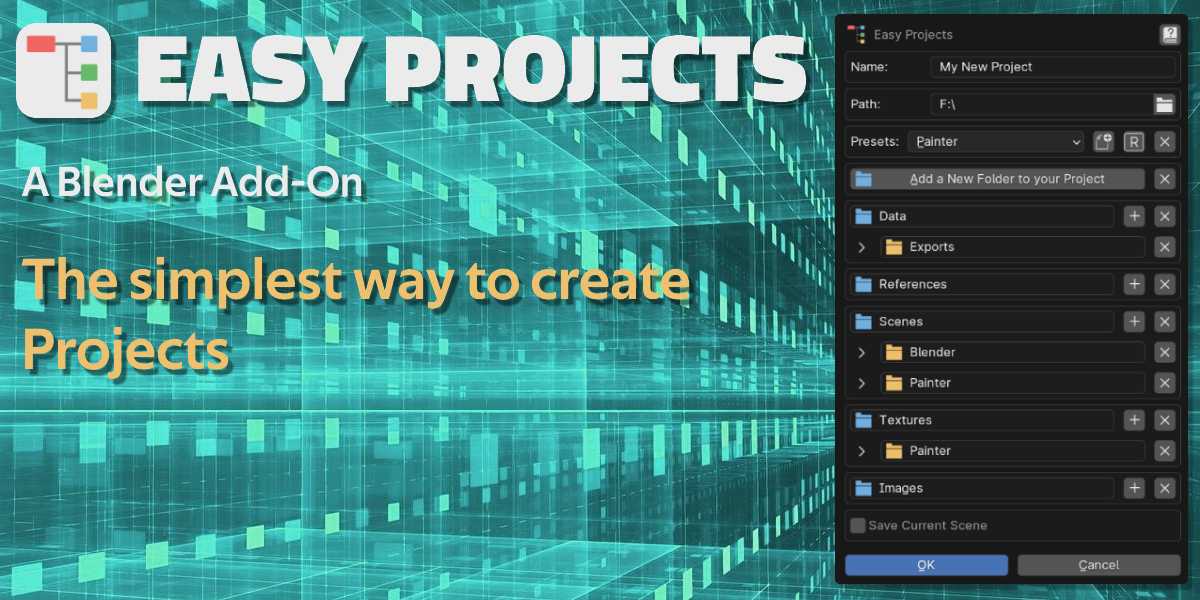
Easy Projects is a Blender add-on by Pitiwazou for creating project folders and project files from inside Blender. The Superhive product listing identifies the license as GPL and links to documentation and a demo video.
Project setup inside Blender
The add-on focuses on the opening steps of a Blender project: creating its folders and project file. It may suit artists who want to begin that setup in Blender rather than handle those tasks separately. The supplied product information does not show the exact folder structure, file names or available setup controls, so check the documentation if your work depends on a particular layout.
Who it may suit
Easy Projects is relevant when your main need is project creation and file organization within Blender. The product listing describes those tasks; it does not describe task boards, deadlines or team collaboration. If you need those functions, confirm the add-on's scope before relying on it as a project management system.
Compatibility and license
The supplied product sources give different Blender version ranges. Superhive lists Blender 4.1 to 5.2, while the AnyPlugins summary says 4.1 to 5.1. Check the seller's listing for the version supported by your Blender installation. Superhive lists the add-on under GPL; review the license text and seller information for terms that matter to your use.
What to check before installing
- Confirm the supported Blender version on the seller's listing.
- Read the product documentation if you need specific folder names, paths or a configurable project layout.
- Review the GPL license and seller information if you plan to redistribute the add-on or use it in a team setting.