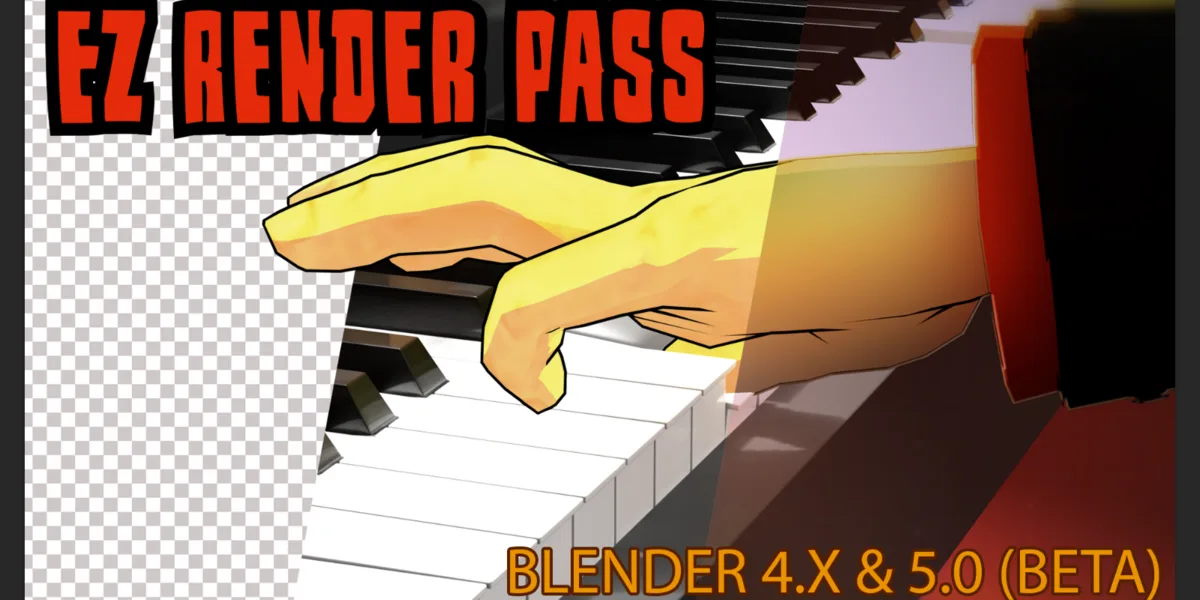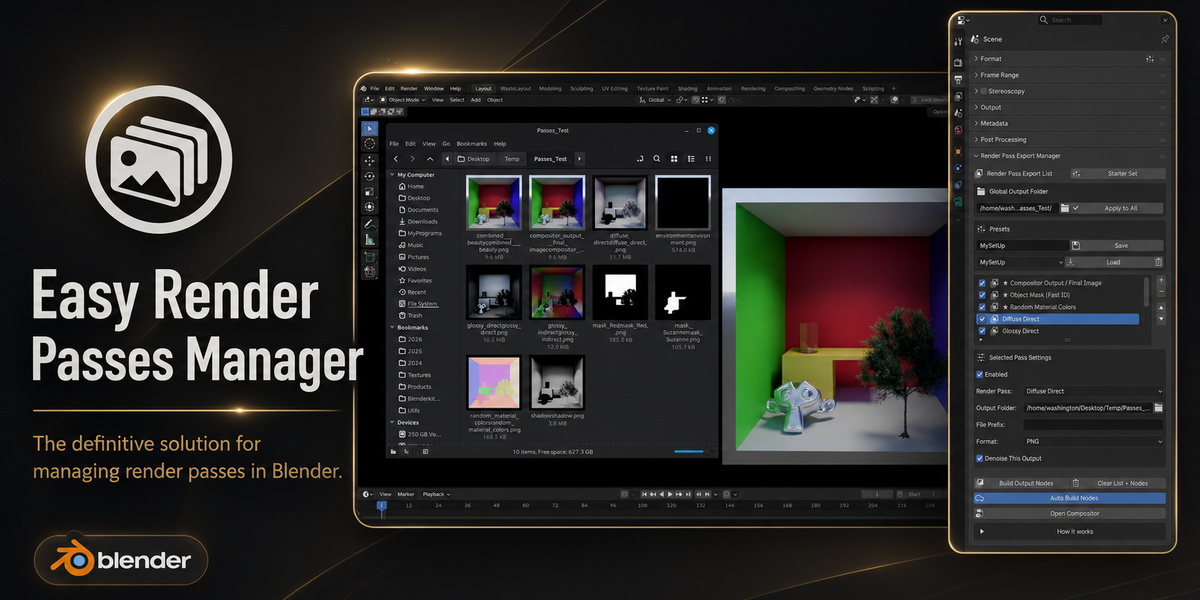
Easy Render Passes Manager is a Blender add-on for setting up render-pass exports. Choose passes from a centralized panel, set where they should be saved, and let the add-on create the compositor output structure. This can reduce repeated setup when a project needs multiple passes or uses the same output arrangement across renders.
Passes and masks
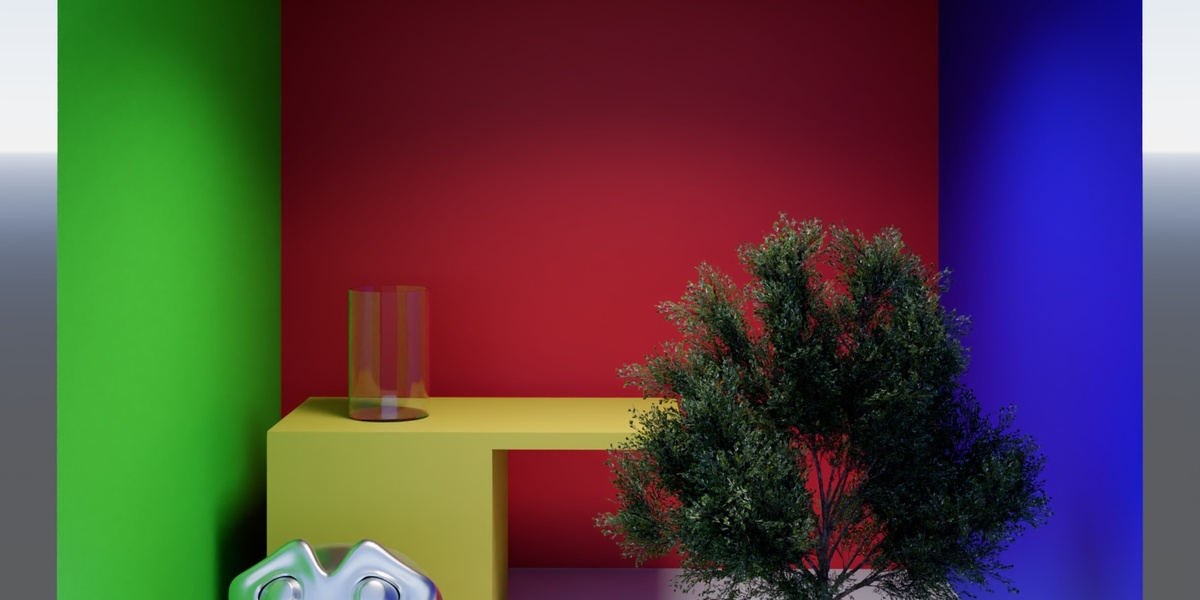
The listed pass options include Beauty or Combined, Z Depth, Normal, Ambient Occlusion, Mist, Emission, Environment, Cryptomatte and denoising passes, along with diffuse and glossy passes. Special options cover several masking tasks: Object Mask Fast ID uses Blender's Object Index pass for a selected object, Collection Mask Fast ID exports a mask for a collection, and Material Mask creates a mask for a selected material. Random Material Colors produces a flat color pass based on materials, while Shadow Approximation creates a grayscale shadow-style pass from available render data.
Set output locations and formats
Use a global output folder or set a folder for each pass. The add-on also includes an Apply to All option, Blender default output path sync, per-pass file formats and a per-pass denoise toggle. Anti-aliasing is available for masks and random material colors. Automatic compositor output node creation is included, with an optional Auto Build Nodes setting. The add-on can also export the final image from an existing compositor setup.
Reuse setups and organize sequences
Save pass configurations as presets, then load them again for another render. Presets can also be exported and imported as JSON files for use across projects, machines or pipelines. For animation, the add-on can create a separate subfolder for each pass, keeping image sequences such as beauty, normal and object mask outputs apart.
Who it may suit
Easy Render Passes Manager is aimed at Blender users who regularly need multi-pass output, including architectural visualization, product rendering, animation, compositing and post-production workflows. Its mask options may also help with asset previews and selection work. It assists with configuring output and does not replace Blender's compositor.
Product details
The Superhive listing records Blender Version 5.1, names Cycles and Eevee as render engines, and lists the license as GPL. Check the listing for current product and usage details.