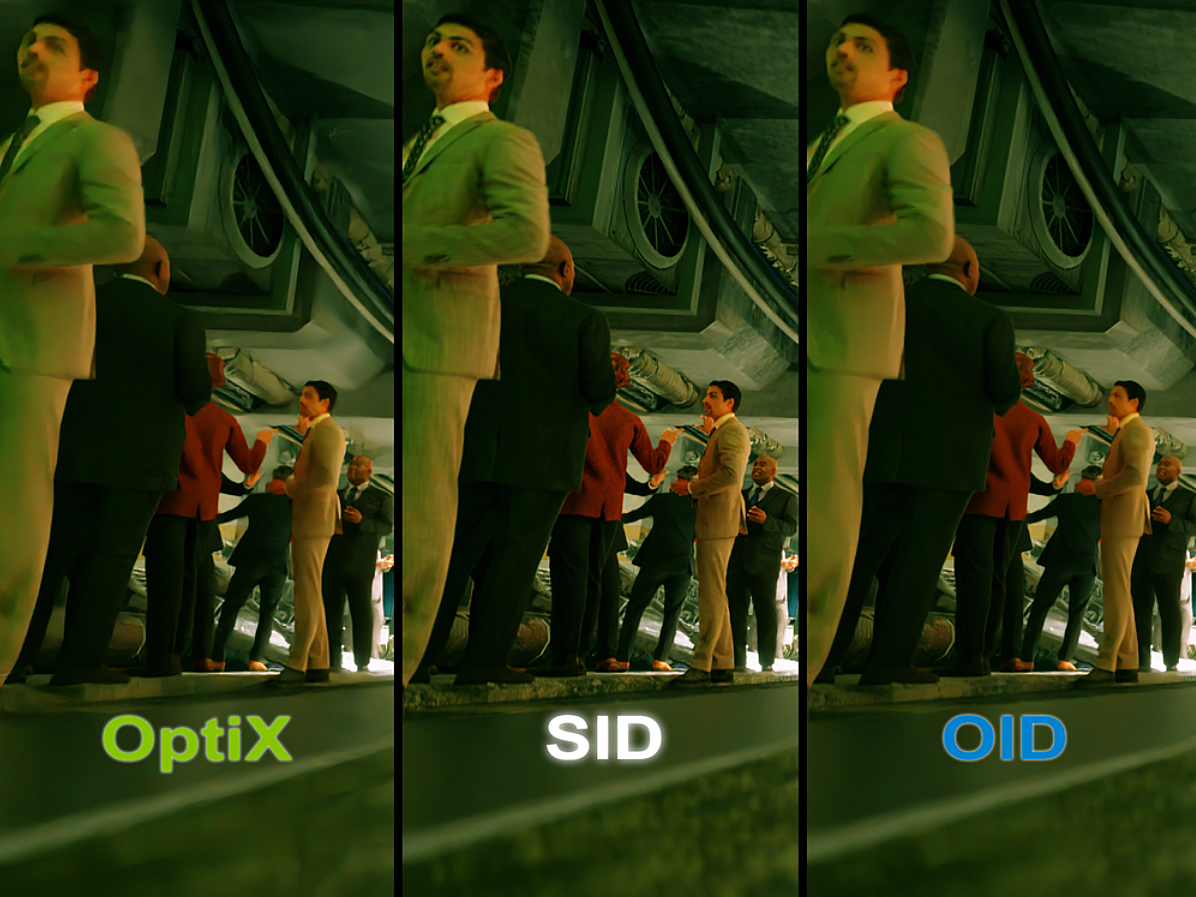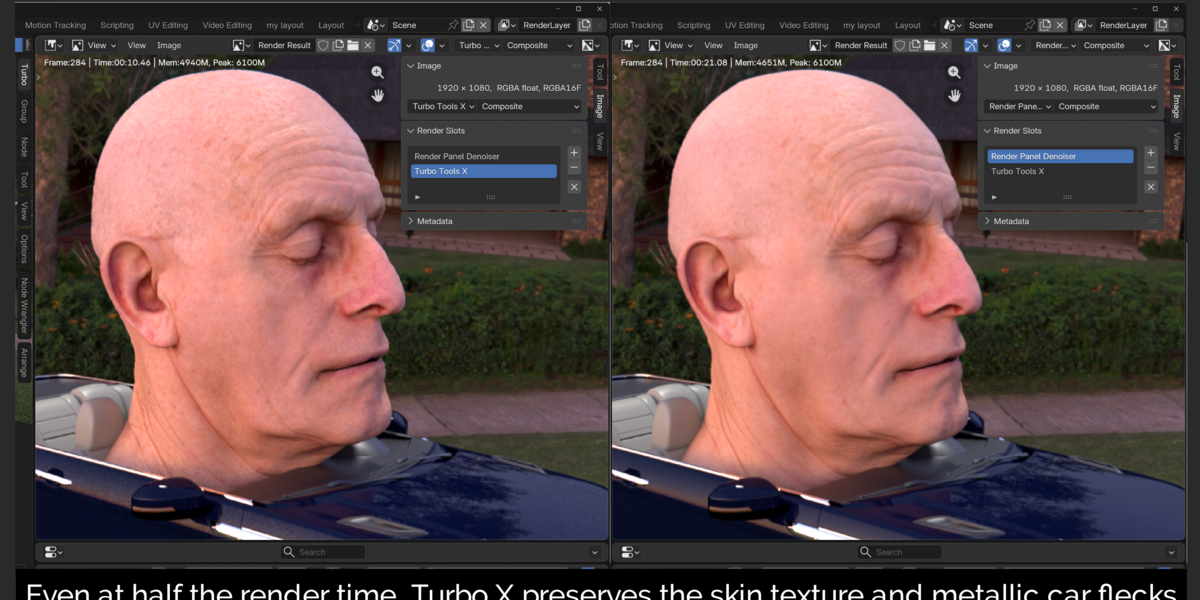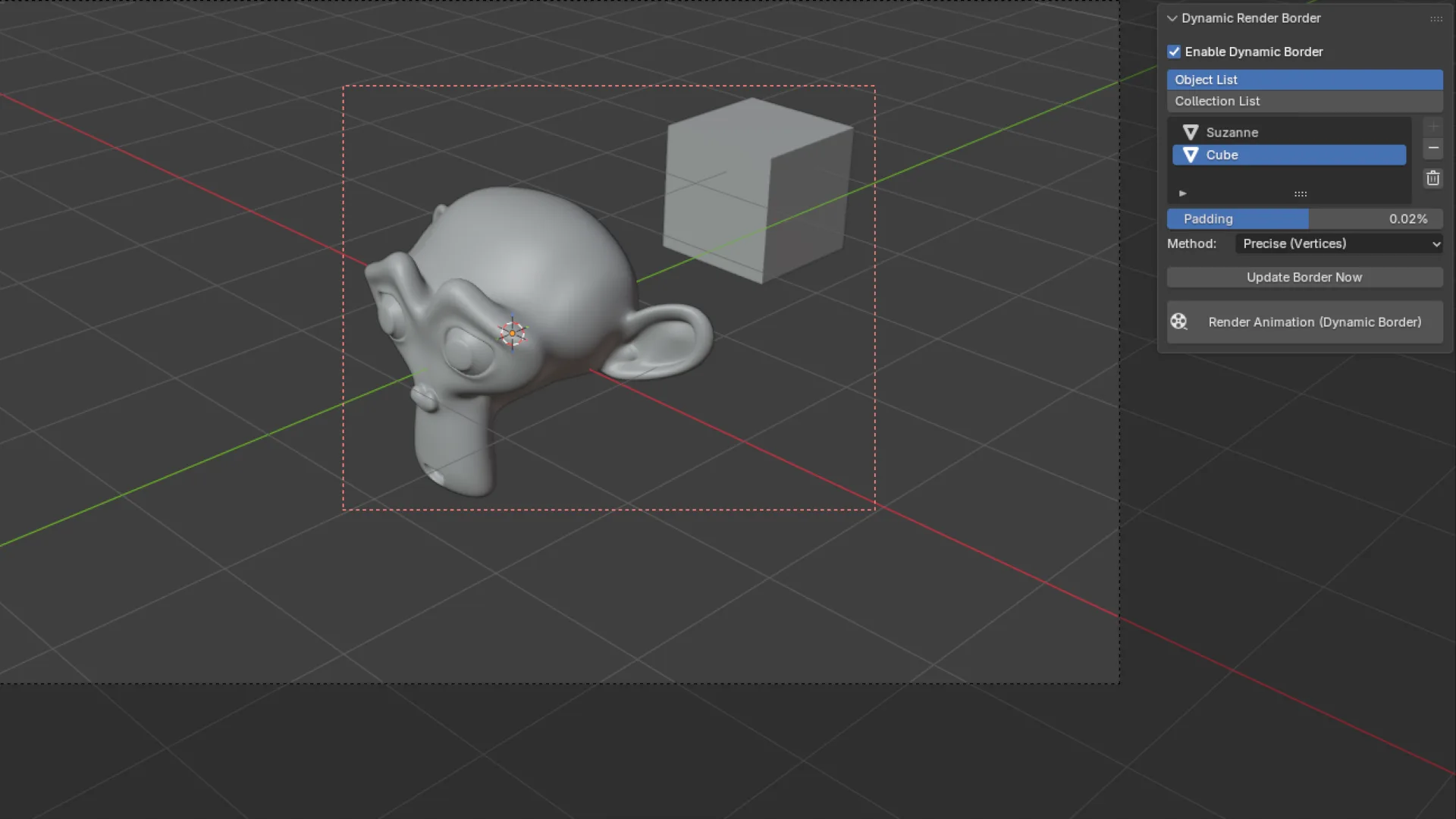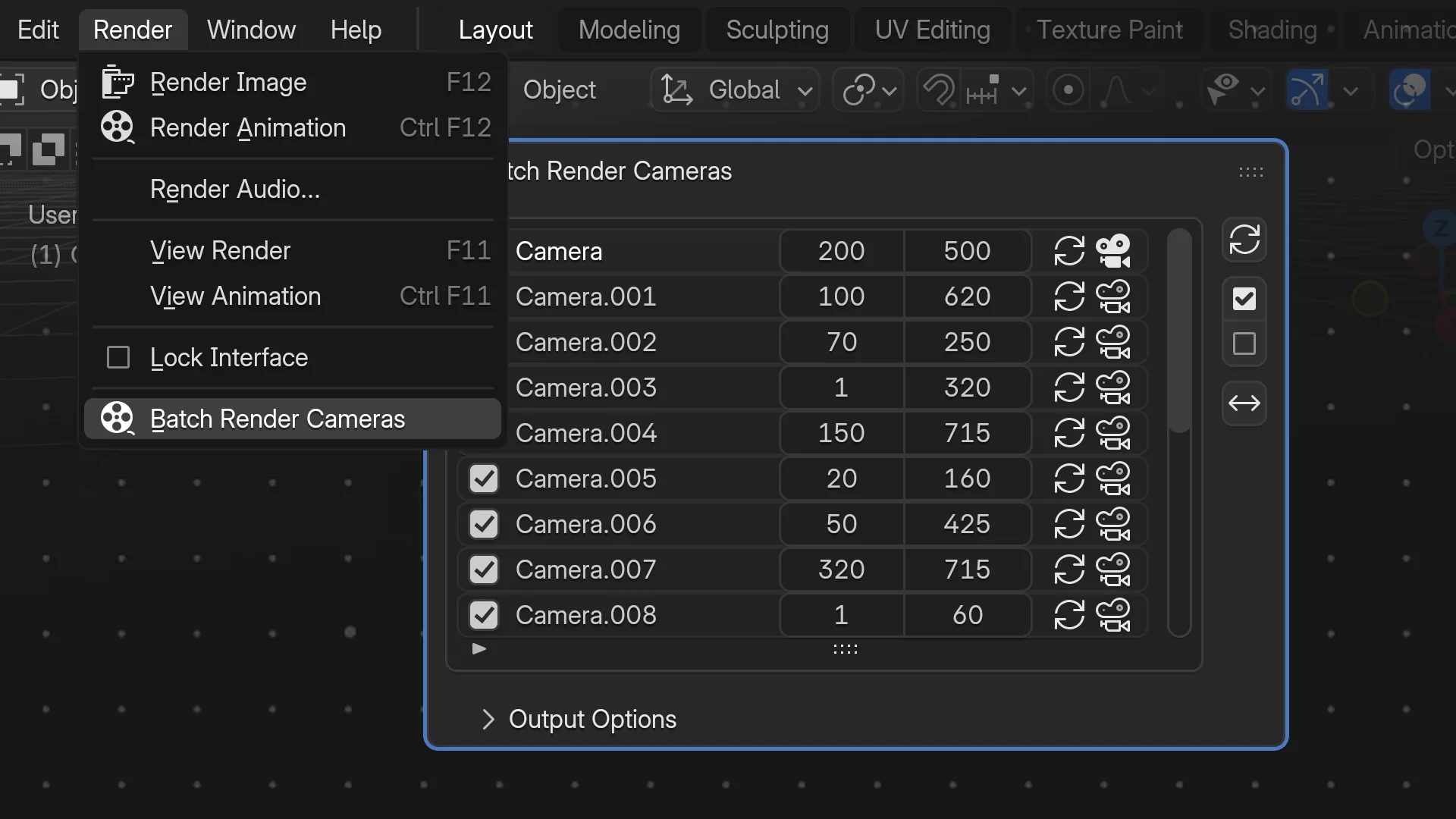
Super Image Denoiser (SID) is a Blender addon from Pidgeon Tools that adds denoising through compositor nodes. The product listing describes version 4.0 alongside a v5.0 beta. It covers still renders and animation, with different setup and compatibility details between the versions.
Choose a quality and render passes
For a still image, the listed workflow is to select a denoiser and quality, then use Add Super Denoiser to add the node setup. After rendering, SID processes the image and disables Blender's built-in denoiser. Use Refresh Super Denoiser after changing settings to rebuild the setup.
The three quality choices trade processing demands against detail. Standard is the basic option, described as similar to enabling OpenImageDenoiser, and suits previews or quick tests. High provides medium-quality results with moderate RAM use. Super targets the highest quality and uses more information, which the documentation says can require more RAM.
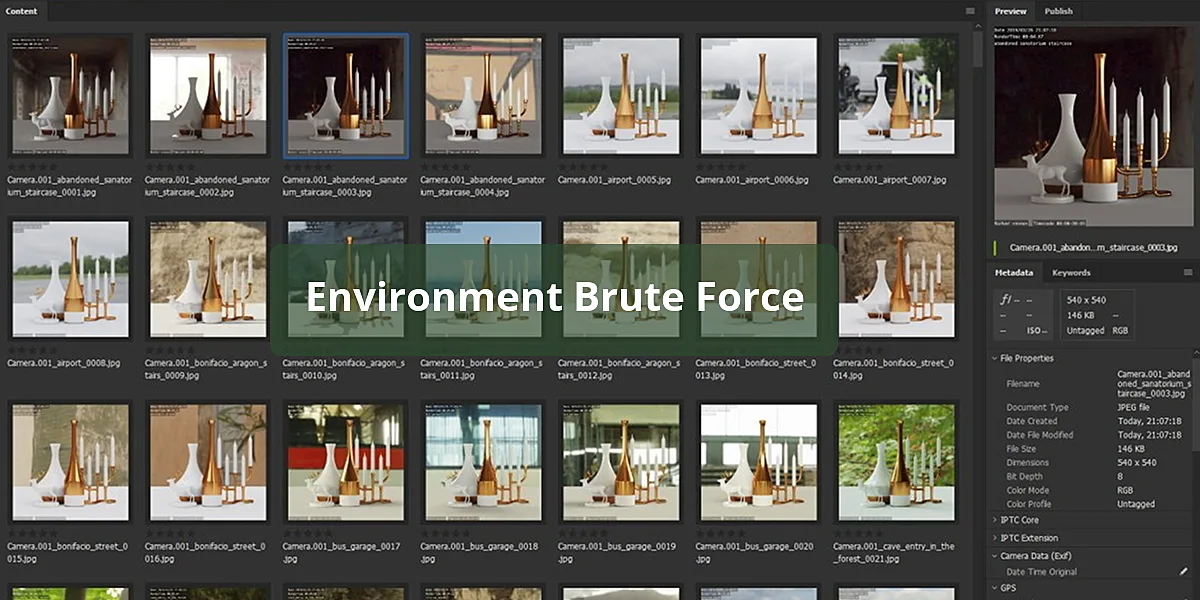
Diffuse and glossy passes are denoised by default. You can also enable Emission for glowing materials, Transmission for glass, Environment for a visible sky or HDRI, and Volumetric for effects such as fog or smoke. A material appearing black can indicate that its pass was not enabled; the product FAQ also notes that Blender may drop passes when memory runs low. Multi-Layer EXR exports a multilayer EXR to the folder specified in Blender's output properties so the denoised passes can be used in external software. See the developer documentation for the listed settings.
Temporal denoising for animation
SID-Temporal uses information from earlier and later frames to reduce flicker caused by denoising each frame differently. It needs a working directory for temporary data and output. The workflow has two stages: render the noisy frames first, then run the denoising step to create the finished sequence.
You can choose PNG, JPEG, EXR or TIFF for the final frames. The listing describes PNG for a clean sequence, JPEG for quick previews with compression artifacts, EXR for further editing, and TIFF for later editing with color management. SID-Temporal also includes motion-blur support. A separate OptiX Temporal option is listed; the developer says its denoising quality is usually below SID-Standard.
What the v5 beta changes
The developer describes the beta as a rebuild for Blender's changed node-group system, with a revised interface and performance improvements. It adds a Detect Passes scene option that checks materials and the world to help select required passes. In the beta, a pass left off can remain undenoised instead of appearing black, and you can enable it without rendering the whole image again. The listing provides no benchmark figures for its performance claim.
Version and maintenance notes
Compatibility details on the listing differ by section. Its overview says SID supports Blender 3.1 through 4.0, while the details panel lists versions 3.1 through 3.6. The v5 beta is described as adding Blender 4.0 compatibility and as incompatible with Blender 3.6 and earlier. Render-engine details conflict across the developer's pages: the listing overview names Cycles and LuxCore, with LuxCore marked as coming back soon; the FAQ names Cycles, LuxCore, Octane and Renderman; the documentation lists Cycles only. Check with Pidgeon Tools which engine the build you plan to use supports.
The developer says this addon will not be updated and points to Pidgeon Toolbag as its successor. The product listing includes the v4.0 and beta details.