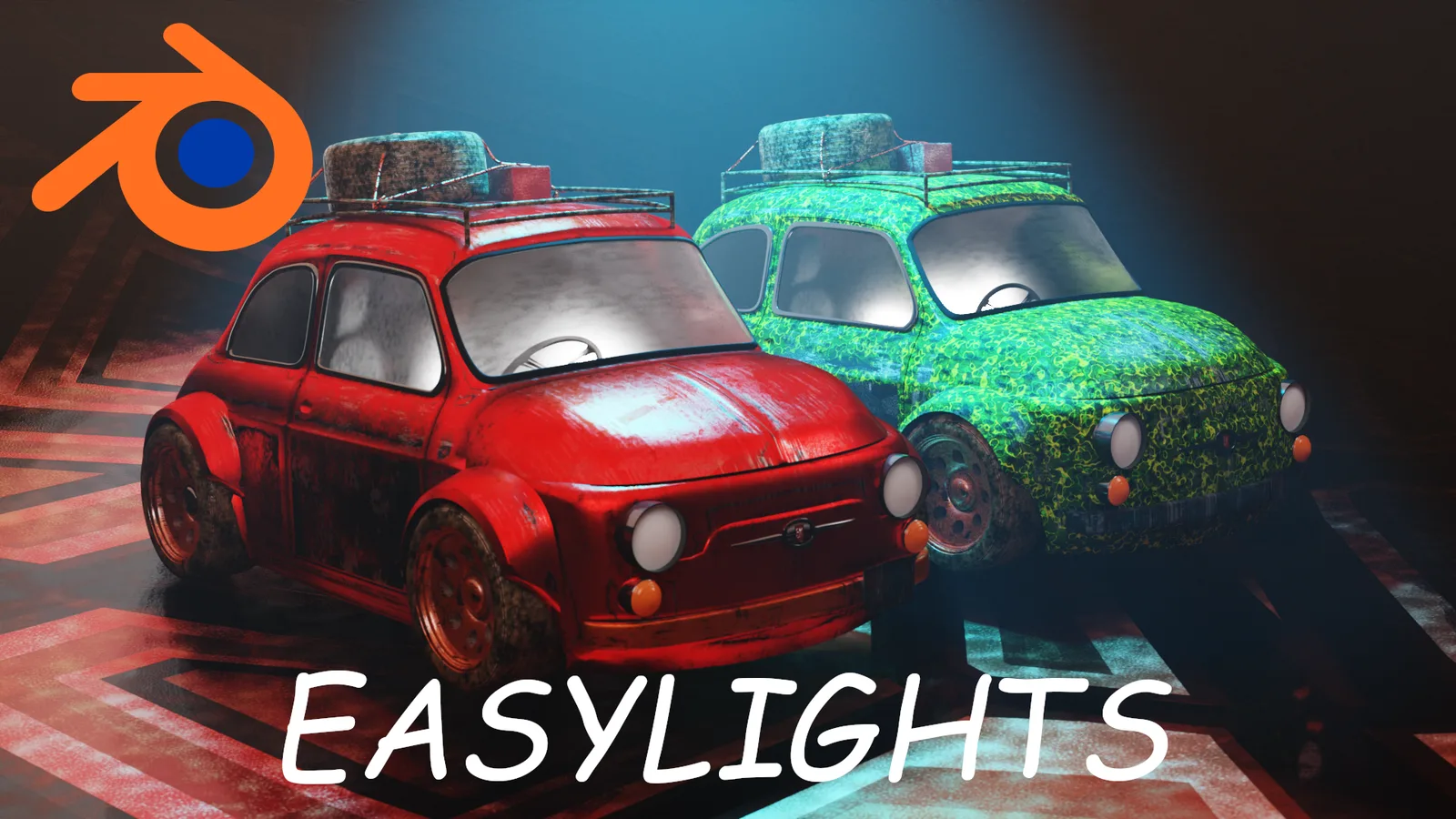
Easylights- Product Lighting Tool is a Blender add-on for building product-lighting setups from the 3D View. Select an object, open the EasyLight tab in the N-panel, then adjust the available operators and parameters. The product listing describes this panel-based workflow.
Lighting controls
The add-on groups several lighting options in one place:
- One-click IES and HDRI setups, with three ready-to-use HDRIs included.
- A Randomize Lighting and Color panel that places each selected light within a rectangular area set by the scene's min_x and min_y properties. A random seed can be specified to control the result.
- A Volumetrics panel for adding volumetrics to an object and adjusting volume density and cube dimensions.
- A Rim light panel that uses annotations to create rim lights in a chosen direction.
- Spherical lighting setups for Area and Point lights.
These controls provide different starting points for a product scene: environment lighting with HDRIs, IES setups, directional rim lighting, or volumetric effects.
Where to find the controls
- Select the object you want to light.
- In 3D Object Mode, press N to open the side panel.
- Open the EasyLight tab and use its operators and parameters.
Compatibility and license
The product listing names Blender versions 3.0 through 4.2. Its version 2.5 changelog specifically notes compatibility with Blender 4.0 and later. The listing identifies the license as GPL. Blender releases beyond the listed range are not confirmed in the supplied product details.
Who may find it useful
It suits Blender artists building product scenes who want the lighting controls grouped in one N-panel tab.