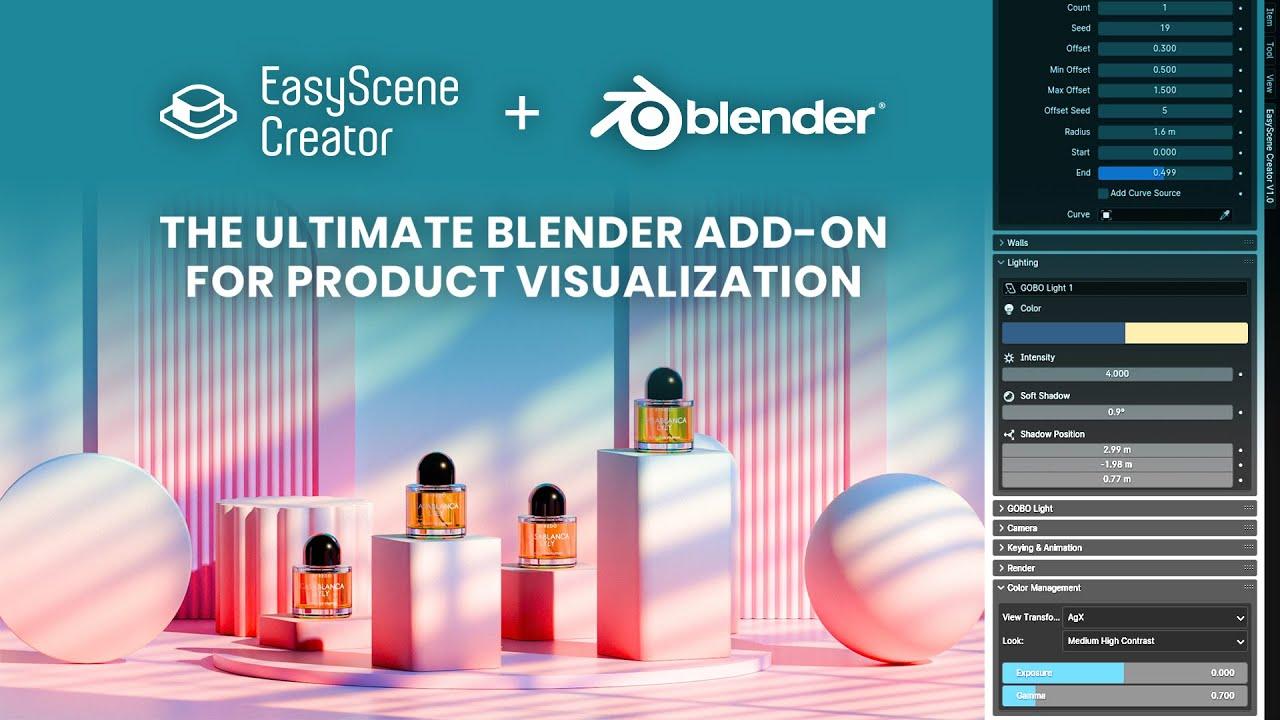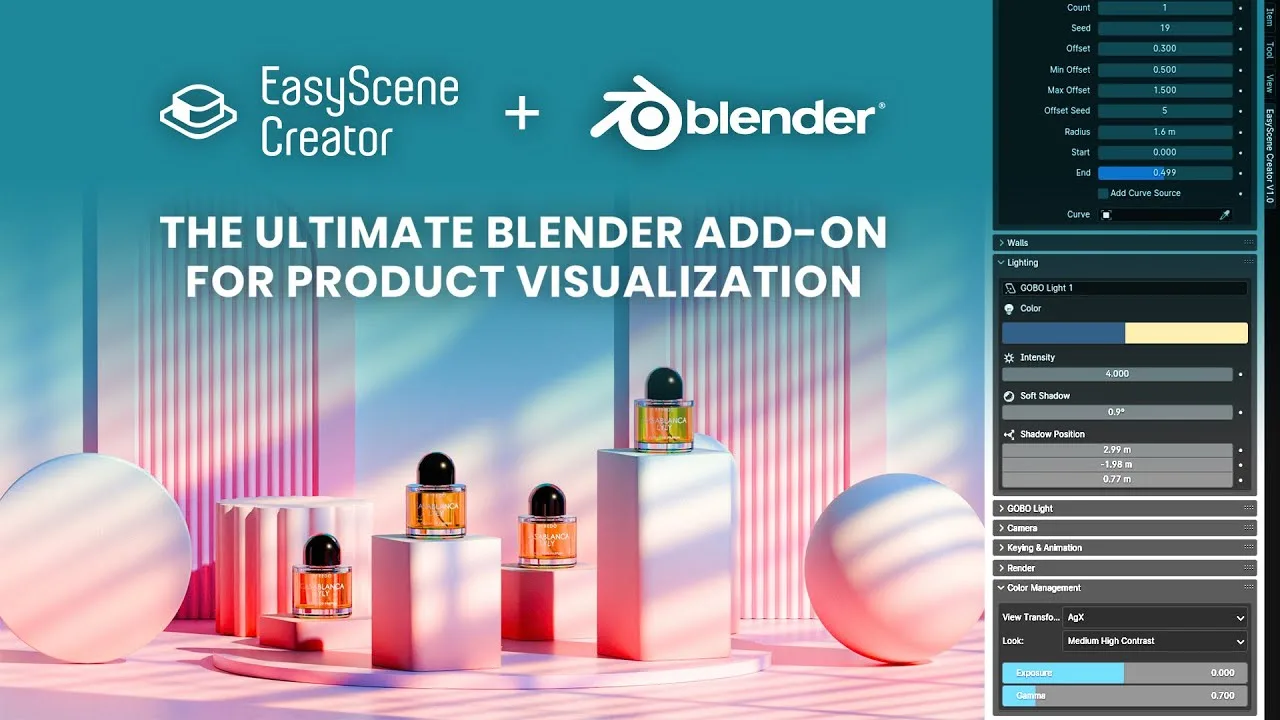
Easyscene Creator is a Blender add-on by dotblend for generating 3D product scenes and product visualisation. The Superhive listing identifies the add-on as version 1.0, labels its license GPL, and names several Blender releases and render engines. The AnyPlugins profile reports that Basic includes all add-on integrations, support, and more than 20 GOBO lights; Pro and Studio add Auto Generate, camera, keying, and animation tools.
What it is for
The AnyPlugins profile names Auto Generate, camera, keying, and animation tools but does not specify which scene elements the generator creates or how those tools work. If a workflow depends on a particular product-model setup, camera move, or batch process, ask dotblend whether the listed tools cover it.
Blender versions and render engines
The Superhive compatibility list names Blender 4.0, 3.6, 3.5, 3.4, 3.3, 3.2, 3.1, and 3.0. Check your installed Blender release against that list. The listing does not confirm compatibility with releases newer than 4.0.
The page names Cycles, Eevee, and Luxrender as render engines used. It does not describe setup steps or whether features vary by engine. If a project depends on a particular renderer, check its requirements with dotblend before adding the add-on to that pipeline.
License and details to check
The listing names dotblend as the creator and labels the license GPL, with a link to Superhive's GPL license information. Review the applicable terms for your intended use. Check the current product page for the offer price, since the retrieved listing text does not state one.
For a practical fit check, confirm your Blender release, the render engine you plan to use, and whether the documented scene-generation controls cover the steps you need. The listing establishes the product's focus and compatibility labels, while those workflow details require confirmation from the creator or current product documentation.