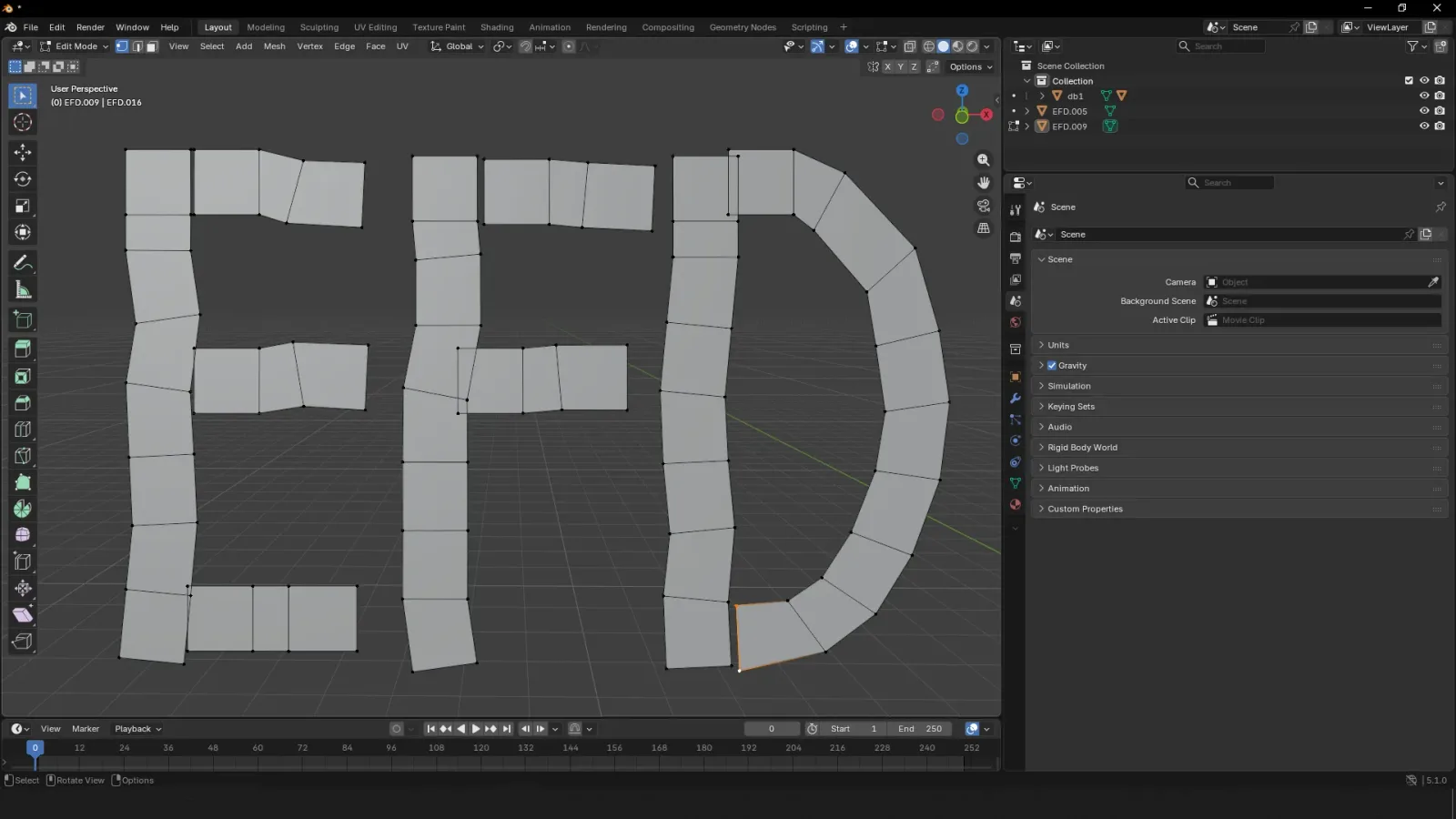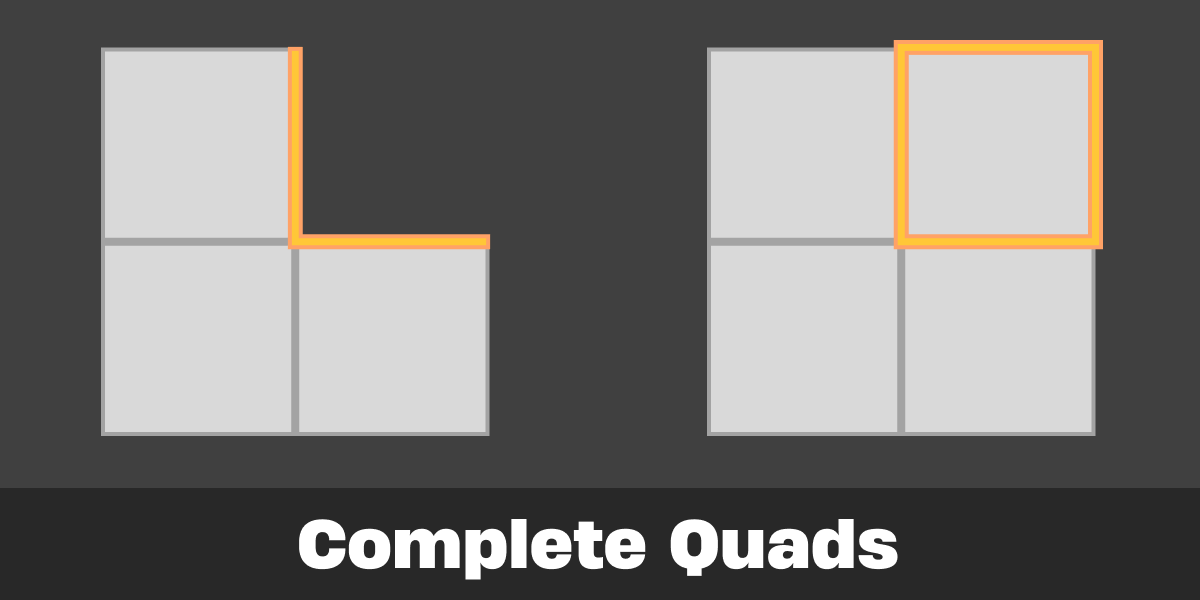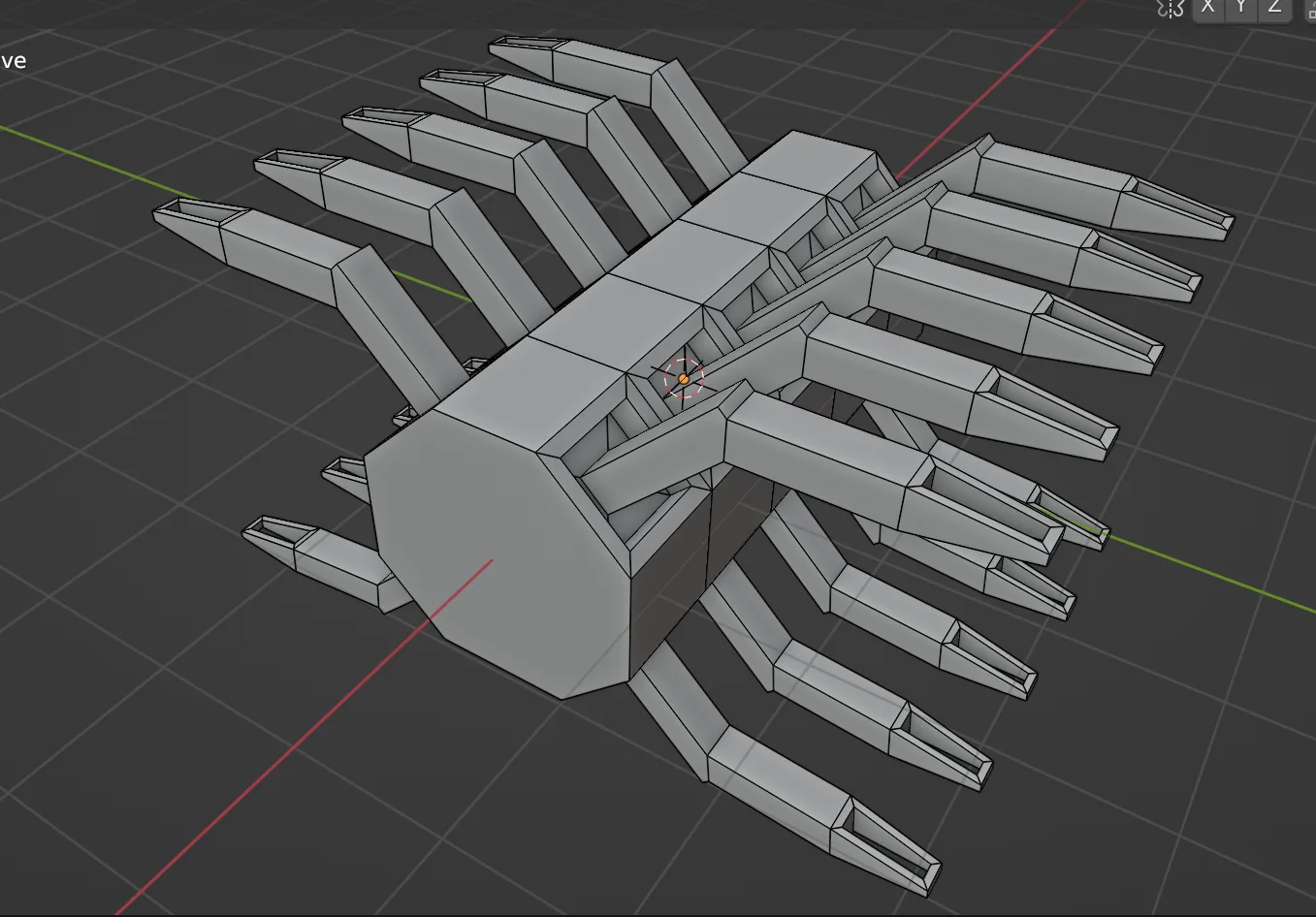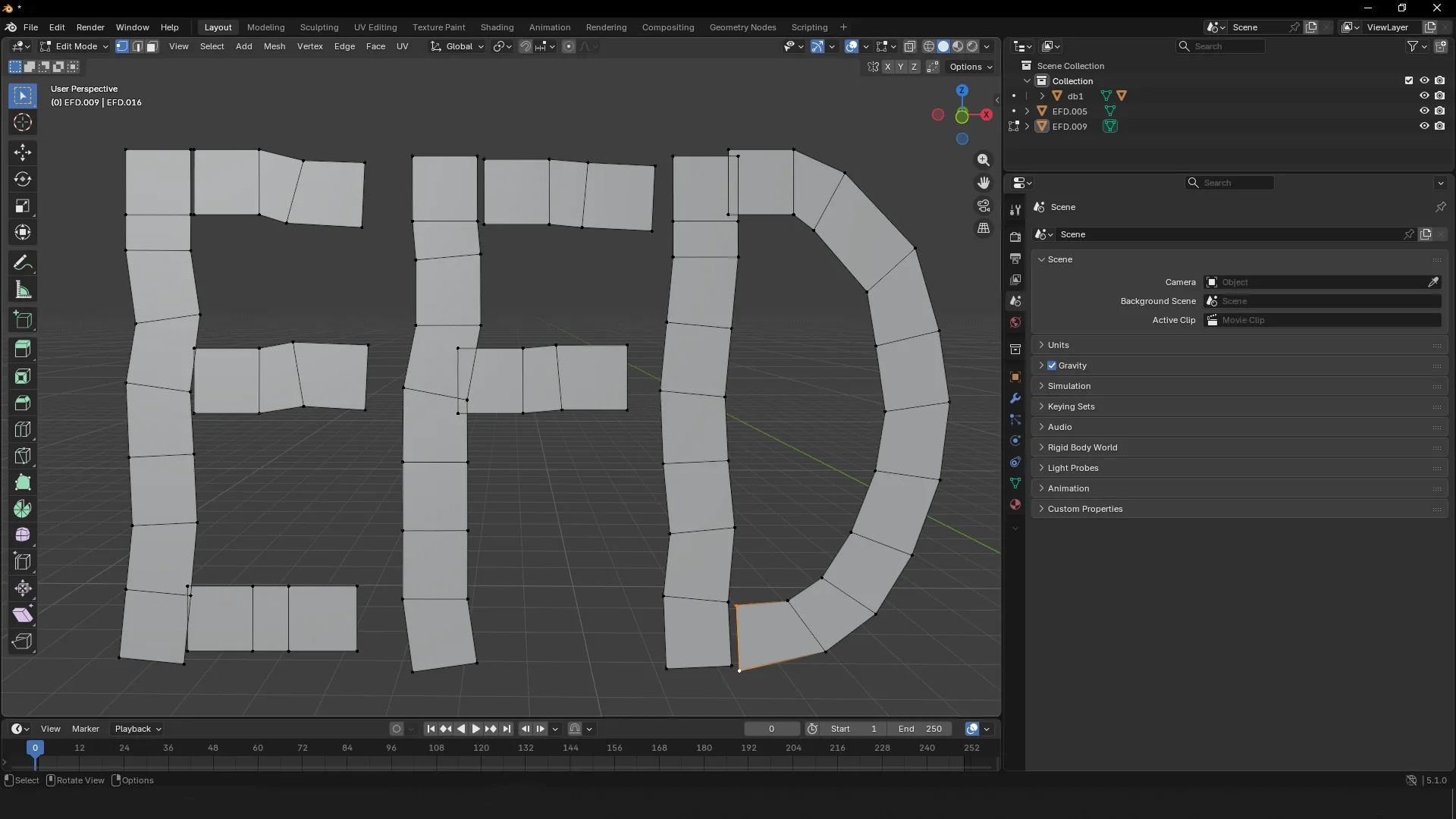
EdgeFlowDraw is a Blender add-on for drawing a path of quads in the 3D Viewport to define edge flow and silhouette. It starts a mesh around the mouse pointer at the depth of the 3D cursor.
Start the tool and draw
Place the pointer in the 3D Viewport and press F3. Search for EdgeFlowDraw Tool, or press Enter if you ran the tool recently. Draw freehand to extend the quad path. The mouse controls handle sizing, undo and navigation:
- Scroll to resize the quads, including before you begin drawing.
- Press the right mouse button to undo the last quad in the path.
- Hold the middle mouse button and move horizontally to orbit left or right.
- Click the left mouse button to finish, or press
Escto cancel.
When to start with edge flow
Block-out modeling begins with a basic volume such as a cube or sphere. Point modeling can mean extruding vertices one at a time. EdgeFlowDraw offers a different starting point: sketch the path of the quads and establish the silhouette early. The add-on aims to make planning edge poles with more than five connected edges easier, since resolving those cases can involve deleting faces and rebuilding with the Knife tool.
Compatibility and limits
The Blender Extensions listing identifies version 2.1.2 as compatible with Blender 4.2 LTS and newer. That release fixed startup so Developer Extras no longer needs to be enabled for EdgeFlowDraw Tool to appear in the F3 search. Starting from Blender's View menu is also possible, though the listing cautions that selecting the menu can move the pointer away from the intended starting position.
There is no zoom in or out feature, and orbiting is limited to left and right. The extension requires no special permissions and uses the GNU General Public License v3.0 or later. Report issues through the developer's EdgeFlowDraw issue tracker.