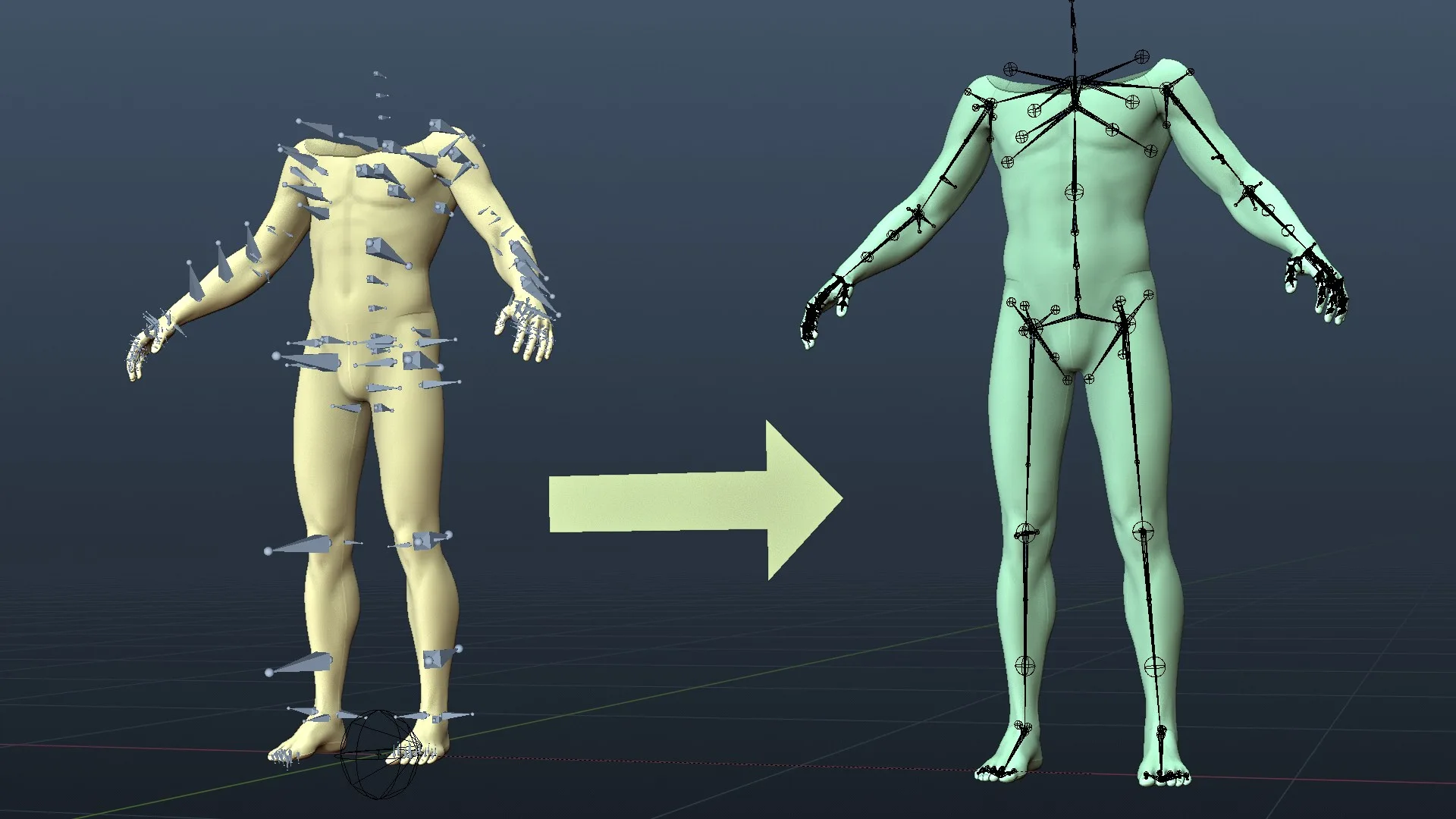
Empties To Bones is an Artell add-on for Blender that converts a hierarchy of empty objects into an armature made of bones. It works with static and animated chains, which can then be used for tasks such as animation retargeting or export. The Superhive product listing describes the marketplace edition and its added features; a free version is available from Artell’s GitHub repository.
Convert a chain of empty objects into an armature
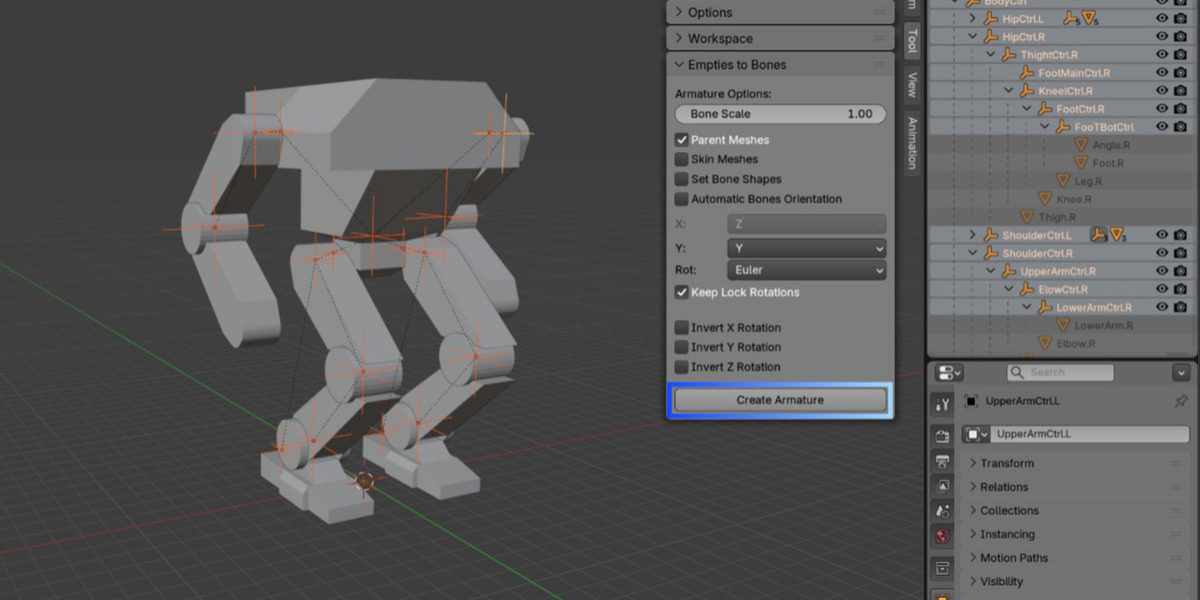
Select the empties and use the add-on’s Create Armature command to make the bone rig. The documentation shows orientation options, including automatic bone orientation and an X-axis option. For an animated chain, the add-on also has a Bake-Complete command to bake the current pose or animation. The product listing describes its baking as capable of handling thousands of frames in a few seconds.
The paid edition adds options for consistent bone axes, converting Empty shapes into custom bone shapes, and re-parenting meshes or creating vertex-group skinning from empties to bones. These options are useful when the converted armature needs to retain more of the original hierarchy’s setup.
Install the add-on
- Keep the downloaded add-on ZIP file compressed.
- In Blender, open Edit > Preferences.
- Choose Get Extensions or Add-ons, then use the down-arrow menu in the upper right and select Install from Disk.
- Select the
empties_to_bones_xxx.zipfile and install it.
These steps follow the product’s installation instructions. Its documentation covers selecting the empties, choosing orientation options, creating the armature, and baking.
Compatibility and edition details
The Superhive listing gives a Blender compatibility range of 2.93 through 5.1 and identifies the add-on as GPL licensed. It also describes support messages and maintenance for the paid edition. The listing shows a $5 price and notes that the $1 offer is only for people who have already purchased Auto-Rig Pro Complete Version and use code GETIT1BUCK. Check the listing for the offer’s current terms.
The free GitHub version is an option for trying the conversion workflow. Choose the paid marketplace edition if you need its additional orientation, shape, mesh or skinning options, baking, or listed support. Check the product page and repository before installing to confirm which edition and Blender version fit your setup.