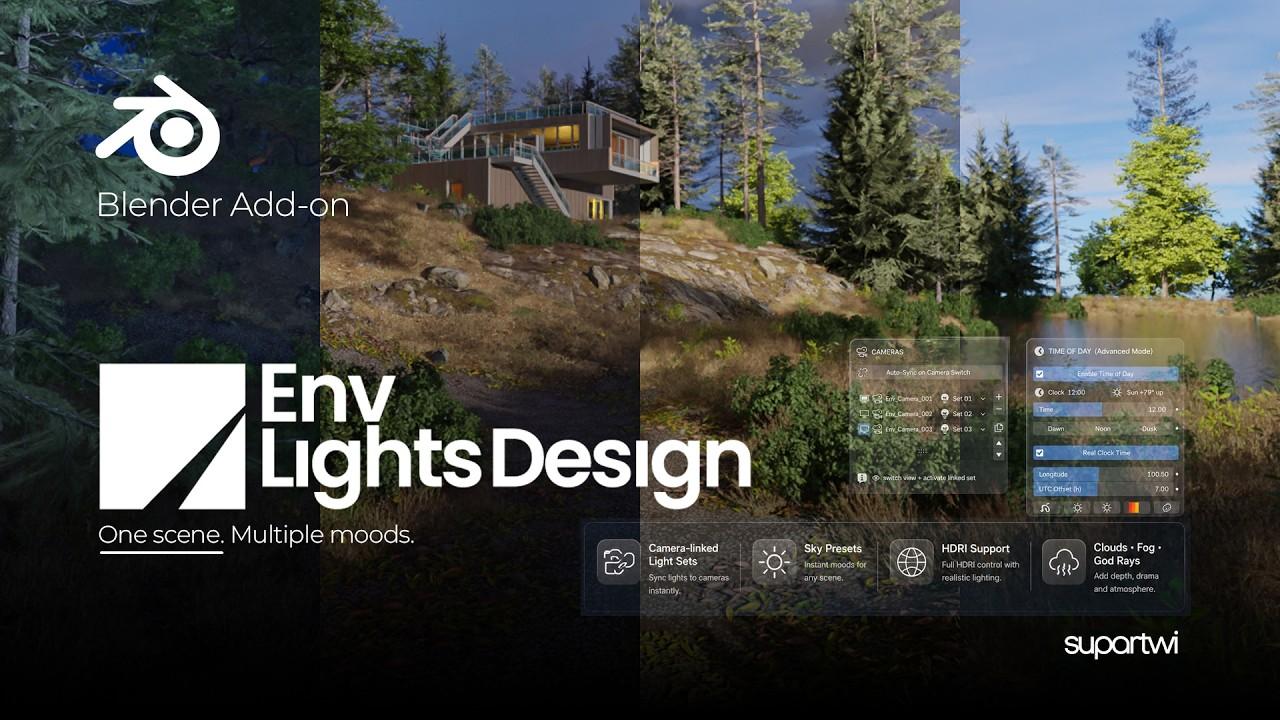
Env Lights Design is a Blender add-on for managing camera-linked environment lighting in Cycles. Each Light Set keeps a scene's sky or HDRI, sun, atmosphere and tone together. Assign a set to a camera and the lighting changes with the shot.
Assign a lighting setup to each camera
Create named Light Sets for different moods, then link each camera to its intended set. Switching cameras activates the assigned environment. For stills, queue cameras in the Render Queue; the add-on activates the right camera and Light Set before each render.
Shape the sky and atmosphere
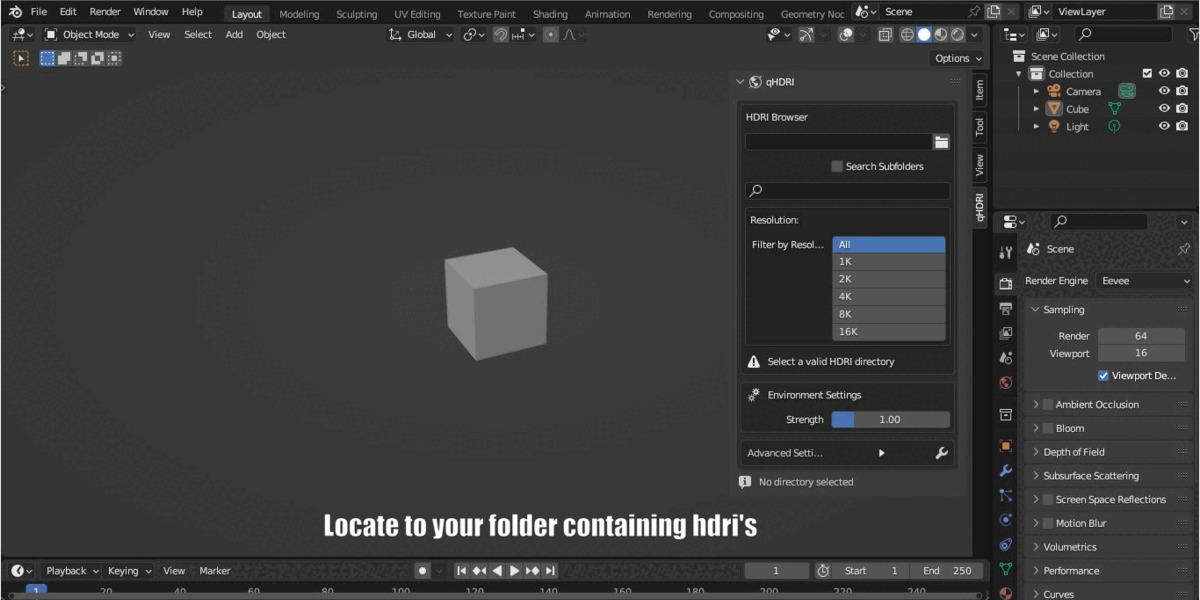
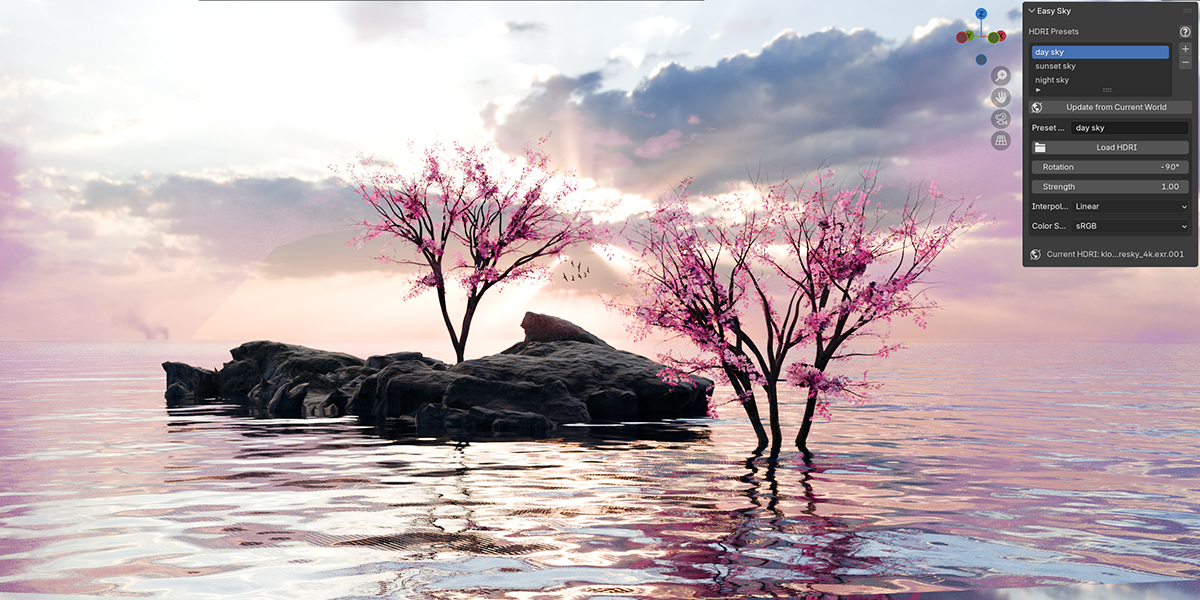
Build a sky or connect an HDRI. Set coordinates, date and time to update the sun angle, sky color and light intensity together. With an HDRI, Match Sun can align the scene sun with the image's brightest area. Clouds, volumetric fog and god rays add atmosphere, while tone controls help finish the look from the same panel.
Make custom lights follow a Light Set
In version 1.1.0, you can create Point, Spot or Area lights in a set, or select existing light objects and add them. A light switches on with its set in both the viewport and render. It can belong to more than one set or be marked Always On. Its controls include power, exposure, color temperature, radius, shadow casting, IES profile, position and rotation.
Render and reuse setups
The Render Queue offers Low, Mid and Hi quality presets for stills and can queue several cameras. Animation uses a separate render path; multi-camera animation batching is not included in the documented 1.1.0 release. You can also export and import environment presets as JSON to move Light Sets between scenes.
Compatibility and custom-light limits
The version 1.1.0 documentation lists Blender 4.2 through 5.3 and Cycles. It records checks on builds 4.2.0, 4.3.2, 4.4.3, 4.5.3, 5.1.2, 5.2.0 and 5.3.0.
- Lights inside collection instances cannot be switched individually until you use Make Instances Real.
- Emissive meshes are not managed by Light Sets.
- Avoid keyframing the visibility of a light controlled by a set.
- An added Sun light shines alongside the add-on's own sun.
For installation, use the ZIP package without unzipping it. The product page links to the current release and its full documentation.