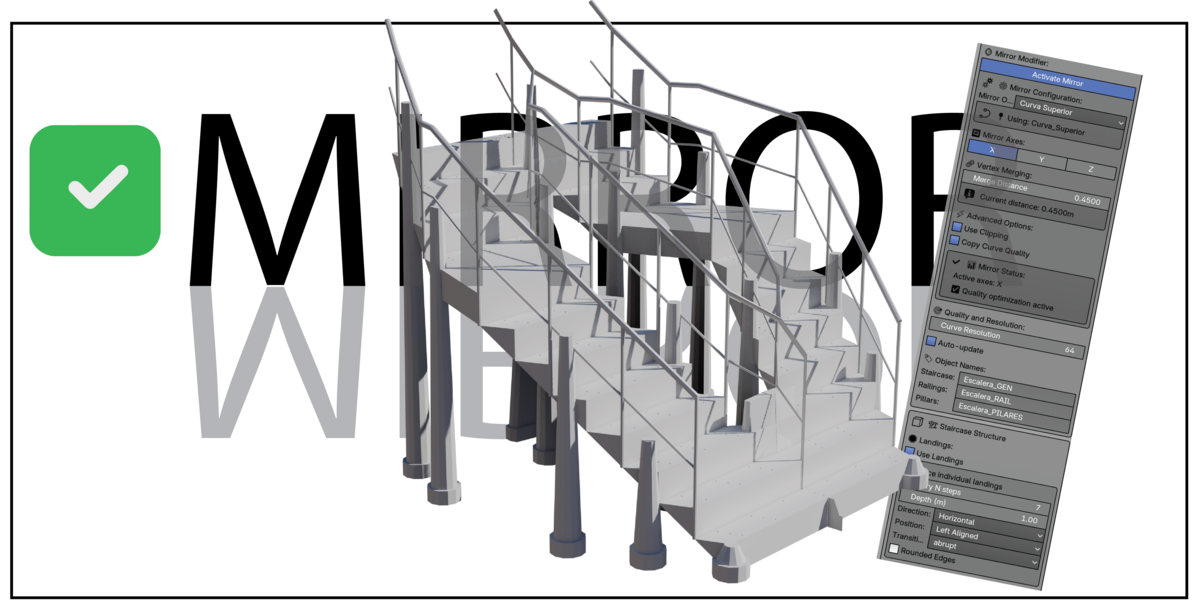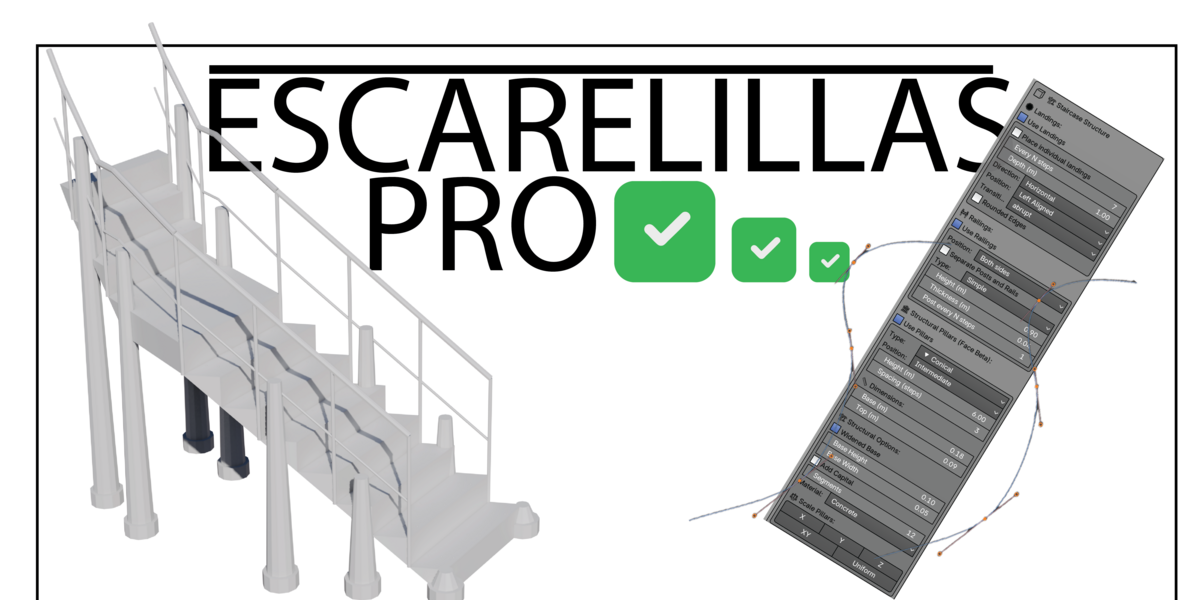
Escalerillas_Pro is a Blender add-on for building staircases from two guide curves. Its product listing describes curve-based generation with millimeter precision and more than 25 starter layouts. It is made by Arq. Gustavo Garcia ARCHS, and A catalog listing describes it as free to download and use. Check the current product listing for download and license terms.
Layouts and structural parts
The templates cover straight, L-shaped, U-shaped, spiral and imperial staircases. Controls include tread depth, riser height and tread thickness. You can add railings in classic, modern, ornamental or industrial styles, place landings automatically or at selected steps, and configure support beams. The documentation marks structural pillars as beta, so confirm that this component suits your workflow before relying on it.
Finishing options include step nosing, anti-slip details, rounded edges and material palettes.
Building a staircase
Start with a template or create two Bezier curves to define the stair edges. Assign the curves in the Escalerillas Pro panel, set the dimensions, then generate the staircase. The documentation lists default values of 0.30 m for tread depth, 0.18 m for riser height and 0.03 m for tread thickness. These are tool settings, not confirmation of compliance with local building codes; check the requirements for your project.
Quality controls and exports
Curve resolution and automatic updates affect how quickly complex designs respond to changes. The documentation suggests lowering resolution while prototyping and disabling Auto-update for complex designs. Escalerillas_Pro supports the Cycles and EEVEE render engines, and the listing describes generated models as ready for FBX and OBJ export. The listed operating systems are Windows, macOS and Linux.
Installation and compatibility
To install it, download the add-on ZIP, open Edit > Preferences > Add-ons > Install in Blender, select the ZIP and enable Object: Escalerillas Pro. The documentation says to save Preferences to keep the add-on enabled.
The Blender version information differs across the supplied product pages. The listing details show Blender 4.2–4.5, its overview says it is tested with 4.5 or higher, and the installation guide says 4.2 or higher. Check the product documentation and current listing for compatibility with your installed version.
Who it suits
The maker lists architects, 3D modelers, visualization artists, architecture students and asset developers as intended users. Example uses include residential and commercial staircases, interior projects, architectural visualization, VR/AR and game assets. Review the product listing and documentation for the current feature and version details before installing.