Essentials is a Blender add-on by Jackson Zheng with three documented workflow utilities: Gravity Snap, automatic Outliner expansion for active selections, and a camera perspective reset. The Essentials documentation explains how each feature works and which settings affect it.
Gravity Snap for object placement
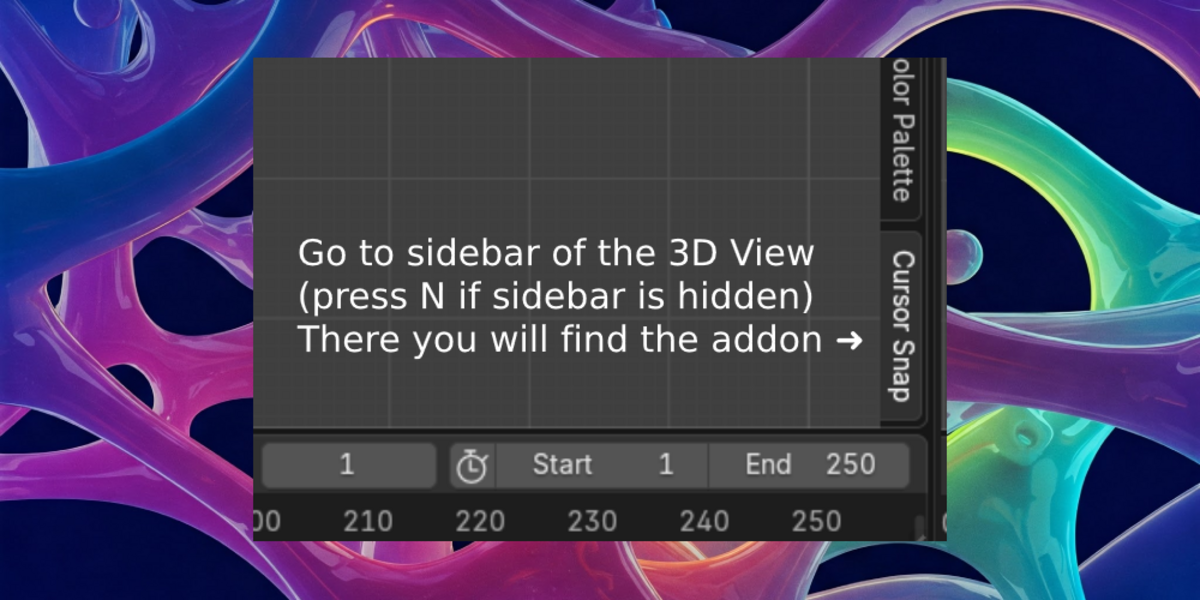
Gravity Snap places one object against a selected surface. In Object Mode, keep the target object and surface as separate objects in the Outliner. Select the object to move, then Shift-click the surface so it becomes active, with the brighter orange outline. Open the N-panel and choose Item > Gravity Snap > Snap To Surface. The surface must sit below the target object. Use Offset to raise or lower the target by a set distance.
Sample Resolution affects accuracy and compute time only for angled edge-to-edge contact, which the documentation describes as a rare case. For the other listed contact types, including corner-to-face and face-to-face, the documentation says accuracy remains at 100%.
Outliner expansion for active selections
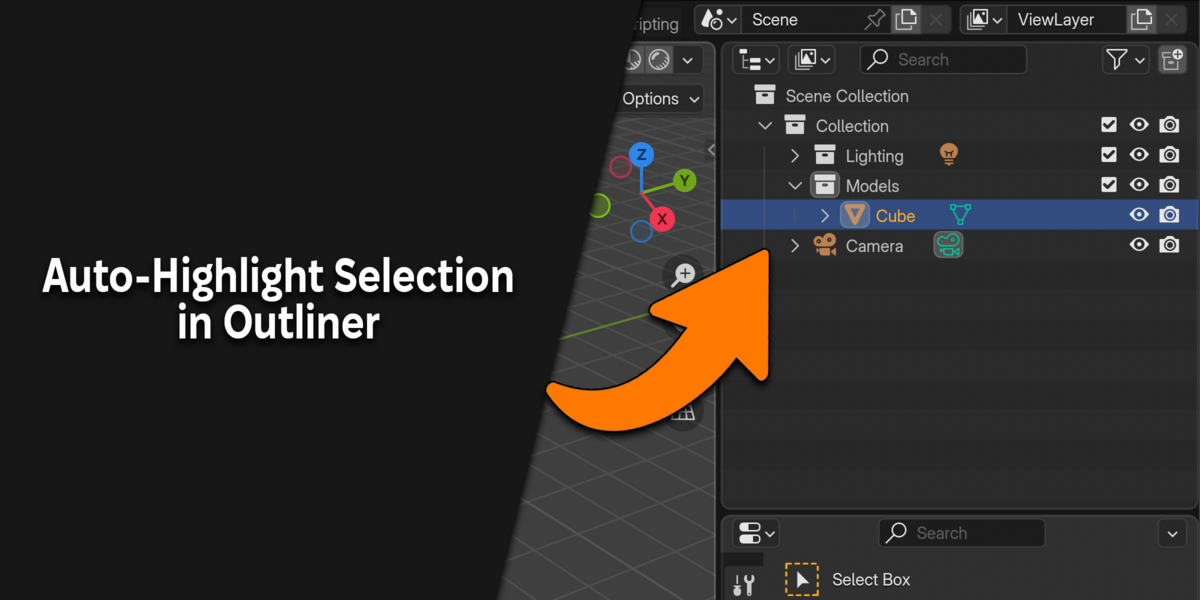
Auto-Highlight expands the Outliner to show active object selections. It responds when a click makes an object active; drag-selecting objects does not trigger it. Auto Collapse Other Collections is on by default. Turn it off when selecting objects across collections if you want previously expanded collections to remain open.
Reset camera perspective
Open the N-panel and choose View > Camera Perspective > Reset Camera Perspective, or use Alt+Numpad 0 (Option+Numpad 0 on Mac). To change the shortcut, open Edit > Preferences > Keymap and search for view3d.reset_camera_perspective.
Compatibility and installation
The Superhive listing marks Essentials as Blender Extension Compatible and lists Blender versions 4.3 through 5.2. Check the current listing for compatibility with the Blender version you plan to use.
- Download the ZIP file and leave it compressed.
- In Blender, open Edit > Preferences > Get Extensions. Use the down-arrow menu at the top right and choose Install from Disk, then select the ZIP file.
- If Install from Disk is not visible, confirm that Get Extensions is selected and open its down-arrow menu. The documentation also lists Edit > Preferences > Add-ons > Install from Disk as a working legacy route.
For updates, the documentation recommends uninstalling the existing add-on in Get Extensions before installing the new version. It says an install over the old version should still work, but uninstalling first is safer. The product listing identifies the license as GPL and includes product updates and 12 months of support from Jackson Zheng.