Easy Cursor Snapper is a Blender add-on that puts two 3D Cursor operations in the 3D Viewport sidebar. Use it to move the cursor to the center of a selection or move selected objects to the cursor. The buttons stay in the Cursor Snap tab, ready for repeated alignment work.
Two cursor snapping actions
- Cursor to Selected moves the 3D Cursor to the center of the selected object or objects.
- Selection to Cursor moves selected objects to the current 3D Cursor position.
Both actions support undo with Ctrl + Z. If nothing is selected, the add-on warns you to select at least one object. It has no settings to configure.
Use the buttons in the 3D Viewport
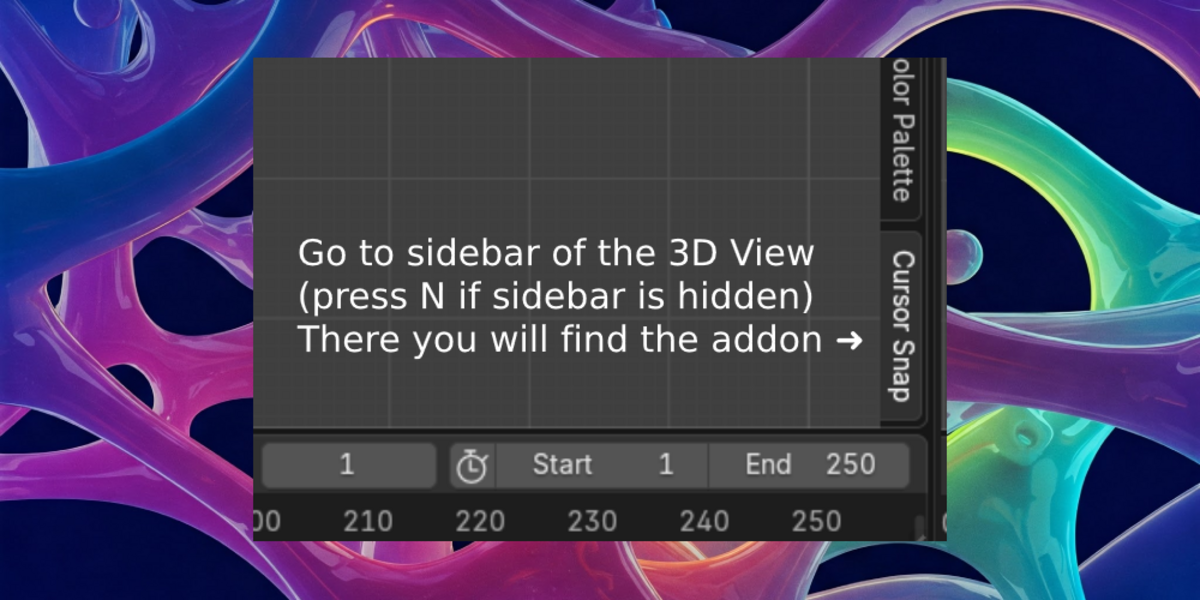
Press N in the 3D Viewport and open the Cursor Snap tab. To place an object at a chosen point, position the 3D Cursor there, select the object, then click Selection to Cursor. The developer's quick guide describes Shift + right-click as one way to place the cursor.
For a quick alignment, click Cursor to Selected on one object, select another, and click Selection to Cursor. You can also set Blender's Pivot Point to 3D Cursor to rotate or scale around the snapped position.
Why keep these actions in the sidebar?
The buttons keep these two common snaps visible without opening the Shift + S menu or remembering a shortcut. That can be useful when aligning a scene, placing props, or working with a tablet or pen. Easy Cursor Snapper focuses on these two operations rather than adding a larger set of controls.
Install and check compatibility
- Download the add-on ZIP and leave it compressed.
- In Blender, open Edit → Preferences → Add-ons. For Blender versions before 4.2, click Install…; for Blender 4.2 and later, use the dropdown at the top right and choose Install from Disk.
- Select the ZIP file and enable Easy Cursor Snapper.
- Return to the 3D Viewport, press N, and open the Cursor Snap tab.
The product description says Easy Cursor Snapper works with Blender 3.0 and newer and was tested through Blender 4.4. The listing's version field specifically lists Blender 3.4, 3.5, 3.6, and 4.0 through 4.4. If you use Blender 3.0 to 3.3, check the current product listing or ask the developer to confirm compatibility. The add-on is licensed under GPL v3 and includes a PDF Read Me.