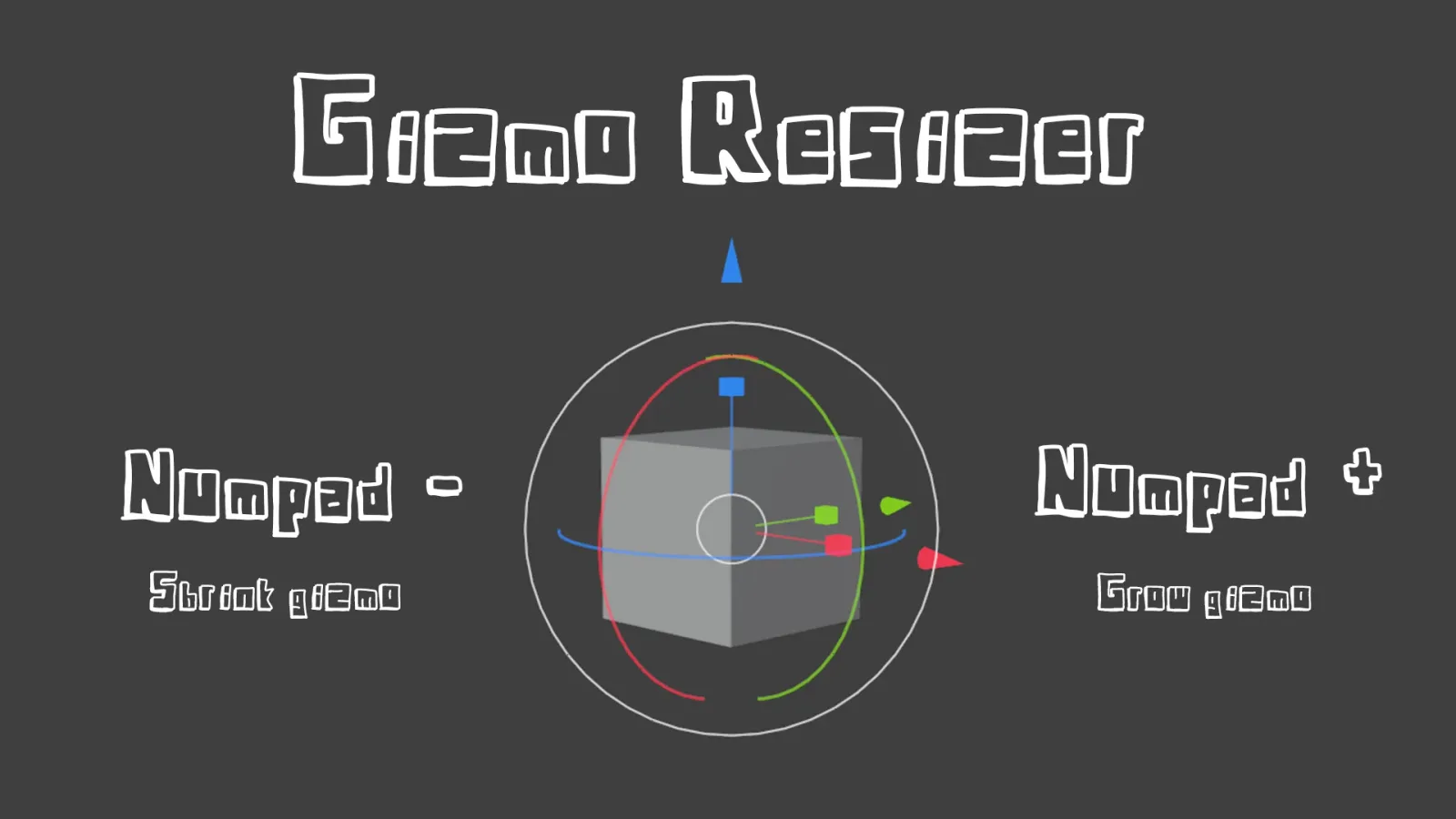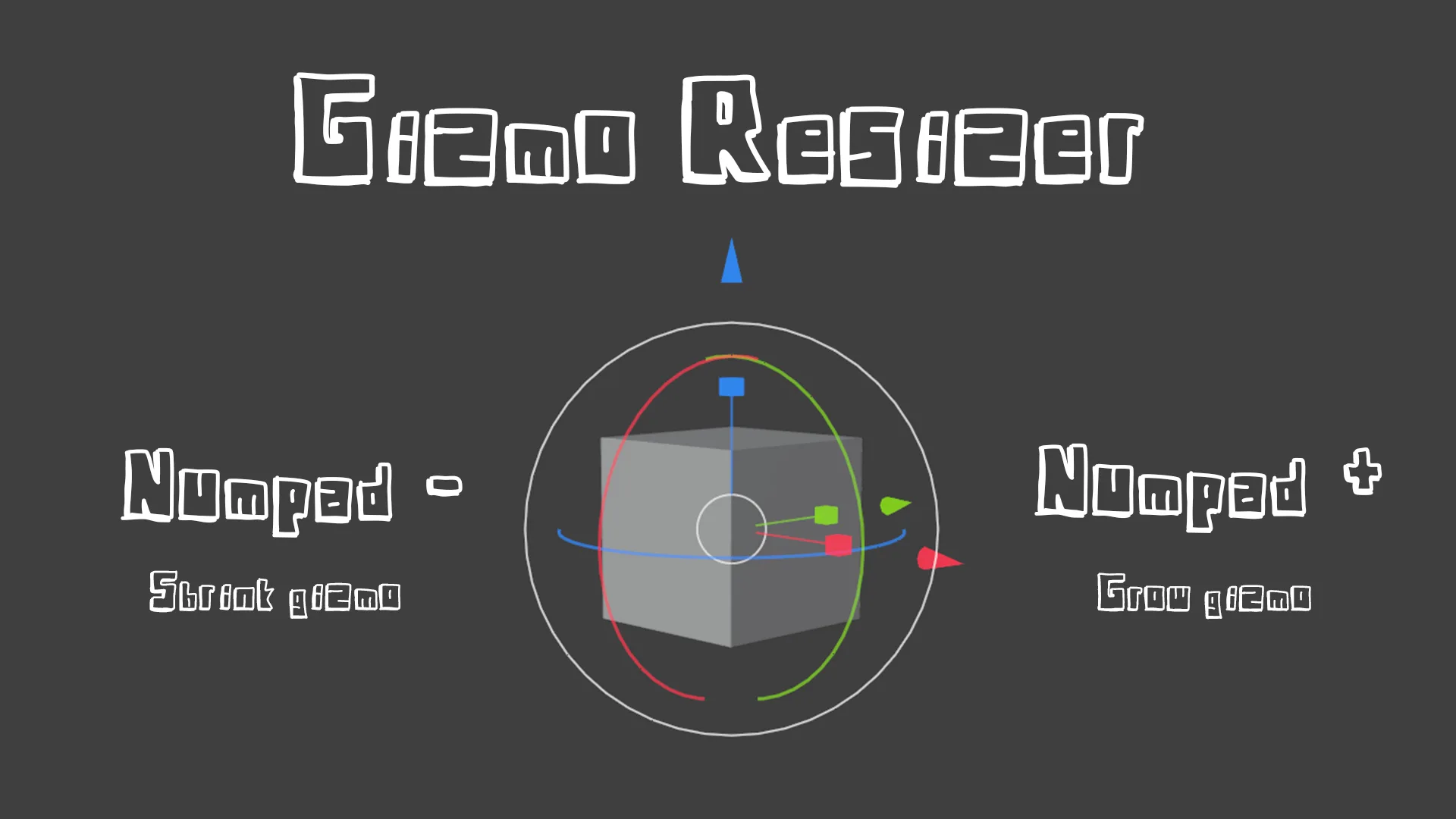
Blender Extensions describes Gizmo Resizer as an add-on for resizing the viewport gizmo with Numpad keys. It changes the on-screen manipulator size, which can help when the controls are difficult to see. It does not change the size of objects in the scene.
Resize the viewport gizmo as you work
Numpad + increases the gizmo size and Numpad - reduces it. Shift with the Numpad adjusts the resize step, and Alt with the Numpad is used for viewport zoom. A small HUD shows the current size while you adjust it, then disappears. The feature notes also list preferences for HUD position, font size, color theme, and display duration.
Compatibility and installation
The Blender Extensions record lists add-on version 2.3.0 and a minimum Blender version of 4.2.0. These are separate version numbers: 2.3.0 identifies the add-on release. The record lists the GNU GPL v3.0 or later license.
Get the ZIP from the official extension listing, then install it through Blender's Extensions preferences using Install from Disk. The Blender manual describes that installation route.