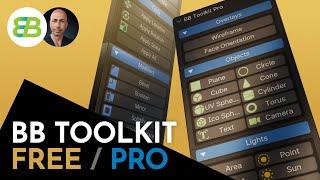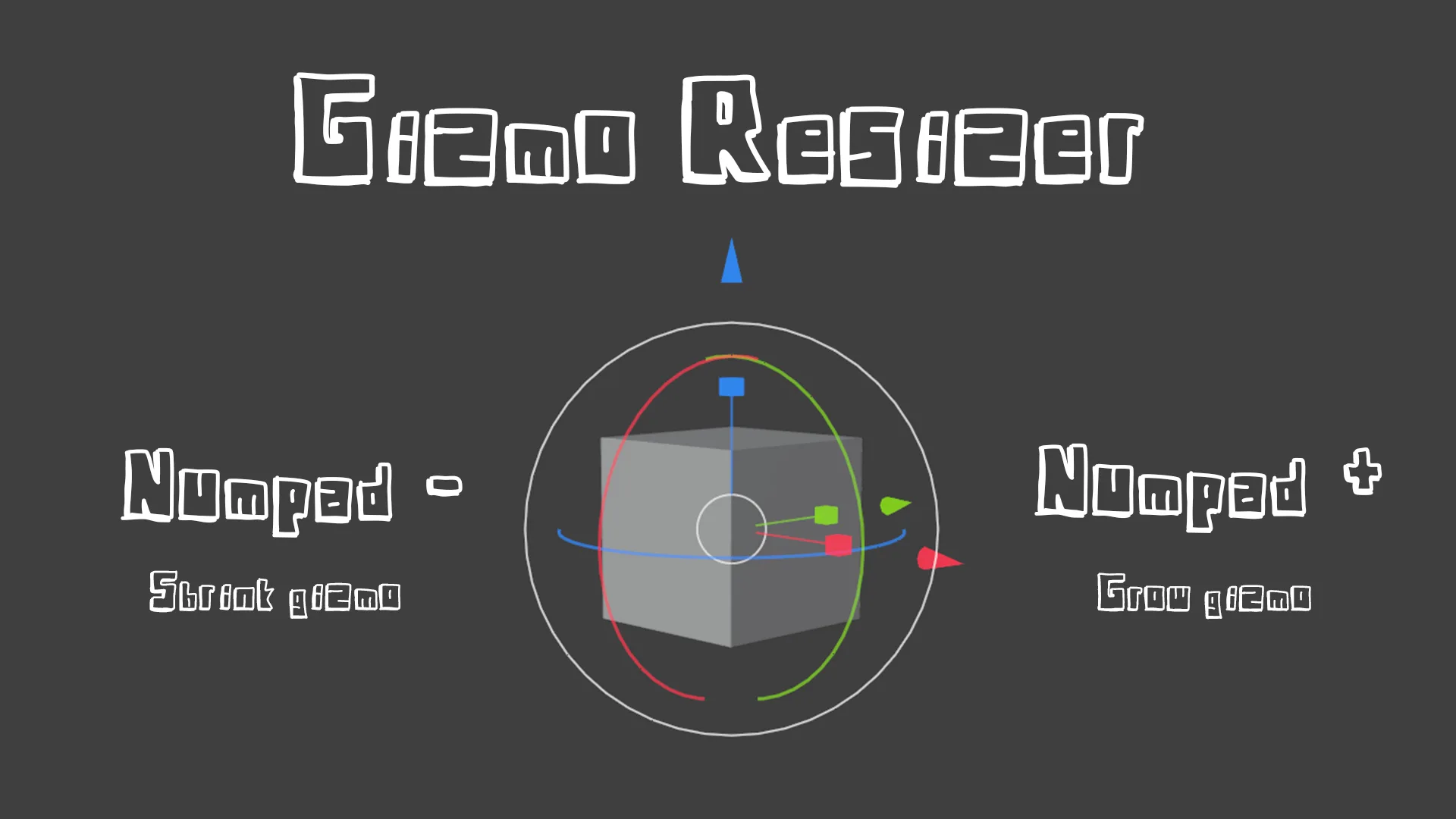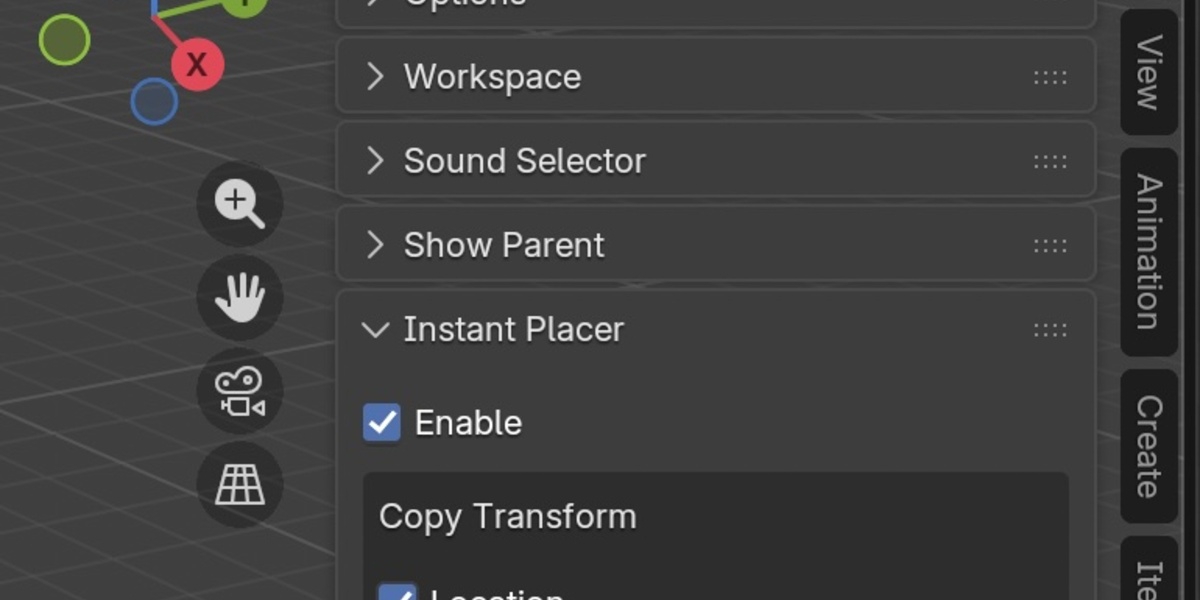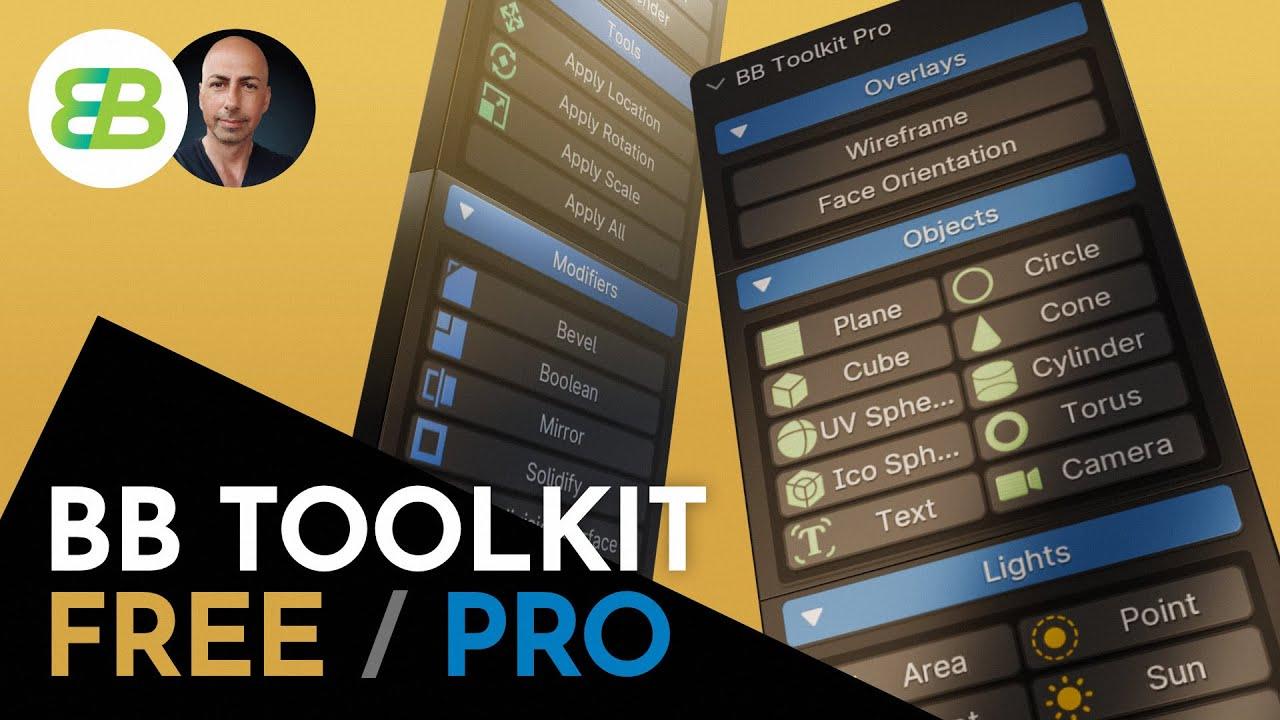
BB Toolkit is a Blender add-on by Beyond Blender that puts buttons for frequently used built-in commands in one place. It covers objects, lights, render options, transforms and modifiers, with separate Free and Pro editions. The publisher’s product listing describes version 1.0.8 as adding Blender 4.2 Extensions compatibility.
Common Blender tasks in one panel
BB Toolkit can add mesh primitives, text, a camera aligned to the current viewport view, and Area, Point, Spot or Sun lights. Its render controls include samples, Cycles or Eevee, and actions for rendering an image or animation and viewing a render. It also detects non-uniform scale in real time and provides one-click controls to apply Location, Rotation, Scale or all transforms.
Modifier buttons cover Bevel, Boolean, Mirror, Solidify, Subdivision Surface and Linear Array. The Pro edition adds a Radial Array. Pro also includes a Three Lights Setup: select an object and click the setup button, then rotate the parent circle to move the lights together. Each light can also be moved independently. The publisher’s documentation explains these controls.
Free and Pro editions
The Free edition includes the listed objects, lights, render options, transform controls and common modifiers. Pro adds wireframe and face orientation overlays, a Three Lights Setup, Radial Array, and mesh edit tools such as Flip Normals, Recalculate Normals and Merge Vertices by Distance. The publisher links to the Free edition on its Gumroad page; the product listing does not state the current Pro price.
Version and installation details
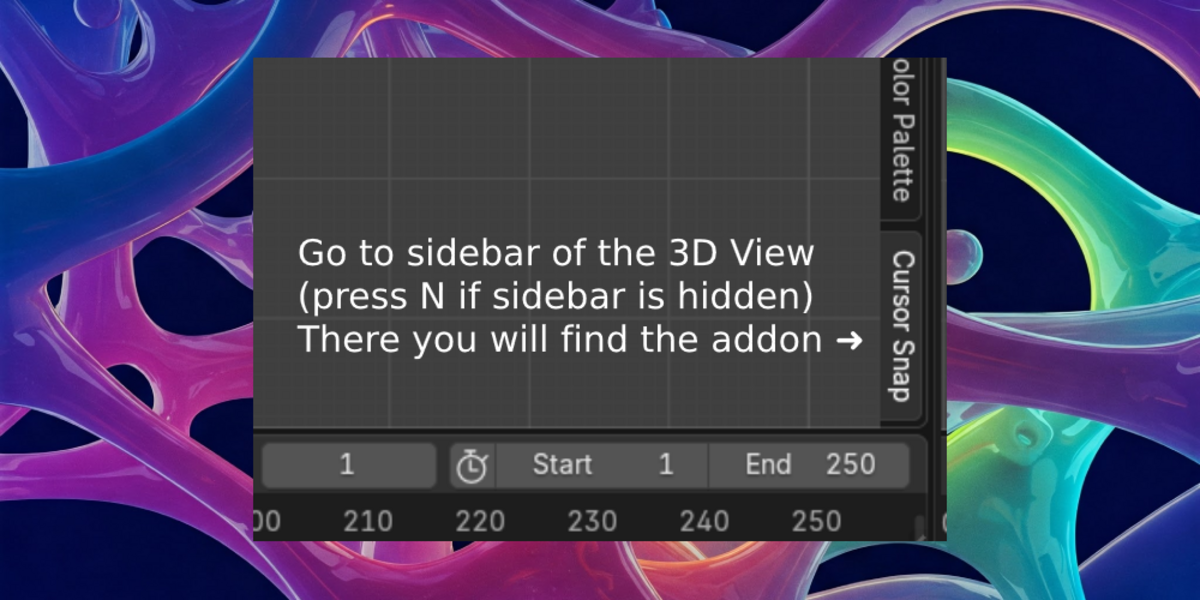
The product listing dates v1.0.8 to 26 August 2024 and lists Blender 4.2, 4.1, 4.0, 3.6 and 3.5 as compatible. Its release notes mention improved default settings for Bevel and Boolean modifiers. For this release, the listing says to install through Preferences, Get Extensions, then Install from Disk. Check the current listing and documentation for available builds and instructions.
Pro v1.1.3 and later include Models and Materials, according to the publisher’s FAQ; the main product listing identifies v1.0.8. For buyers who received a License Key but cannot find the update, the FAQ gives two cases: if the update is absent from the order’s Files area, it has not yet been released; if it has been released but the installed add-on is older, download the latest version from Orders. Check the current license details if those assets are part of your purchase decision. See the Models and Materials version notes .