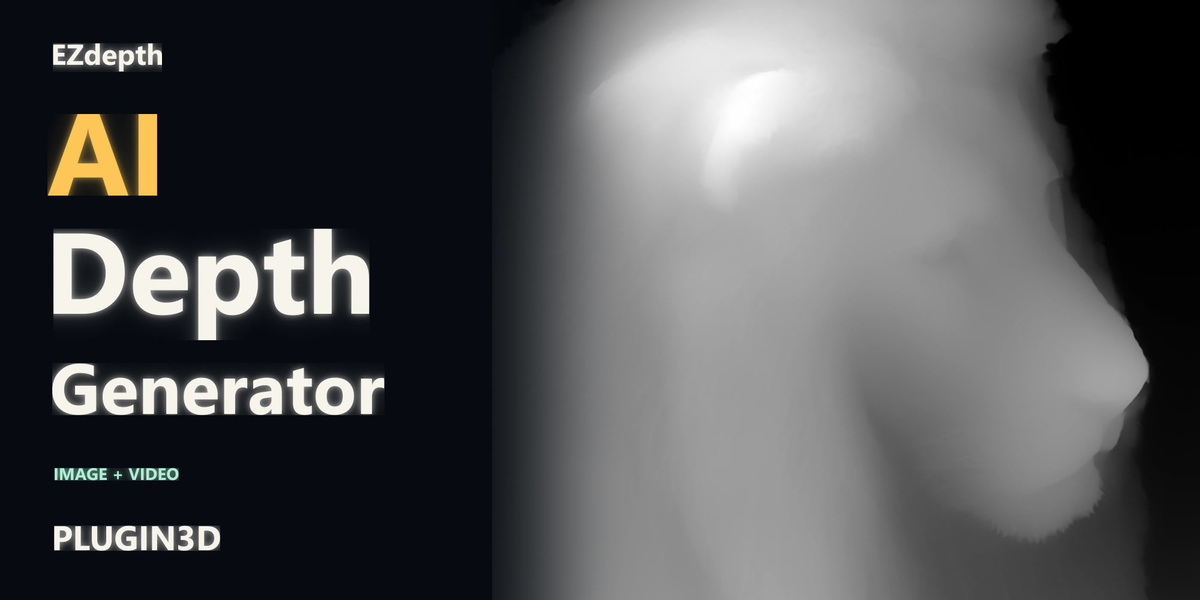
EZDepth is an AI depth map generator for Blender that turns images, videos, and PNG sequences into estimated depth maps. Generate from a file or a connected Color input in Geometry Nodes, the Shader Editor, or the Compositor. It runs locally with everything included and exports 16-bit PNG depth maps.
Choose where to generate depth
The best entry point depends on how you plan to use the result:
- Geometry Nodes: Connect a mesh, choose a source, and click Generate. This workflow can use the resulting depth with geometry, including for animated geometry from video.
- Shader Editor: Connect an Image Texture to EZDepth, then route its Depth output through a Displacement node to Material Output. Share UV coordinates with the source texture so the depth and image stay aligned.
- Compositor: Generate estimated depth from existing images or a PNG animation sequence, which can help when a render is missing Z or Mist data.
Using a connected Color input lets you generate from data already in the node workflow; file inputs suit still images, video, and PNG sequences.
Adjust and review the result
EZDepth provides three quality choices: original, enhanced standard, and enhanced fine detail. Strength, subdivision, smoothing, and UV mapping controls let you adjust how the estimated depth affects the result. These settings change the generated effect; they do not turn the map into a complete 3D reconstruction.
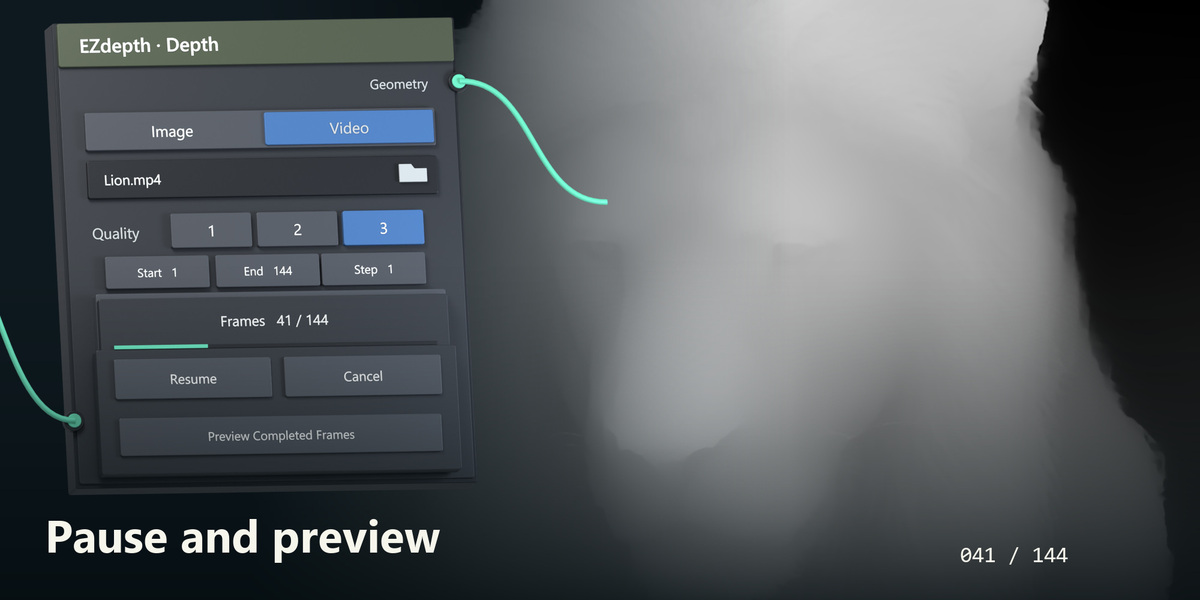
For video, EZDepth can pause and preview completed frames before you resume. The product listing notes that video results can flicker between frames, so inspect the animation across transitions before using it in a final render.
Know the output limits
The output is relative depth, not a complete reconstruction of a scene or object. A depth map can drive displacement or support compositing, but it does not provide all the geometry and spatial information needed for a full 3D model. EZDepth exports 16-bit PNG maps at up to 4K for images and 2K for video.
Compatibility and credits
The Superhive listing for EZdepth 2.0 gives Blender 4.5 through 5.2 and says it was tested in Blender 5.2; it lists Windows x64. Check the current product documentation for compatibility details before installing into a different setup.
PlugIn3D credits Depth Anything V1 Small and Depth Anything V2 Small, by the Depth Anything authors; both use Apache 2.0. The EZDepth product listing links to the documentation and download, where the full credits appear.