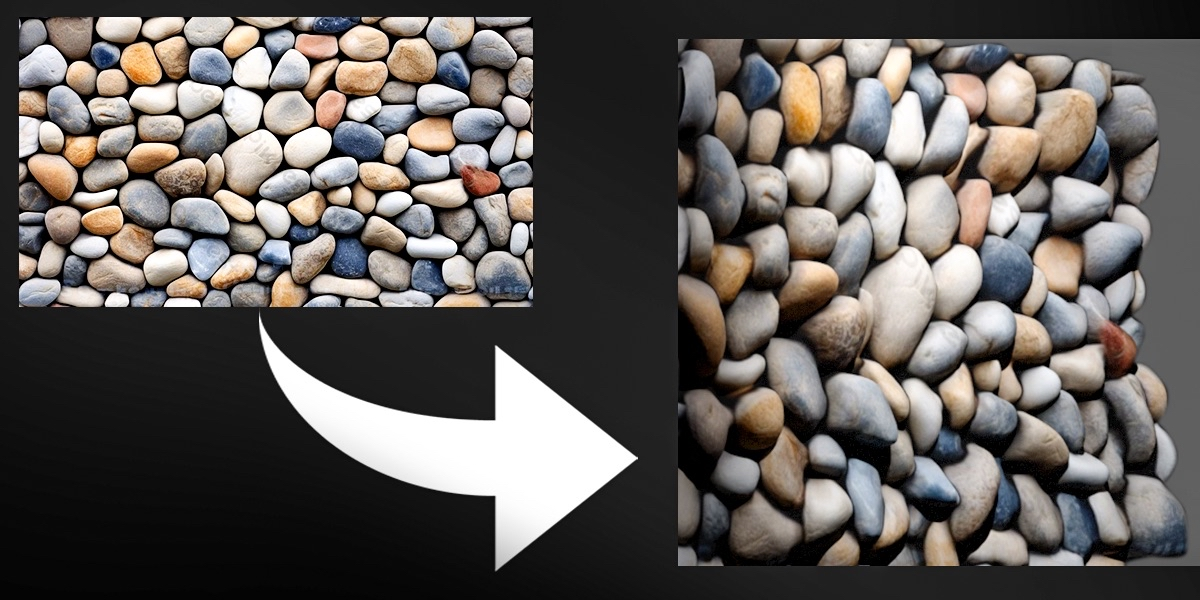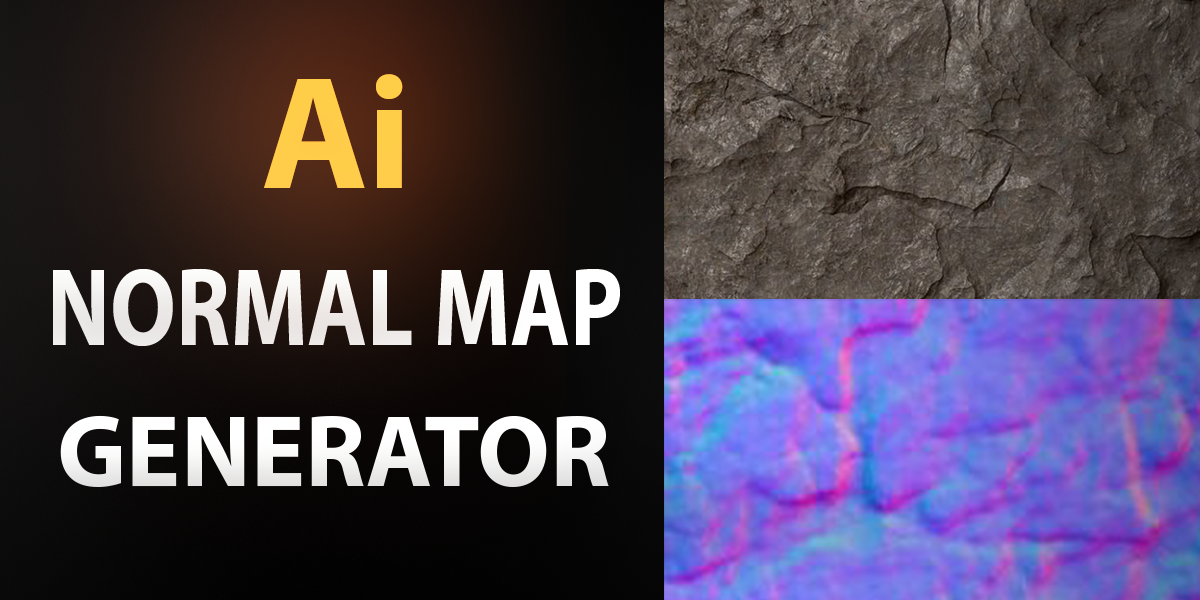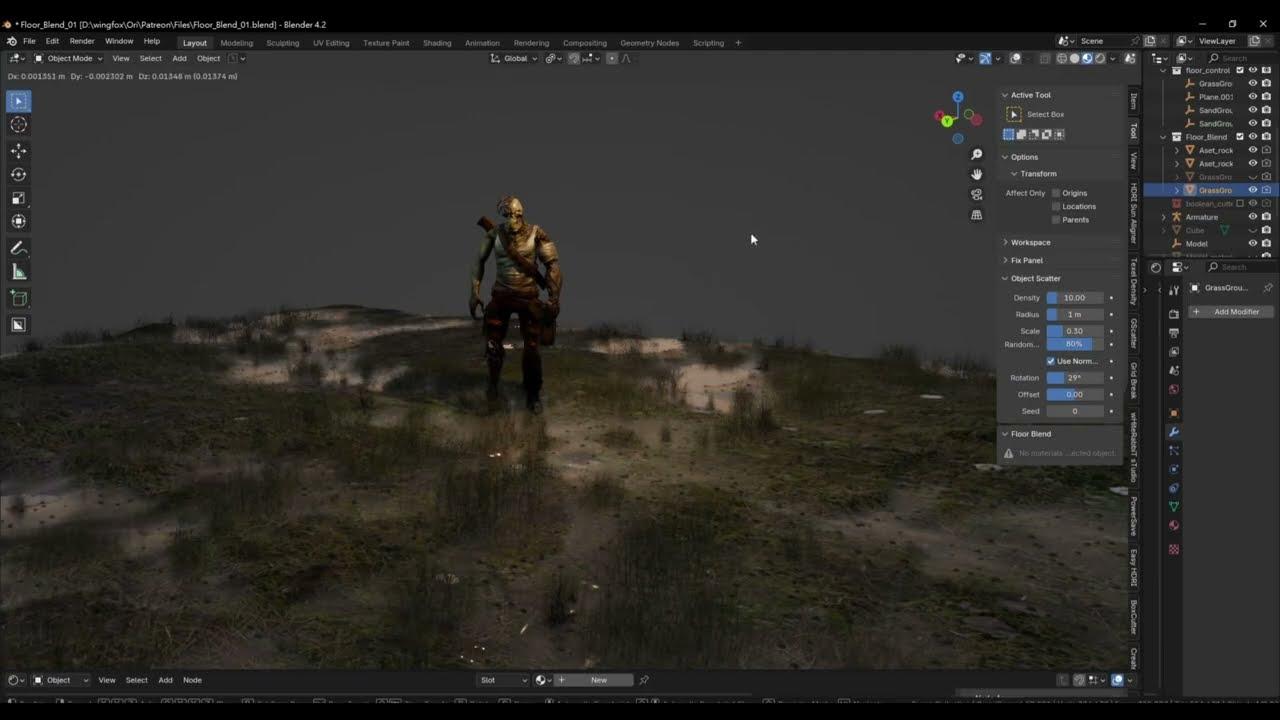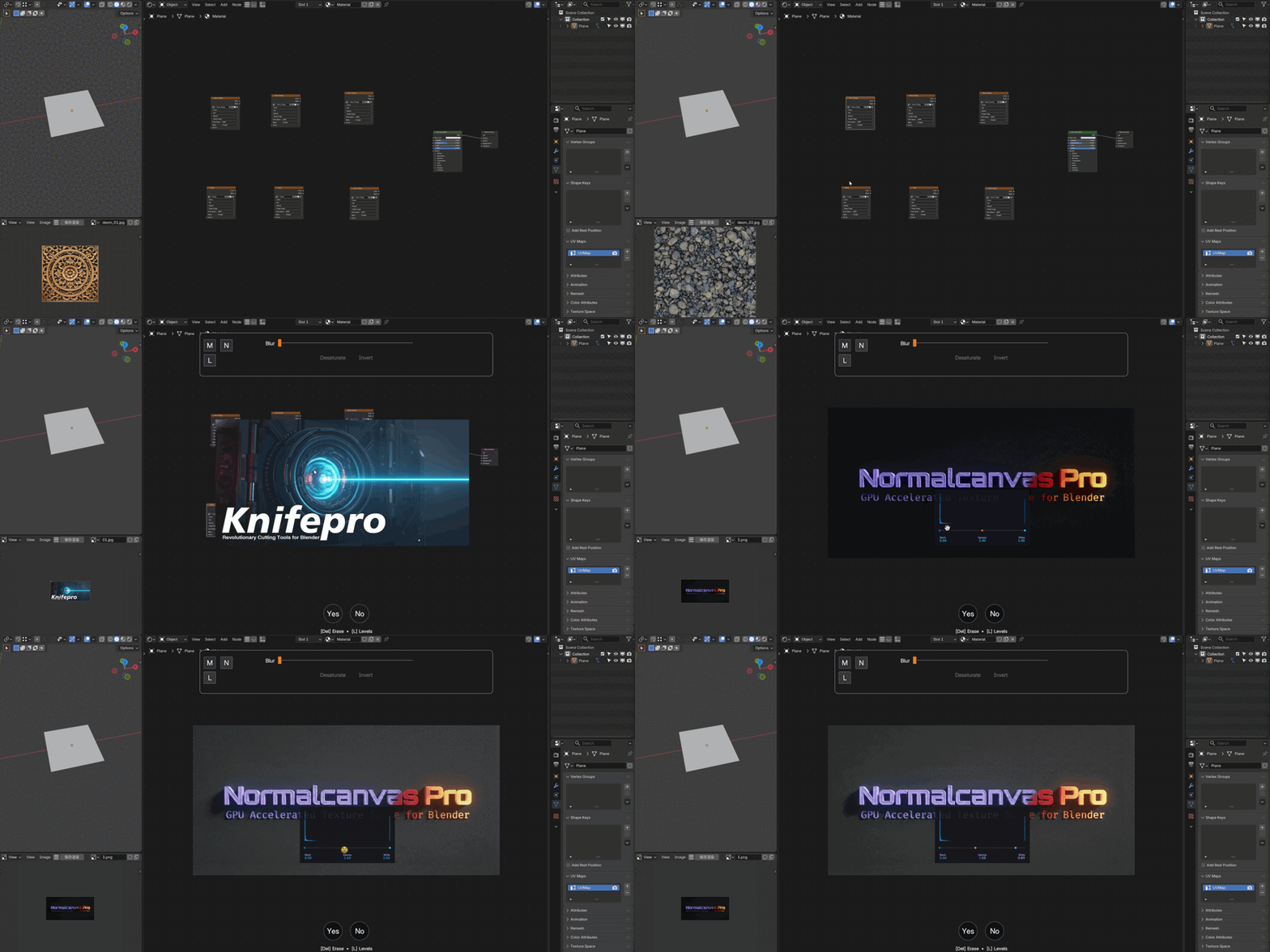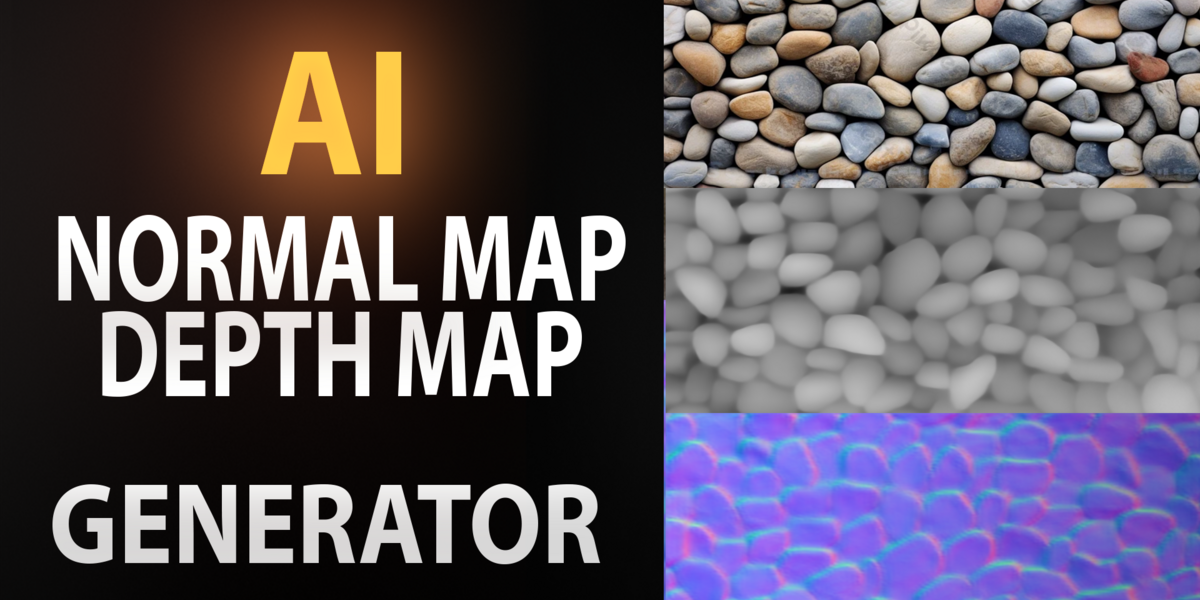
EzTexture is a Blender add-on from PlugIn3D that generates depth and normal maps from flat images. It can turn a 2D image into a grayscale depth map or create a normal map with surface detail, then show the original image and generated maps in its panel. The Superhive listing describes the generation and application options; the product documentation gives an installation and use walkthrough.
Generate maps in Blender
The documented workflow starts in Blender's add-on preferences. Install the EzTexture ZIP or extracted folder, enable the add-on, and save preferences. In the 3D Viewport, press N to open the sidebar and select the EzTexture tab. Choose a JPG or PNG in the Input Image field, set options such as depth strength, inversion, or mesh subdivision, then select Generate Depth Map or Generate Normal Map.
The panel displays previews of the source image, depth map, and normal map, so you can inspect the results without manually importing or exporting each image. Generation uses an EXE/ONNX backend and is presented as a one-click workflow that does not require coding or node setup.
Apply depth and normal maps
For depth, the documentation's Apply As setting lets you use the map as a modifier, use it for shader displacement, or generate the image without applying it. The listing says modifier and shader displacement workflows work with Blender Cycles and Eevee. The Subdivide Mesh option adds a Subdivision Surface modifier before displacement; smoothing is included, and inversion can reverse the depth or bump direction.
EzTexture can also connect a generated normal map to the material for an immediate preview. A non-destructive toggle is listed for the workflow. These options suit artists who want to try image-based surface detail on a mesh or material while keeping the generated map visible for comparison.
Compatibility and terms to check
The marketplace listing gives a Blender version range of 2.93 through 4.5, while the documentation says Blender 2.93 or newer. Check the current listing for support for your specific Blender build. The documentation lists Windows for the EXE-based backend and recommends a GPU for smoother viewport updates.
The marketplace details identify the license as GPL, but the documentation also says personal use only and disallows redistribution or modification. Those statements conflict in the supplied pages. Confirm the current terms with the seller before modifying or redistributing the add-on.