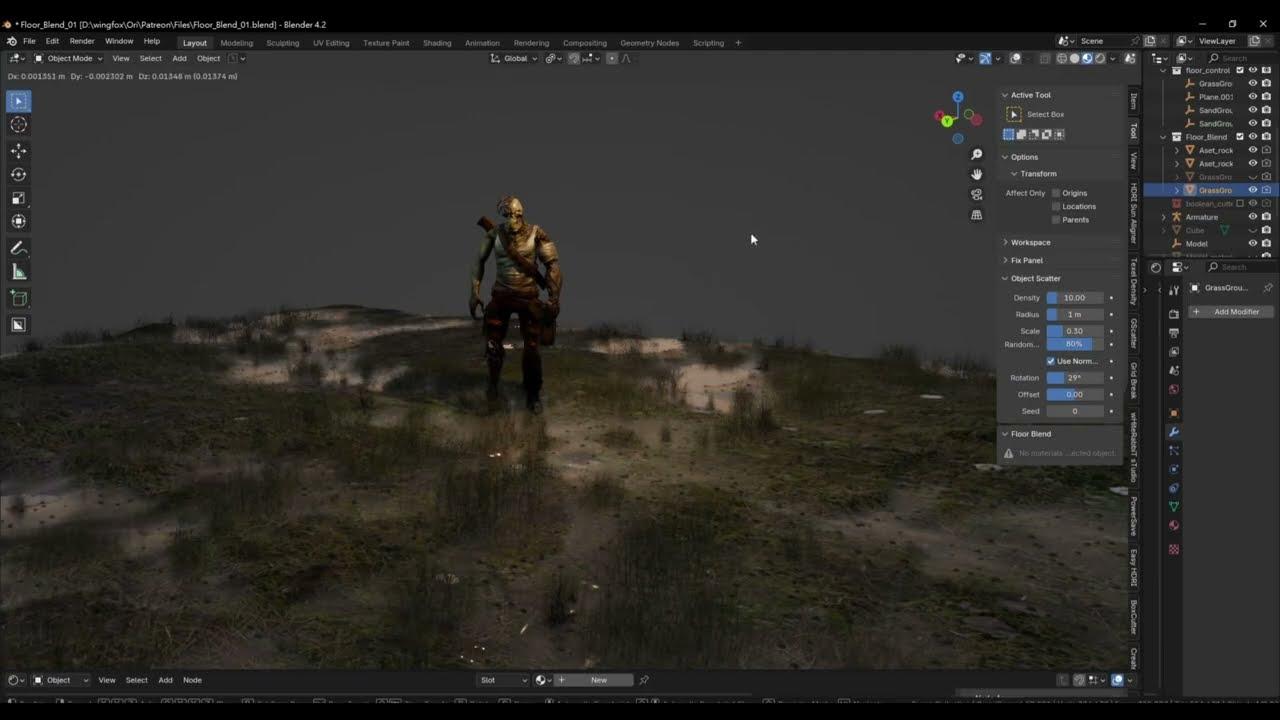
Floor Blend Add-On by Hugie is a Blender add-on for blending an object's material with a floor in one click. It also lets you switch between materials in real time, adjust height and edge noise blend effects, and use the object's own normal map.
Blender versions and setup
The product listing names Blender 4.0, 4.1 and 4.2. To install, open Blender's add-ons panel in Preferences, click Install, find the Floor_Blend add-on and install it. Enable the add-on, then look for it in the Tool panel. The developer notes that one Blender window needs to be set to the Shader Editor while using it.
Keep the blend controls in the scene
After blending, Floor Blend places a torus and a floor control in separate collections named Floor_Blend and Floor_Control. Keep both in the scene if you may need to adjust the blend or floor scale later. The developer warns that deleting either control removes the ability to make those adjustments.
Troubleshooting and tutorials
If Blender shows RuntimeError: Operator bpy.ops.node.select_all.poll() failed, context is incorrect, check that one of the Blender windows is set to the Shader Editor. The product FAQ also suggests clicking the button again, which may resolve the error.
See the Floor Blend documentation page for the developer's tutorial document, or watch the FloorBlend tutorial video. The product page has the current listing details.