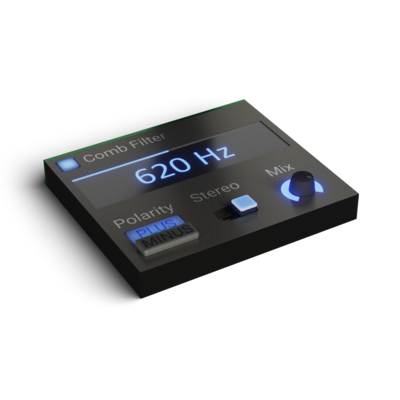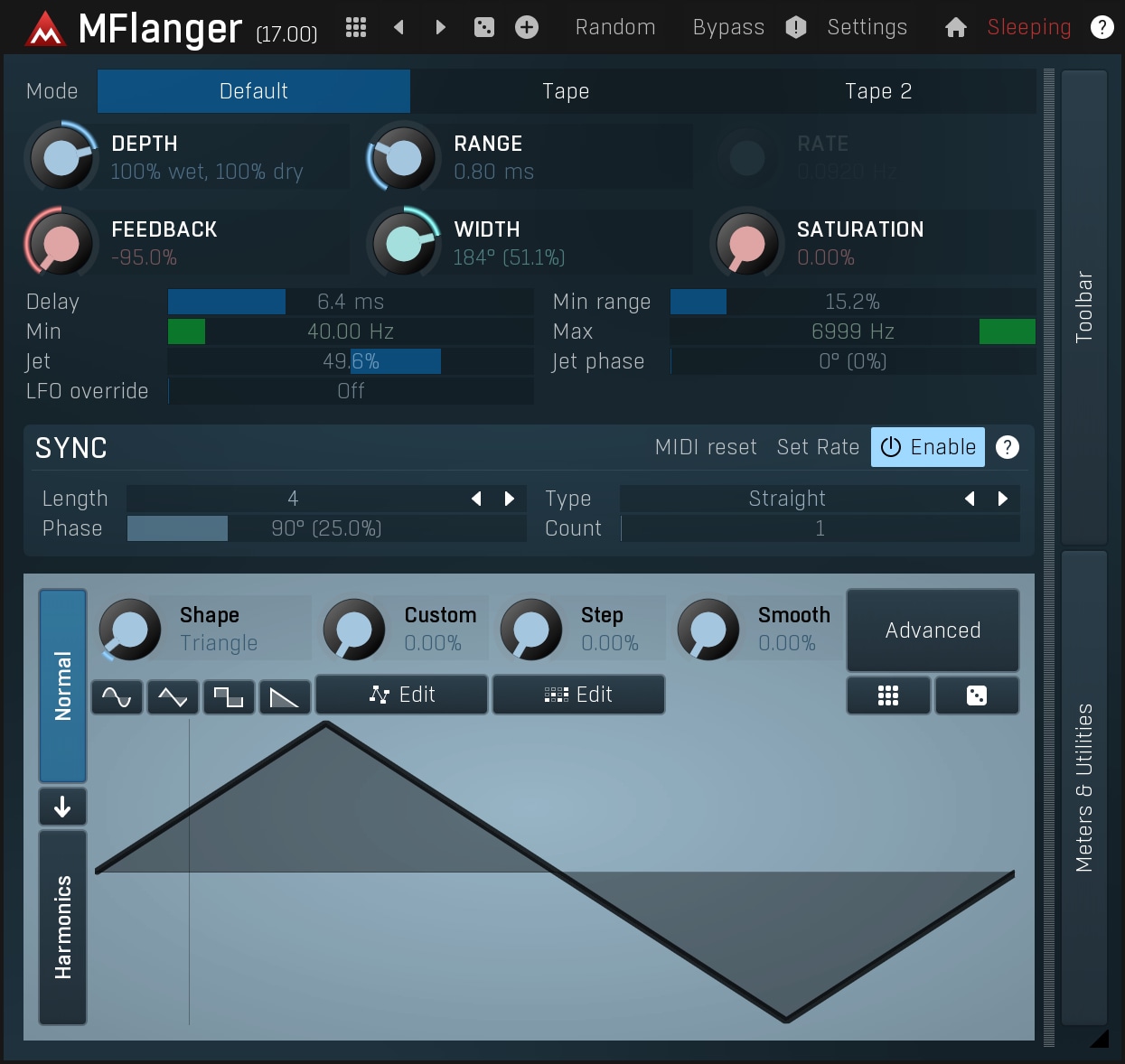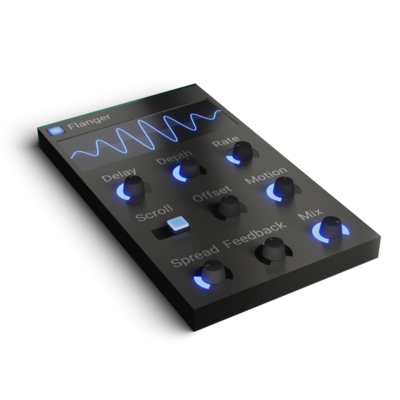
Kilohearts Flanger mixes audio with a slightly delayed copy to create a moving comb-filter effect. Adjust Delay for the minimum delay, then use Depth and Rate to shape its modulation. Feedback sends some of the wet signal back into the delay line, while Mix balances the processed and original audio. See the Flanger controls in the Kilohearts manual.
Shape cyclical movement
For a regular sweep, adjust Delay, Depth and Rate. Turn on Scroll to enable Offset and Motion: Offset sets the phase shift between the dry and wet signals, and Motion controls how quickly that offset moves. Kilohearts says this can produce barberpole-style flanging that appears to move continuously upward or downward. Spread changes the stereo spacing between the left and right channels and affects both delay modulation and phase offset.
This suits producers and sound designers who want adjustable tonal movement or a rising or falling flanging sweep. Start with a restrained Mix to keep more of the original sound, then adjust Feedback and Spread for the effect you want.
Use in a DAW or Snapin Host
You can load Flanger as a regular DAW plugin or use it as a Snapin inside Phase Plant, Multipass or Snap Heap, where it can be combined and modulated with other Snapins. The Kilohearts Essentials page lists Flanger at $0 with an account; the Snapin Hosts are sold separately.
Compatibility and licensing
Kilohearts lists support for DAWs using VST2, VST3, AAX or Audio Unit, on an x86 64-bit processor with SSE3 or an Apple M-series Mac. It recommends using a currently supported operating system; check the system requirements for current guidance. The standard Kilohearts plugin versions require no licensing hardware. Versions installed via Slate Digital require an iLok USB dongle or iLok Cloud and a valid Slate Digital license.